Wireless Transfer is a photo & video app developed by Shenzhen Socusoft. Available for $2.99, it was updated to v4.90 on June 22, 2020, and currently holds a 3.65 out of 5 rating based on 304 reviews. Before downloading, make sure your device has at least 36 MB of free space and runs Android 9+ or iOS 10.0+.
Easily backup photo and video
Video: Wireless Transfer Overview
Description
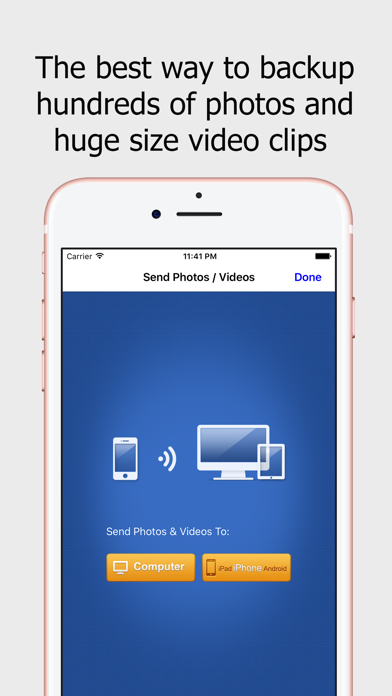
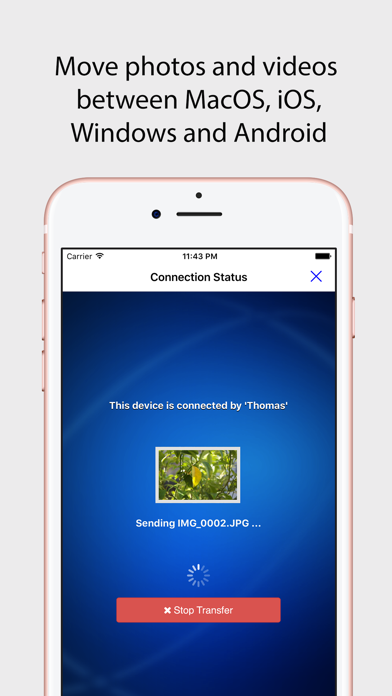
Wireless Transfer App is an easy to use photo and video transfer tool. It helps you easily and quickly transfer photos and videos between iPhone and iPad, as well as transfer photos and videos from computer to iPad/iPhone/iPod and vice verse.
Wireless Transfer may be playable on Windows and macOS using Android emulators such as BlueStacks. Follow our BlueStacks installation guide to get started. Looking for Wireless Transfer APK? Visit our forums for help finding authorized downloads, installing APK files, and troubleshooting installation issues.
User Reviews and Ratings
★★☆☆☆It get to a point in the process of selecting the folder to transfer photo then stops
It stop when selecting the folder to transfer photos from
★★★★★Nothing Better
This is a fantastic app. Does exactly what it says, quietly, efficiently and nothing more. I use it all the time—a perfect tool.
★★★☆☆good, but...
i have used this app for a number of years and highly recommend it. there is, however, one major flaw.
i shoot a great many photos and constantly use the app to transfer from my iPhone to my computer. the app size gets bloated quickly and clearing the temporary cache does NOTHING to reduce the app's size. other than deleting and reinstalling the app, what can be done??
because of this issue, i gave fewer stars that i would have.
★★★☆☆Make user friendly
Hi developers, thank you for this app and the coding you all inputted. The process works as you have outlined it if it’s followed exactly. My concern is that this process can be complicated for persons whom aren’t tech geeks or have much technology experience. Please make it process somewhat more automated without having to type back and forth between devices. We are in an era of technology that should make things more easier and less complicated. Please look into making the app and process more
★★★☆☆Ok but needs help index
Took a long time to figure out how to access all photos. It kept getting stuck on the first transfer I tried. I finally fixed it through the app settings to allow all photos as a choice.