WS View
Published by 玮 彭 on Mar 27, 2018
Genre: Weather
Ratings: 2.06
Version: 1.0.53
Updated: Feb 07, 2022
Downloads: 628
WS View is a weather app developed by 玮 彭. Available as a free download, it was updated to v1.00 on February 07, 2022, and currently holds a 2.06 out of 5 rating based on 36 reviews. Before downloading, make sure your device has at least 34 MB of free space and runs Android 8.1+ or iOS 9.1+.
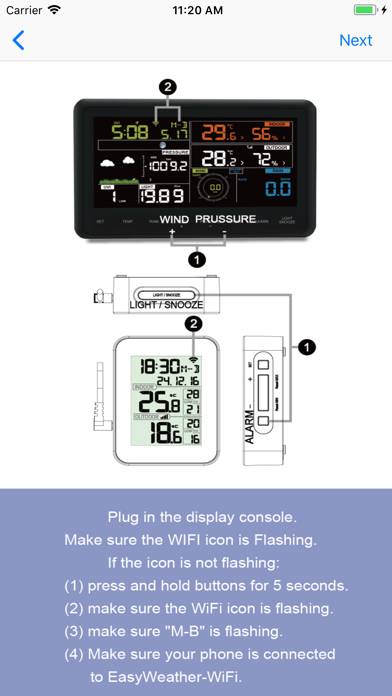
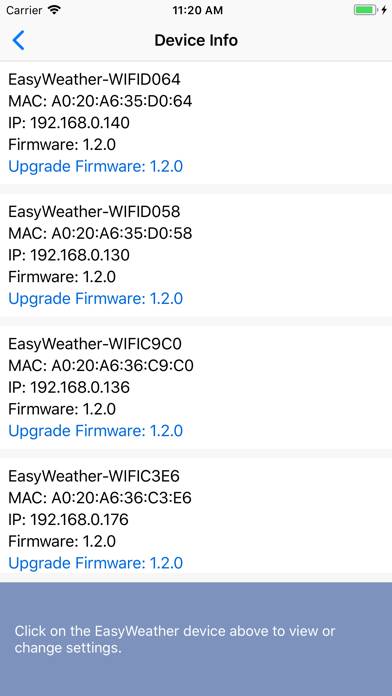
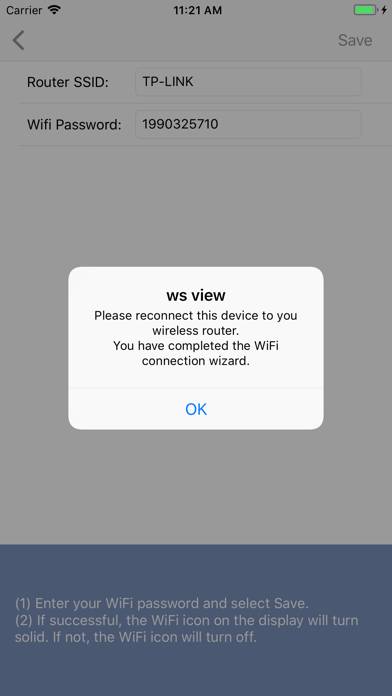
Video: WS View Overview
Description
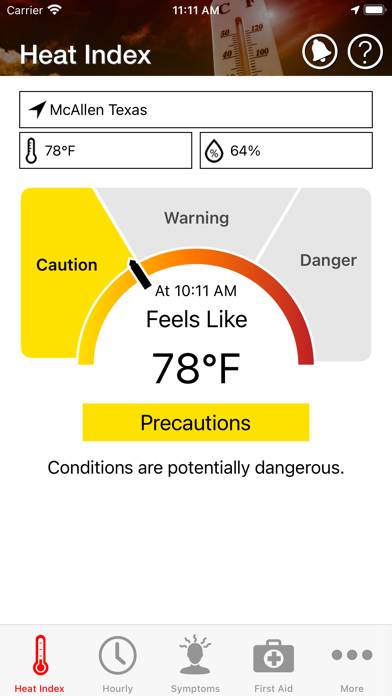
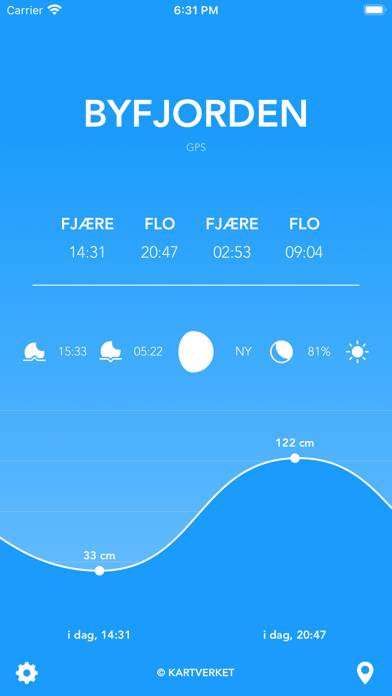
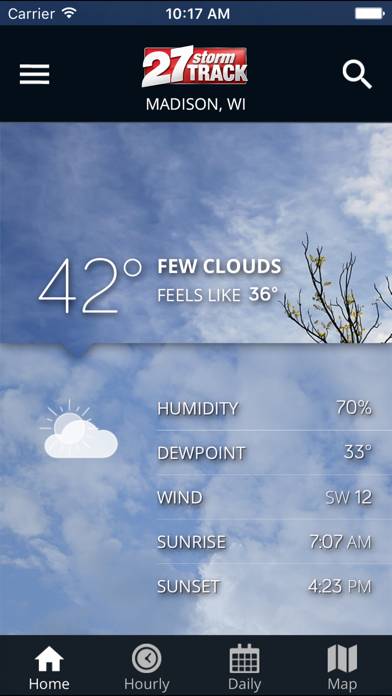
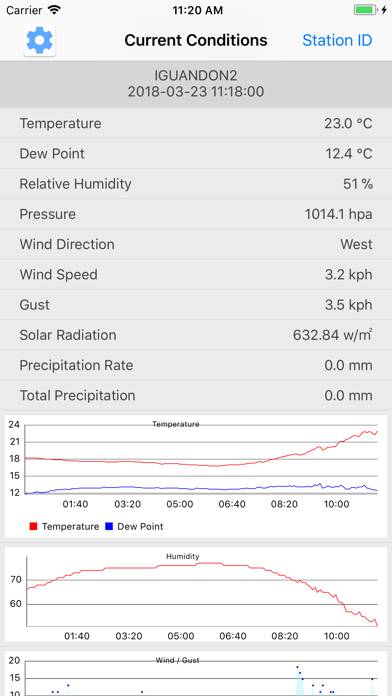
The main function of this application is to weather receiver set of routing connections. Download weather data from the internet.
Show more
Download WS View
Scan to Get the App!

Using WS View on PC or Mac
WS View can be played on Windows and macOS using Android emulators such as BlueStacks. Download an APK version and follow our BlueStacks installation guide to get started. For help with downloading or installing APK files, visit our forums.
User Reviews and Ratings
★★★☆☆ GUI Problems
Originally worked well and still does, but you can no longer temperature in unit settings. The first line at top of page is hidden beneath top bar. This same thing happens when editing the first underground station. The station is hidden beneath top bar. I am using an iPad 3.
★★☆☆☆ Useless. App doesn’t keep sensor assignments
I have 4 garden soil moisture sensors and the app seems to randomly shuffle the names of the sensors which means that when I check the moisture content on the app, I frequently water the wrong plant. It means it’s less than useful.
You basically still need to just stick your finger in the soil to determine if it’s wet.
★★★☆☆ Wsview
Read all reviews
I find it hard to read the data on the Live Data screen as it is presented in blue. I think it should be black. Or have an option for the user to update text color, which would be a more extensive change.
My device is an iPhone SE (small screen)