WSwitch for WeMo
Published by Georgios Trigonakis on Jul 08, 2015
Genre: Utilities
Ratings: 3.48
Version: 1.5
Updated: Sep 29, 2023
Downloads: 708
WSwitch for WeMo is a utility app developed by Georgios Trigonakis. Available for $3.99, it was updated to v1.50 on September 29, 2023, and currently holds a 3.48 out of 5 rating based on 185 reviews. Before downloading, make sure your device has at least 3 MB of free space and runs Android 14+ or iOS 15.0+.
Control your Smart Switches
Video: WSwitch for WeMo Overview
Description
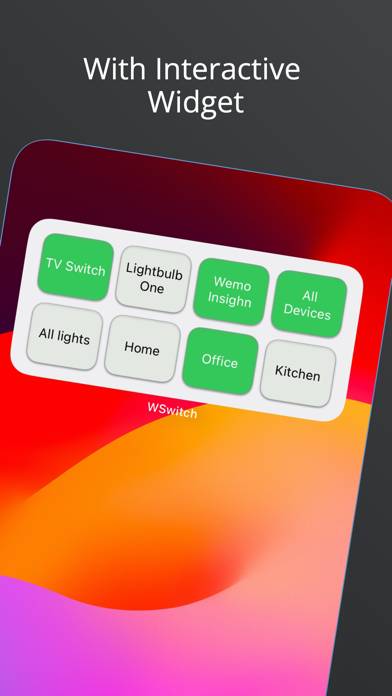
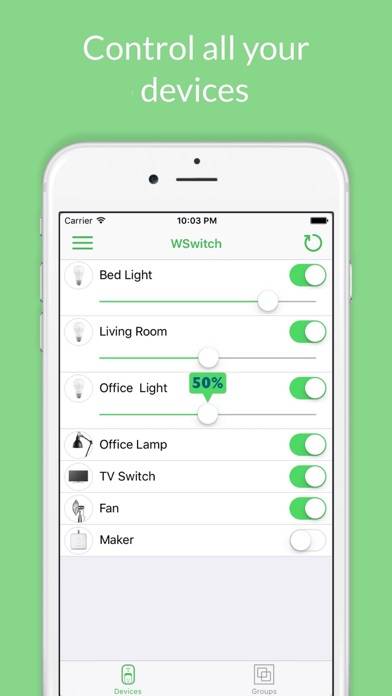
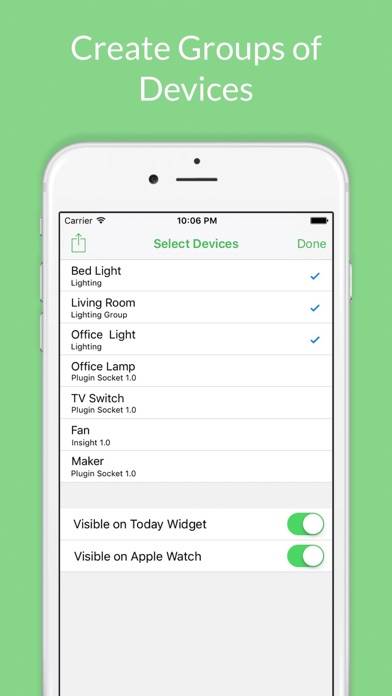
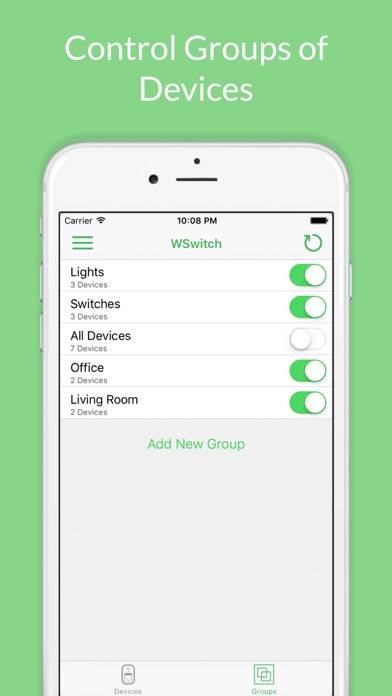
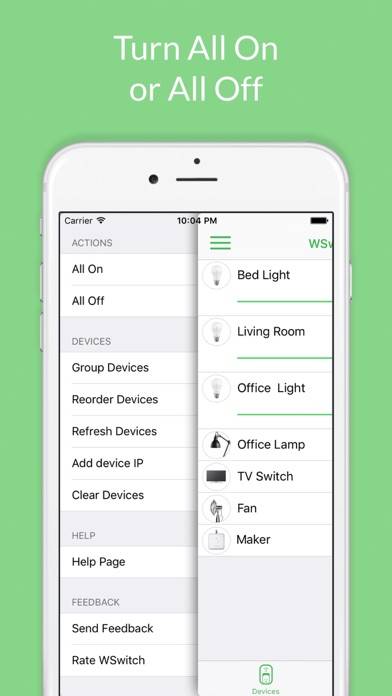
WSwitch is an app to control your Wemo switches with your iPhone, Widgets and Apple Watch. You can turn On or Off any device and dim your LED Bulbs. You can also turn On or Off all devices by pressing a button.
Show more
Download WSwitch for WeMo
Scan to Get the App!

Using WSwitch for WeMo on PC or Mac
WSwitch for WeMo can be played on Windows and macOS using Android emulators such as BlueStacks. Download an APK version and follow our BlueStacks installation guide to get started. For help with downloading or installing APK files, visit our forums.
User Reviews and Ratings
★★★★☆ Like it
Very well designed
★★★☆☆ Better than WEMO
Spotty performance, but better than WEMO non-performance
★★★★★ Number One This Top Best
Because I Did Adding My Watch When I Forget To Tuen Off Fan A While I’m Away. I said “oh no I forget to turn off fan but my watch ? Perfect I look click list turn off”. Perfect to save my money from electric. Also, fountain water turn on for my bird outdoor (solar itself addy without electric my pay) perfect. That’s why this WSwitch List the best more than WeMo problem.
★★★★☆ Solid app
Definitely well written app that works right with my switches every time. Only wish is for the graphical switch page to have a BIG switch option. I would like to use in middle of the night without glasses.
★★★★★ WORKS BETTER THAN THE WEMO APP
Read all reviews
This App always lists all of my WEMO devices and can always control them too! The WEMO app is unreliable and usually loses connection to some devices. Before I had this, I was resetting devices every week with a WiFi speed at these locations of over 200mb/s