XL Keyboard
Published by Piet Hein van Cleef on May 27, 2015
Genre: Utilities
Ratings: 1.71
Version: 3.0.2
Updated: Jan 17, 2020
Downloads: 544
XL Keyboard is a utility app developed by Piet Hein van Cleef. Available as a free download, it was updated to v3.00 on January 17, 2020, and currently holds a 1.71 out of 5 rating based on 7 reviews. Before downloading, make sure your device has at least 47 MB of free space and runs Android 10+ or iOS 11.0+.
Video: XL Keyboard Overview
Description
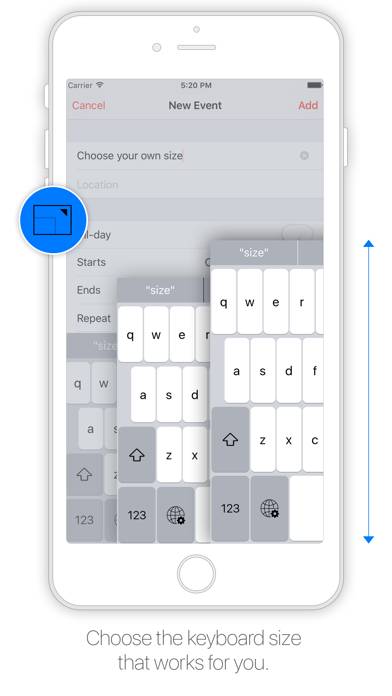
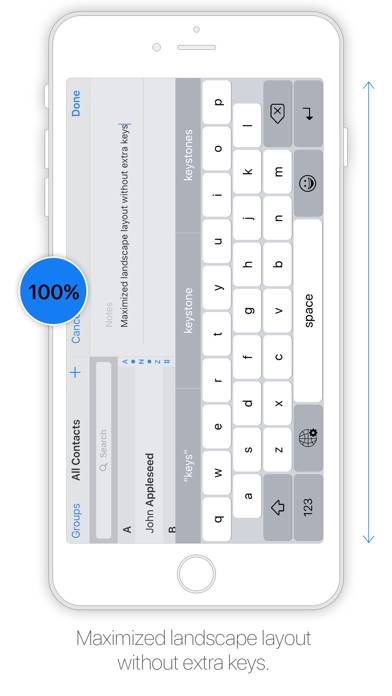
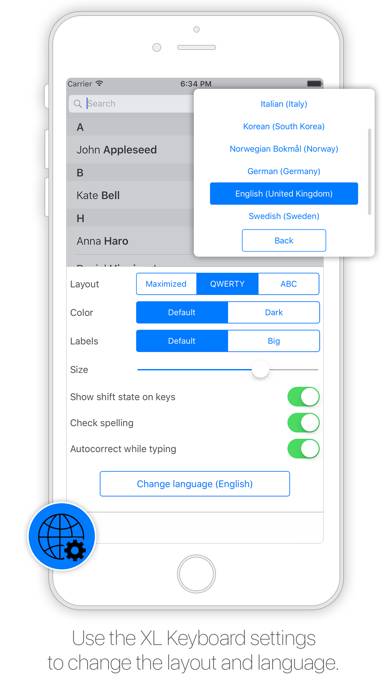
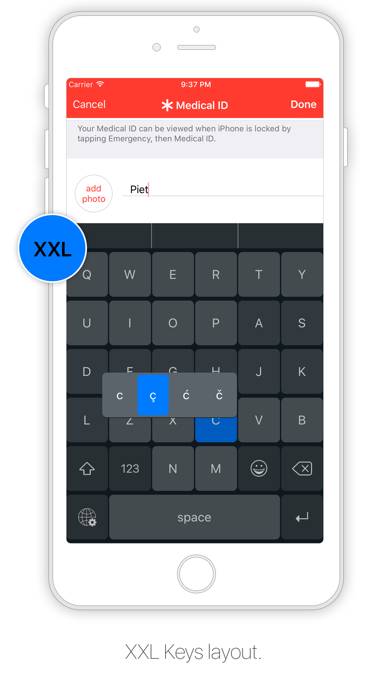
Designed to resemble the standard keyboard with extra large keys. Change the size of the keyboard, select any existing system language for spelling suggestions and autocorrect and choose the keyboard layout you like.
Show more
Download XL Keyboard
Scan to Get the App!

Using XL Keyboard on PC or Mac
XL Keyboard can be played on Windows and macOS using Android emulators such as BlueStacks. Download an APK version and follow our BlueStacks installation guide to get started. For help with downloading or installing APK files, visit our forums.
User Reviews and Ratings
★★★★☆ Good keyboard
This keyboard is great I love it but I miss some languages. I am from Slovakia and a lot of letters are missing. Please make languages update. Good work
★★☆☆☆ Great layout; terrible predictive suggestions
This keyboard is half great. The layout is awesome, but the suggested text replacements and spell checking are absolutely terrible. If you don't rely upon them, then this keyboard is awesome. If you do, then this keyboard will be frustrating until it is updated.
★★★☆☆ Good, but
I like the big keys but it needs work on the predicted words
★★★★☆ Ehhh
Amazing to finally have a larger keyboard...But, the backspace doesn't work when you use "big labels" for the keys, and the there isn't any way to get out of setting for the keyboard without backing out of the conversation or app
★★★★★ So good!
Read all reviews
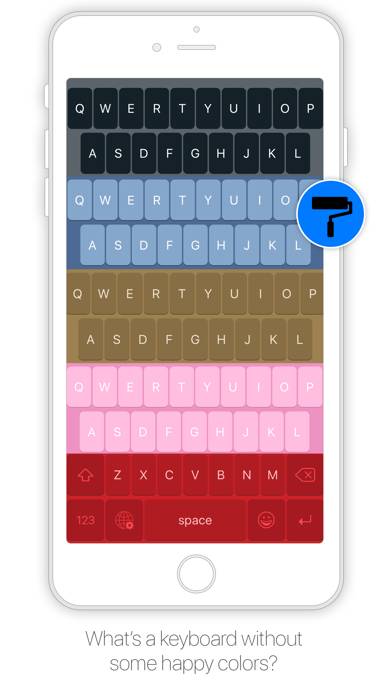
This keyboard is very helpful! Bigger keys, easy to modify, and I really appreciate the color options.