Yandex Browser
Published by Yandex, LLC on Dec 15, 2011
Genre: Utilities
Ratings: 4.72
Version: 24.7.7.799
Updated: Sep 20, 2024
Downloads: 2,945
Yandex Browser is a utility app developed by Yandex LLC. Available as a free download, it was updated to v24.70 on September 20, 2024, and currently holds a 4.72 out of 5 rating based on 21.5K reviews. Before downloading, make sure your device has at least 464 MB of free space and runs Android 14+ or iOS 15.0+.
Fast and secure browser


Video: Yandex Browser Overview
Description
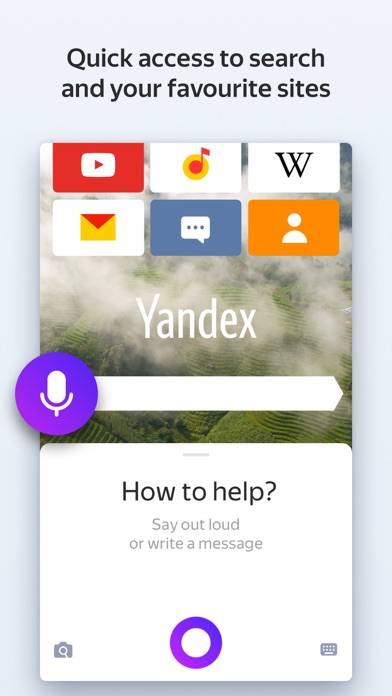
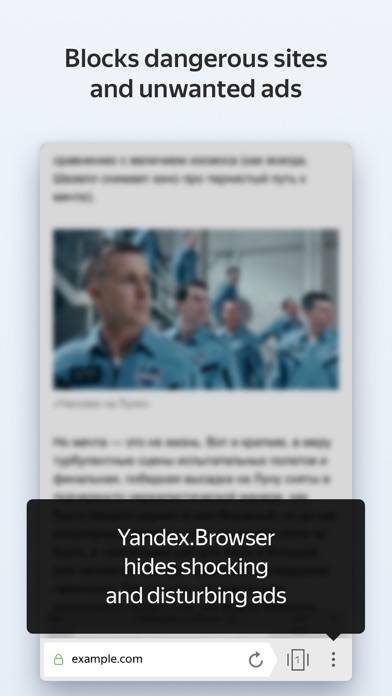
Yandex Browser — a quick and safe browser with voice search. Protect your personal data when using public Wi-Fi networks and stay away from harmful or fraudulent pages – with the browser’s active security system Protect.
Show more
Download Yandex Browser
Scan to Get the App!

Using Yandex Browser on PC or Mac
Yandex Browser can be played on Windows and macOS using Android emulators such as BlueStacks. Download an APK version and follow our BlueStacks installation guide to get started. For help with downloading or installing APK files, visit our forums.
User Reviews and Ratings
★★★★★ Прошу вас добавьте расширения
Браузер отличный долго им пользуюсь, очень мне он нравится. Но, единственное что мне не нравится так это отсутствие поддержки расширений именно на айфонах, ведь на андроидах это функция уже давно есть. Прошу вас добавьте её!
★★★★☆ Eye contact jarring
It’s awesome cause it has more searches and images but problem is that men and women are staring at camera which ur not supposed to and it’s rule as well from I heard so eye contact means nothing! And if ur reading this don’t look at camera and make eye contact ever again seriously so that’s why I gave it 4 stars but overall it’s great!
★★★★★ Yandex
Отличное приложение!
★★★★★ very cool implementation!
Yandex browser is very cool. There's only one wish: to customize the address bar so that it can be made expandable: when it's not visible (when you "scroll" the page up, it appears like in Opera), and like in Safari - you click on its "silhouette" and it appears (I don't know how to explain it in more detail and cleverly).
★★☆☆☆ Auto-translate problems
Read all reviews
Im sick of having to click five times to translate from russian
Similar Utilities Apps
EasyMSR
Top #37 in Utilities Apps
VibeTimer
iNet WOL - Wake on Lan
Registratore vocale - Voz Pro
Teika