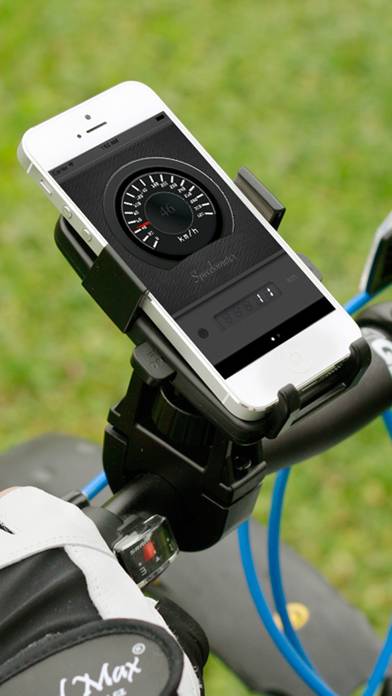
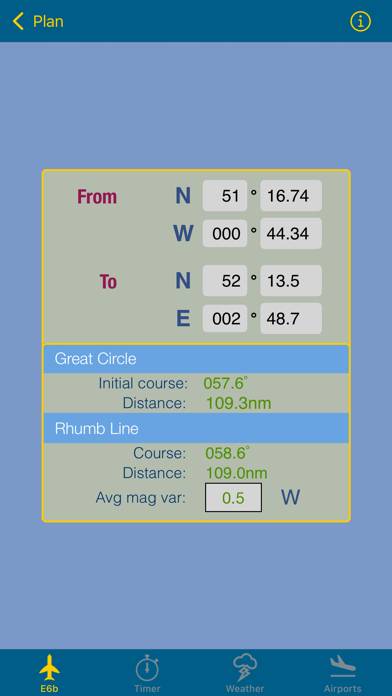
YoNav! GPS Navigation is a navigation app developed by Shannon Galway. Available for $1.99, it was updated to v1.60 on January 18, 2019, and currently holds a 3.78 out of 5 rating based on 9 reviews. Before downloading, make sure your device has at least 57 MB of free space and runs Android 9.3+ or iOS 10.3+.
A GPS App That Just Works
Description
***YoNav! uses the most accurate GPS technology available on the iPhone, it will not work indoors.***
***If YoNav!
YoNav! GPS Navigation may be playable on Windows and macOS using Android emulators such as BlueStacks. Follow our BlueStacks installation guide to get started. Looking for YoNav! GPS Navigation APK? Visit our forums for help finding authorized downloads, installing APK files, and troubleshooting installation issues.
User Reviews and Ratings
★★★★★Super cool!
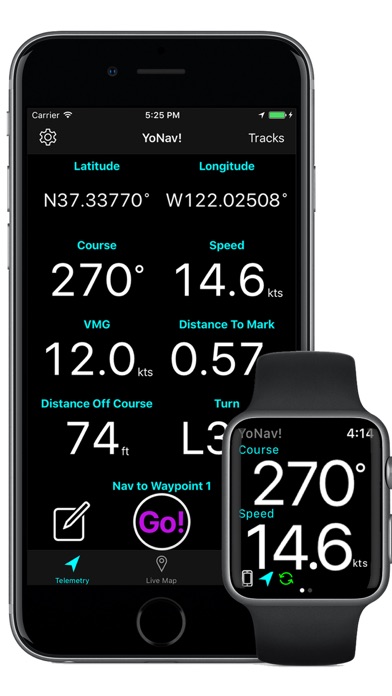
This is the first app I have found where I have all the GPS information in a simple navigation display and works 24/7 from my iPhone or Apple Watch2.
★★★★★Finally!
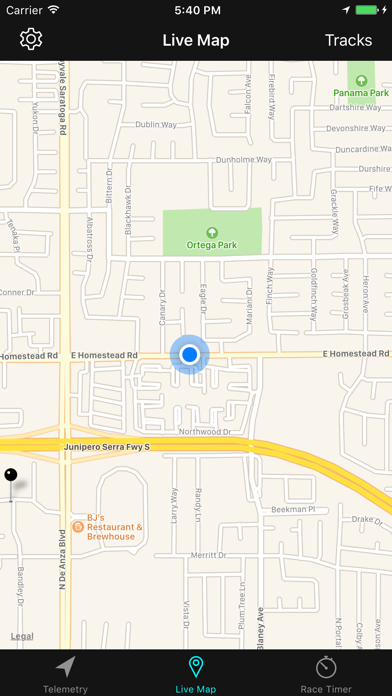
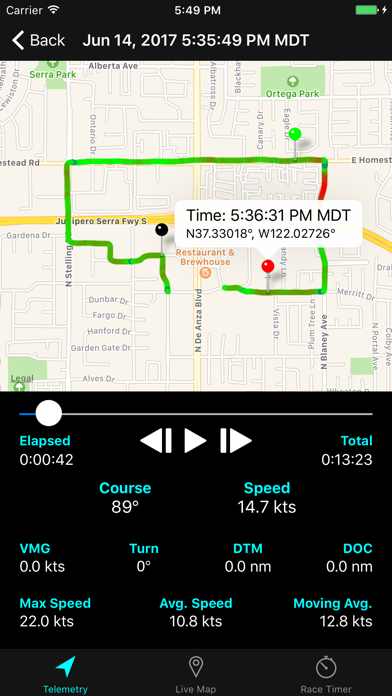
KISS...Keep It Simple Shannon! App is great.. Do what you do and see where ya did it. Simple and relevant information is displayed in a manor that those who are active need...NUMBERS! If you are into navigation and/or performance tracking, numbers are the key, and not frilly little maps. Though there is a map available in the playback which is cool too.
★★★★★Solid
Great sailing app, be it practice or around the race course you will gain an edge and insight.
★★☆☆☆Apple Watch bug
I want to love this app because it meets all my needs in paper but I bought it for my watch and it’s unusable. Every time I set a waypoint the watch displays info but when I turn my wrist to view it a second time the app crashes and the app either gets really buggy and I have to force quit it. I have to set the waypoint again and have the same bug occur again. Help!
★★★★★Best ever
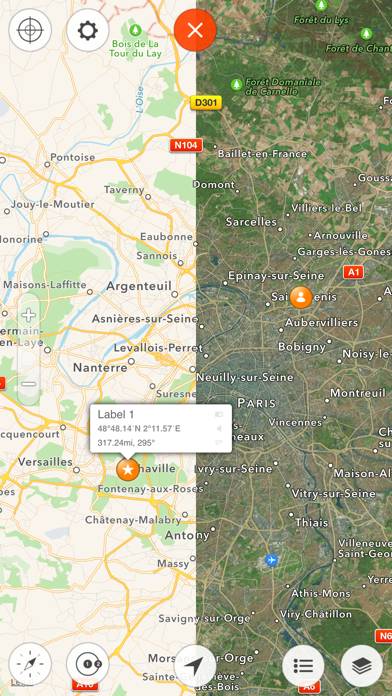
Adding, naming, and editing waypoints and routes is intuitively efficient.
Makes any other app seem clumsy.
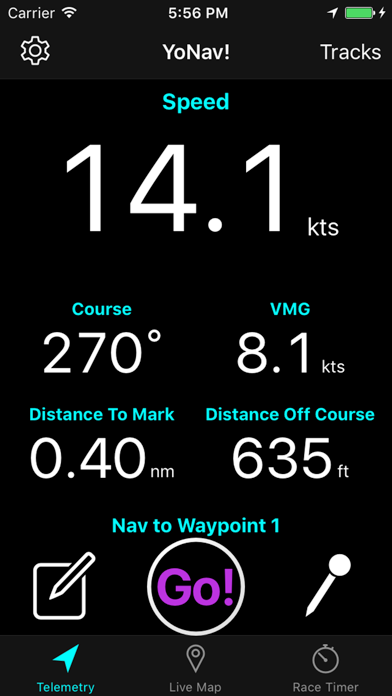
Best method of learning how to properly use the app is to just start tapping, tapping and holding, and generally exploring what the app will do. You will need to engage your brain when something doesn’t appear to work. Ex: vmg requires a destination.
You can change a waypoint in the middle of a route in 10 seconds. Really.
Impressive.
Wish list: share a route and waypoints with