You Doodle Pro - art on the go

Published by Digital Ruby, LLC on Oct 18, 2012
You Doodle Pro - art on the go icon

Genre: Graphics & Design

Ratings: 4.79

Version: 9.0.0

Updated: Sep 27, 2024

Downloads: 916

You Doodle Pro - art on the go is a graphics & design app developed by Digital Ruby LLC. Available for $5.99, it was updated to v9.00 on September 27, 2024, and currently holds a 4.79 out of 5 rating based on 1.9K reviews. Before downloading, make sure your device has at least 53 MB of free space and runs Android 13.7+ or iOS 14.7+.

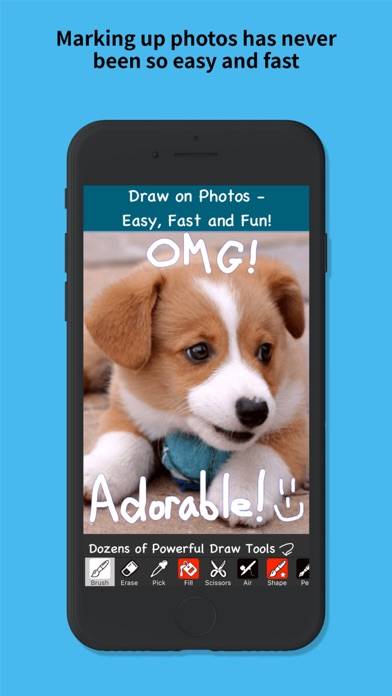
Markup photos, docs and more
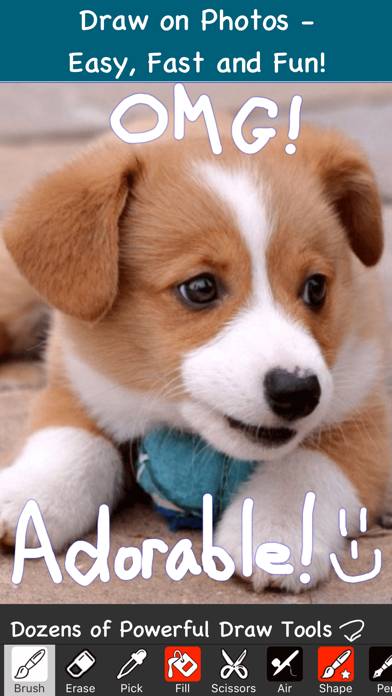
Video: You Doodle Pro Overview

Description

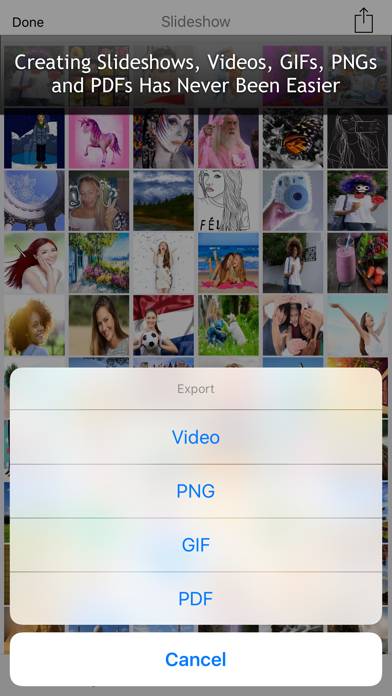
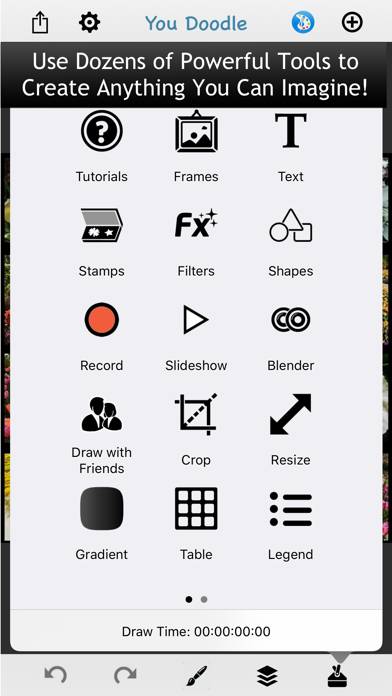
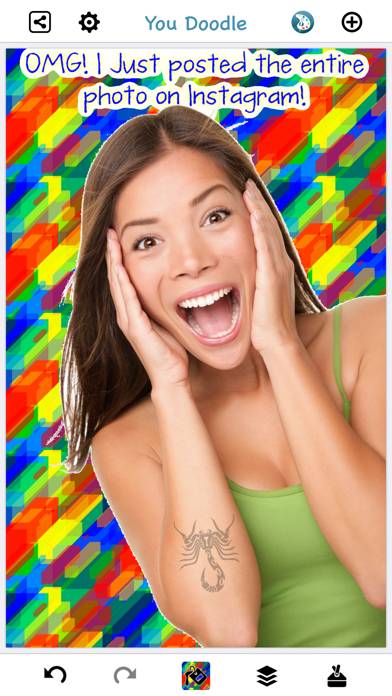
You Doodle Pro lets you draw with hundreds of tools. Easily add text and memes, shapes, stamps and stickers. Recording the screen for speed paints is easy to do.
Show more

Download You Doodle Pro

Scan to Get the App! QR code for You Doodle Pro

Using You Doodle Pro on PC or Mac

You Doodle Pro - art on the go can be played on Windows and macOS using Android emulators such as BlueStacks. Download an APK version and follow our BlueStacks installation guide to get started. For help with downloading or installing APK files, visit our forums.

User Reviews and Ratings

★★★★★ User for 10 years
This app remains my go to source for creating collages and annotating images.
★★★★★ Contractor and regular guy
I’ve had you doodle for years you can print comments on pictures pretty darn quick or I can enhance it. Add to it in all kinds of ways. Great app
★★★★☆ A great little graphics app.
It’s got a lot going for it, even though it’s essentially a two layer graphics tool. It has limited tools, but can produce great results with planning and patience.
★★★★★ LOVE!
LOVE, LOVE, LOVE, LOOOOVE THIS APP!!!!
★★★★☆ It’s a an amazing Drawing App but needs an update to fix a glitch.
This the one of the best Drawing apps I’ve ever used and been using it for years now for my drawings. It’s super simple to understand and just real fun to use in general. Although right now there’s a glitch thats making the lines blurry every time I import something from my library and the more I import the drawing back into the app to fix a mistake the blurrier the lines get. Please Devs if you see this review please update and fix this glitch. Other than that though this app is super perfec
Read all reviews

Similar Graphics & Design Apps

App Icon Maker - Design Icon screenshot
App Icon Maker - Design Icon
iScreen - Widgets & Themes screenshot
iScreen - Widgets & Themes
Top #97 in Graphics & Design Apps
Midjourney screenshot
Midjourney
Doublicat: Face Swap AI-tool screenshot
Doublicat: Face Swap AI-tool
Lock Launcher screenshot
Lock Launcher