Audio Tool per iOS e Android

Published by Performance Audio on Jul 08, 2010

Audio Tool icona

Genere: Utilities

Valutazioni: 3.25

Versione: 2.0

Aggiornato: Oct 21, 2015

Download: 254

Audio Tool è l'app a utility sviluppata da Performance Audio. Disponibile per $1.99, è stato aggiornato a v2.00 su October 21, 2015 e attualmente detiene una valutazione 3.25 su 5 in base alle recensioni di 103. Prima del download, assicurati che il tuo dispositivo abbia almeno 20 MB di spazio libero e che esegua Android 7+ o iOS 8.0+.
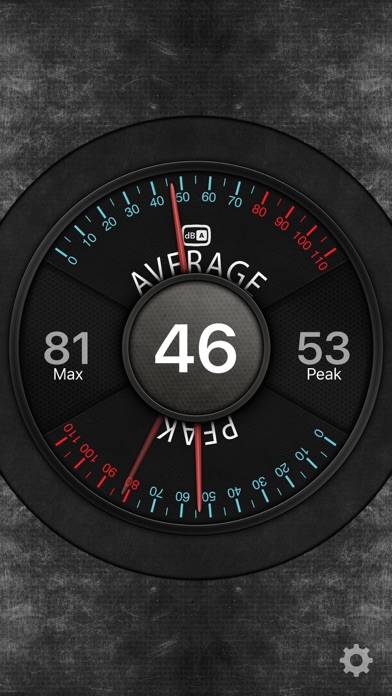
Video: panoramica di Audio Tool

Descrizione

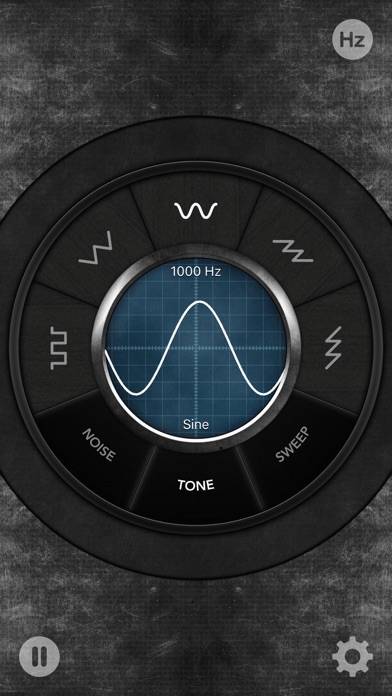
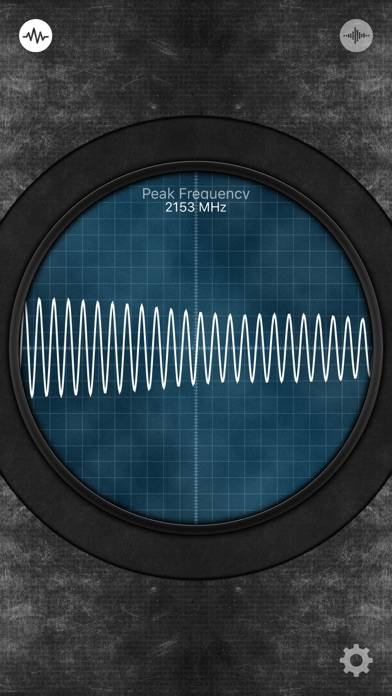
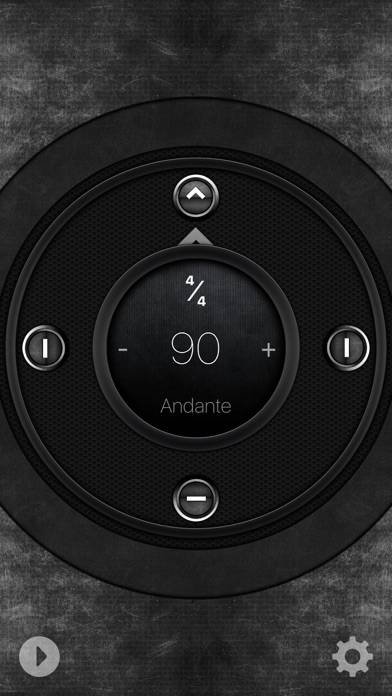
This amazing collection of professional audio tools is a must have for every audio professional, home theater enthusiast, recording engineer, concert goer, and anyone else who needs a fast and easy way to measure the sound levels around them, keep rhythm or tempo, turn their iOS device into a microphone, generate test tones, calculate recording times, or quickly find the definitions of commonly used audio terms.
Mostra di più

Scarica Audio Tool

Scan to Get the App! Codice QR per Audio Tool

Utilizzando Audio Tool su PC o Mac

Audio Tool può essere riprodotto su Windows e macOS utilizzando emulatori Android come BlueStacks. Scarica una versione APK e segui il nostro Guida all'installazione di BlueStacks per iniziare. Per assistenza con il download o l'installazione dei file APK, visita i nostri forum.

Recensioni e valutazioni degli utenti

★★★★★ Ottima app
Utilissimo semplice funzionale
★★★★☆ Good app
Good app 4 technician.
★★★★☆ Very Good Quality
Very efficient app! - all functions are really cool from dB meter to an Audio Dictionary, to the Metronome or the Wave Generator! ...but... - Bit Calculator PRO! >> >> This function can calculate the space you need in terms of TB/GB/MB on your HDD according to KHz, bitrates and tracks’ length that you set! Great! ...It might be more helpful a down-sampling calculation to mp3/AAC/etc. in terms of “kbps”, especially in this tiny digital world...
★★★★☆ Molto buono
Ben fatto! Da migliorare la sensibilita per la scelta delle freq. Sul fader!
Leggi tutte le recensioni