Exify - Tools for Photos für iOS & Android

Published by The Iconfactory on Jun 20, 2016

Exify - Tools for Photos Symbol

Genre: Foto und Video

Bewertungen: 2.90

Ausführung: 1.2.1

Aktualisiert: Apr 23, 2018

Downloads: 342

Exify - Tools for Photos ist eine von The Iconfactory entwickelte a foto und video-App. Es ist für $1.99 verfügbar, wurde auf Stellen Sie vor dem Herunterladen sicher, dass Ihr Gerät über mindestens 10 MB freien Speicherplatz verfügt und Android 9+ oder iOS 10.0+ ausführt.
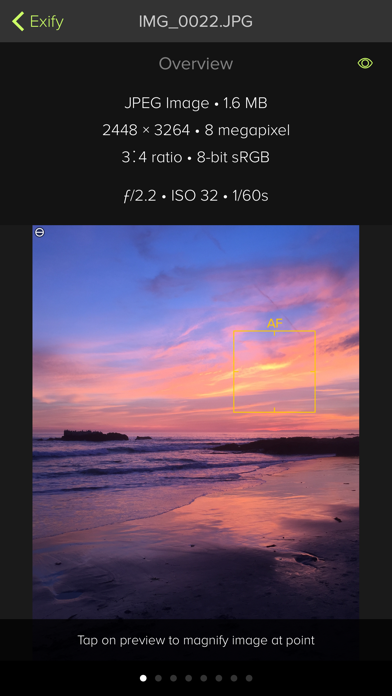
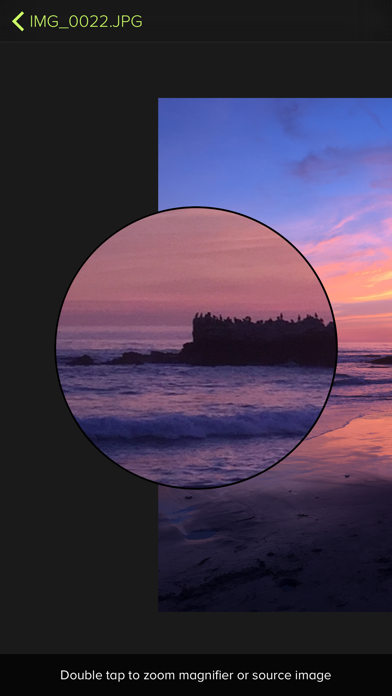
Video: Exify-Übersicht

Beschreibung

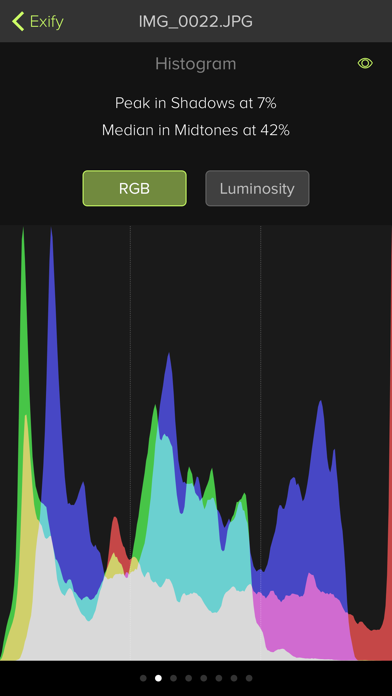
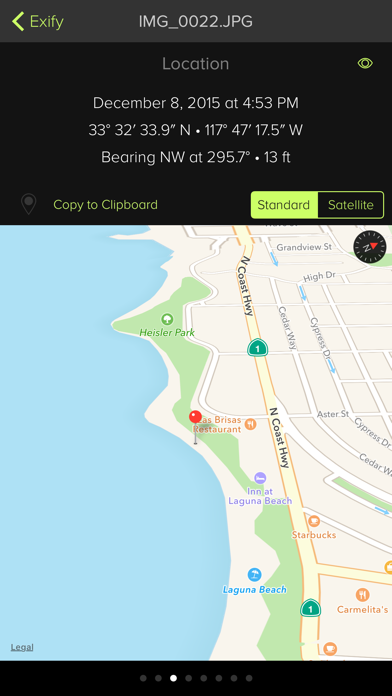
Exify is a collection of tools for people who take their iPhone photography seriously. The app gives you quick access to: • Exposure and lens information
Zeig mehr

Laden Sie Exify herunter

Scan to Get the App! QR-Code für Exify

Verwendung von Exify auf PC oder Mac

Exify - Tools for Photos kann unter Windows und macOS mit Android-Emulatoren wie BlueStacks gespielt werden. Laden Sie eine APK-Version herunter und folgen Sie unseren BlueStacks-Installationsanleitung, um loszulegen. Wenn Sie Hilfe beim Herunterladen oder Installieren von APK-Dateien benötigen, besuchen Sie unsere Foren.

Benutzerrezensionen und Bewertungen

★★★★★ Good app, some issues
Functionality is very convenient, both in the app and via the extensions. Recommended app! Two minor issues: - there's a problem with iCloud Photos: you may get just a black screen in the app when a photo is not available in full resolution on your device. Download it first in Photos or use the extension. - the photo gallery in the app is fine, but inconvenient when you have lots of photos. Would be good to be able to switch to the iOS photo picker.
★★★☆☆ Datum ändern?
Hallo ich hab mir aufgrund eines Artikels von ifun.de die kostenpflichtige App heruntergeladen in der Hoffnung, dass ich die Mediadaten auf dem iPhone verändern kann (vor allem das Datum), weil mir Leute immer mal wieder tolle Bilder über Whatsapp oder ähnliche Apps schicken und dort leider alle Mediadaten gelöscht sind. Diese muss ich auf dem Mac wieder korrigieren, damit die Bilder wieder in der richtigen Chonic sind. Wie kann ich das nun mit der App machen? Kann mir da jemand behilflich sein?
★★☆☆☆ Unfug
MetaDaten-Löschung nicht möglich.
★★★★★ Excellent Tool!
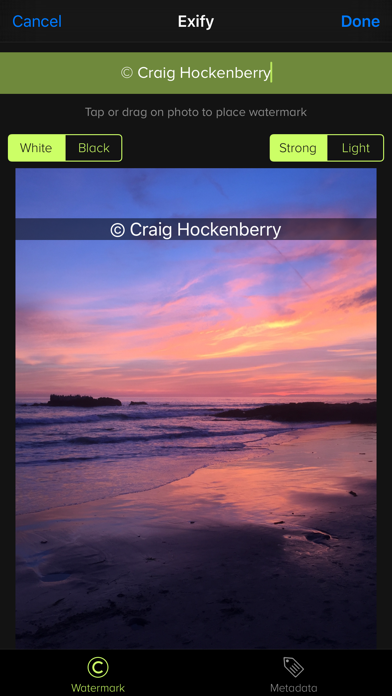
Please do not forget, in order to add information, you need to edit (!) the image in your iOS photo library and re-save it. Only the image meta data will be added without altering the image itself. Yes, it is the ellipsis button (!) in the upper right corner — once you have entered the iOS image editing view. In options, choose “Exify”, enter your data and re-save. Ahhhh, — yes, I know… ;-)
★★★★☆ Funktioniert genau so, wie beschrieben.
Die Funktionalität ist wie beschrieben, auch die Möglichkeit von anderen Apps im Bearbeitungsmodus darauf zuzugreifen wird in der Hilfe erklärt. Wenn diese App auch noch eine deutsche Übersetzung hätte, gäbe es 5 ⭐️.
Lesen Sie alle Bewertungen

Ähnliche Foto und Video-Apps
Screen Mirroring+ App Bildschirmfoto
Screen Mirroring+ App
Top #83 in Foto und Video-Apps
Photometer Bildschirmfoto
Photometer
Top #66 in Foto und Video-Apps
Cute CUT Bildschirmfoto
Cute CUT
Quick Art: Gesichts-Editor Bildschirmfoto
Quick Art: Gesichts-Editor
REC - Pro Video Camera Bildschirmfoto
REC - Pro Video Camera
Tezza: Aesthetic Photo Editor Bildschirmfoto
Tezza: Aesthetic Photo Editor
Top #90 in Foto und Video-Apps