Kino - Pro Video Camera für iOS & Android

Published by Lux Optics Incorporated on May 29, 2024

Kino - Pro Video Camera Symbol

Genre: Foto und Video

Bewertungen: 4.27

Ausführung: 1.1.3

Aktualisiert: Oct 16, 2024

Downloads: 584

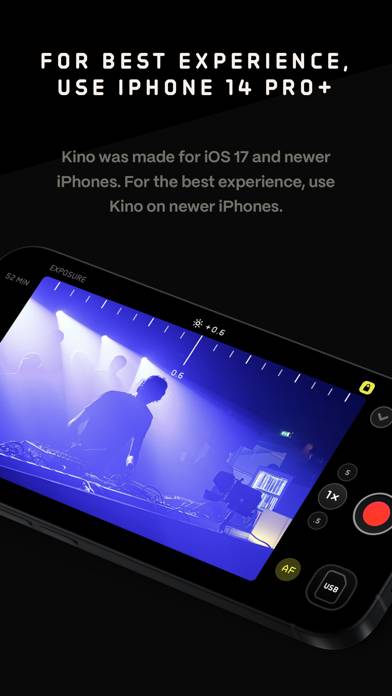
Kino - Pro Video Camera ist eine von Lux Optics Incorporated entwickelte a foto und video-App. Es ist für $9.99 verfügbar, wurde auf Stellen Sie vor dem Herunterladen sicher, dass Ihr Gerät über mindestens 40 MB freien Speicherplatz verfügt und Android 16+ oder iOS 17.0+ ausführt.
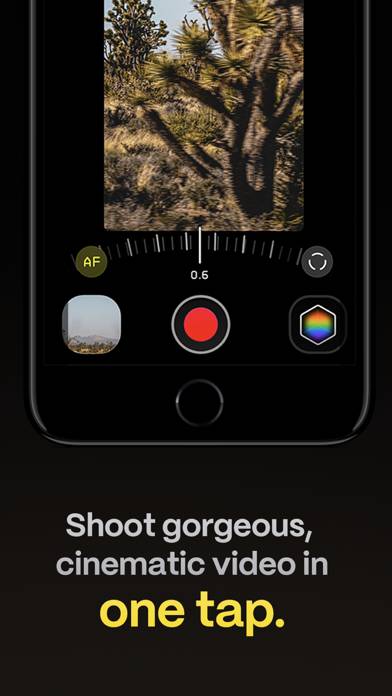
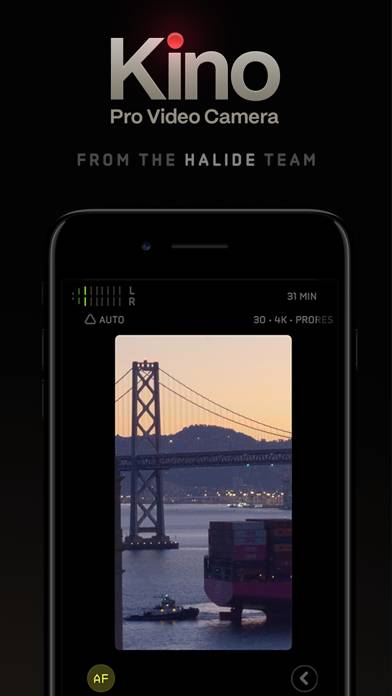
Video: Kino-Übersicht

Beschreibung

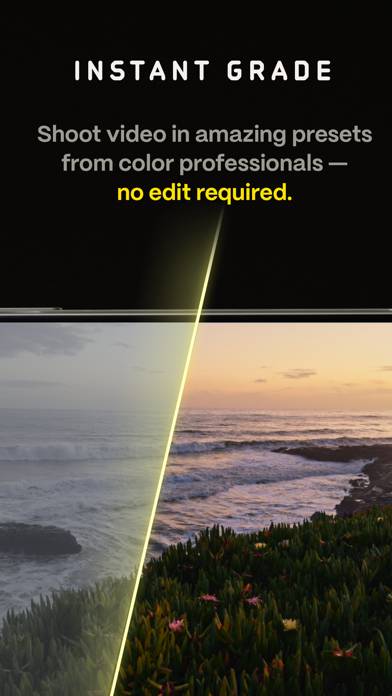
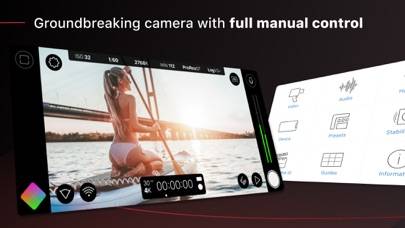
Make great video easy! Kino lets you just press record and create cinematic video with color presets created by expert filmmakers—no edit required.
Zeig mehr

Laden Sie Kino herunter

Scan to Get the App! QR-Code für Kino

Verwendung von Kino auf PC oder Mac

Kino - Pro Video Camera kann unter Windows und macOS mit Android-Emulatoren wie BlueStacks gespielt werden. Laden Sie eine APK-Version herunter und folgen Sie unseren BlueStacks-Installationsanleitung, um loszulegen. Wenn Sie Hilfe beim Herunterladen oder Installieren von APK-Dateien benötigen, besuchen Sie unsere Foren.

Benutzerrezensionen und Bewertungen

★★★★☆ Great app with room for improvement
Pretty great app. Negatives: Stabilisation seems to not work well, especially compared to the blackmagic app. Would love to have a simple mode to shoot stills, so there‘s one app to replace the std camera app. I hope for tetrahedral LUT integration, so the mode with baked in LUTs is properly useable without artifacts. Exposure adjustement in auto mode is remembered per lens, which doesn‘t make sense to me. Selfie button should be next to the other lenses and not in the extra menu at the right.
★★★★☆ Nice. Please add a Camera Button integration and haptics!
I love the UI. The features are great. I’m satisfied with my purchase, considering this should stay as is with its one-time price. The app is nearly perfect. I do miss just the option in settings to be able to fire this app up on my iPhone 16 Pro Max using the camera control button. That and some haptics on sliders and buttons in the UI would give the app its final touch in my opinion. Thank you for making this!
★★★★☆ Custom Presets
Would be nice to be able to save the custom settings as a preset and for that saving at least two custom presets for quick change. E.g. between 24 and 120 fps. Or maybe open up the baked in presets so one could change them. I don't use two of the three Kino presets at all, would be nice to change them to my own. Thank you.
★★☆☆☆ An sich genial..
.. wenn da nicht die Belichtungsproblematik wäre. Während dem filmen ändert die App die Belichtung. Ich habe alles manuell (Belichtung und Weißabgleich gesperrt) eingestellt und trotzdem passiert das. Ob mit oder ohne Automotion. Auch in den Einstellungen ist aktiv, dass der Weißabgleich und die Belichtung während der Aufnahme gesperrt sind. Die App macht es trotzdem. Und das mehrfach während einer Szene. Schade!
★★☆☆☆ Nichts besonderes
Nur ein paar Filter und auch kein stufenloses Zoom, nur zwei festgelegte Zoomstufen .5x und 1x.
Lesen Sie alle Bewertungen

Ähnliche Foto und Video-Apps
Leica LUX: Manuelle Pro Kamera Bildschirmfoto
Leica LUX: Manuelle Pro Kamera
Top #87 in Foto und Video-Apps
InShot - Video Editor Bildschirmfoto
InShot - Video Editor
Top #67 in Foto und Video-Apps
pixolo INSTANT Bildschirmfoto
pixolo INSTANT
Top #76 in Foto und Video-Apps
Dynamic Notch: 3D Hintergrund Bildschirmfoto
Dynamic Notch: 3D Hintergrund
Top #87 in Foto und Video-Apps
Instagram Bildschirmfoto
Instagram
Top #36 in Foto und Video-Apps
Zoomerang - Ai Video Maker Bildschirmfoto
Zoomerang - Ai Video Maker