Project Indigo für iOS & Android

Published by Adobe Labs, Inc. on Jun 12, 2025
Project Indigo Symbol

Genre: Foto und Video

Bewertungen: 3.17

Ausführung: 1.0.1

Aktualisiert: Jun 13, 2025

Downloads: 823

Project Indigo ist eine von Adobe Labs entwickelte a foto und video-App. Es steht als kostenloser Download zur Verfügung, wurde auf Stellen Sie vor dem Herunterladen sicher, dass Ihr Gerät über mindestens 234 MB freien Speicherplatz verfügt und Android 17.5+ oder iOS 18.5+ ausführt.

Video: Project Indigo-Übersicht

Beschreibung

Welcome to Project Indigo, a new camera experience from Adobe Labs. With a custom computational photography pipeline, a natural image look, and full set of manual camera controls, it offers something for professional and casual photographers alike.
Zeig mehr

Laden Sie Project Indigo herunter

Scan to Get the App! QR-Code für Project Indigo

Verwendung von Project Indigo auf PC oder Mac

Project Indigo kann unter Windows und macOS mit Android-Emulatoren wie BlueStacks gespielt werden. Laden Sie eine APK-Version herunter und folgen Sie unseren BlueStacks-Installationsanleitung, um loszulegen. Wenn Sie Hilfe beim Herunterladen oder Installieren von APK-Dateien benötigen, besuchen Sie unsere Foren.

Benutzerrezensionen und Bewertungen

★★★★★ Fotos wie sie sein sollen
Ich habe auf dem iPhone 15Pro keine Probleme hinsichtlich Abstürzen und Performance. Ja beim verarbeiten der Bilder wird das iPhone warm aber mehr auch nicht. Die Bilder die ich mit der App mache sehen natürlicher und deutlich „fotografischer“ aus als mit der Kamera-App des iPhones. Bin total begeistert und mache nur noch Bilder mit dieser App.
★★★☆☆ Aspect Ratio?
How can I change the Aspect Ratio to 16:9? App works, no crash on 13 Pro.
★★★☆☆ Nice app, but terrible focusing
I really like the picture style which is very old school and kinda analogue looking. But this app has serious autofocus issues and nearly non-existent tap-to-focus capabilities. Just like any old hit and miss point-and-shoot camera I suppose but I doubt that this vintage function was intended by the developers…
★★★☆☆ Kein Fokusquadrat
Fokusquadrat zum Einstellen erscheint nur im Automodus. Wenn ich eine z. B. Eine EV Änderung vornehme und der Regler dafür angezeigt wird, erscheint kein Fokus zum einstellen.
★★★★☆ Black screen
Often hangs in initialization and doesn’t display anything but a black screen. A reboot solves this, but that means I’d rather use the normal camera app before I loose the moment I want to capture. Edit: workaround the developer wrote in the response works! Thank you :) upped my rating to 4 stars - 5 when it’s no longer needed
Lesen Sie alle Bewertungen

Ähnliche Foto und Video-Apps
Pro Camera by Moment Bildschirmfoto
Pro Camera by Moment
Top #96 in Foto und Video-Apps
CEWE Fotowelt: Fotobuch & mehr Bildschirmfoto
CEWE Fotowelt: Fotobuch & mehr
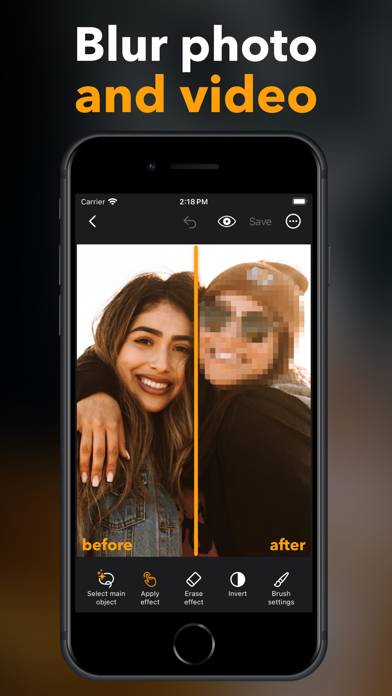
KE Verpixeln & Bearbeiten: Pix Bildschirmfoto
KE Verpixeln & Bearbeiten: Pix
Top #60 in Foto und Video-Apps
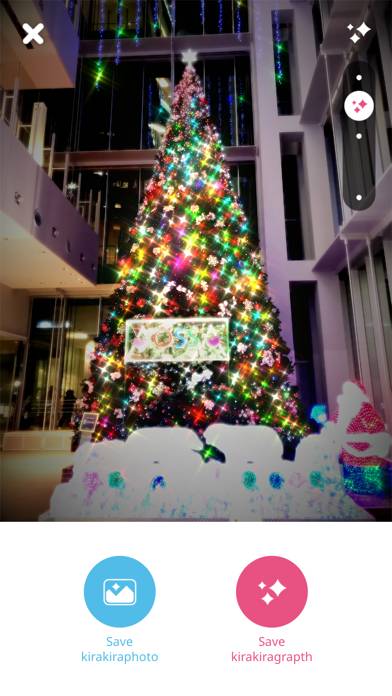
kirakira+ Bildschirmfoto
kirakira+
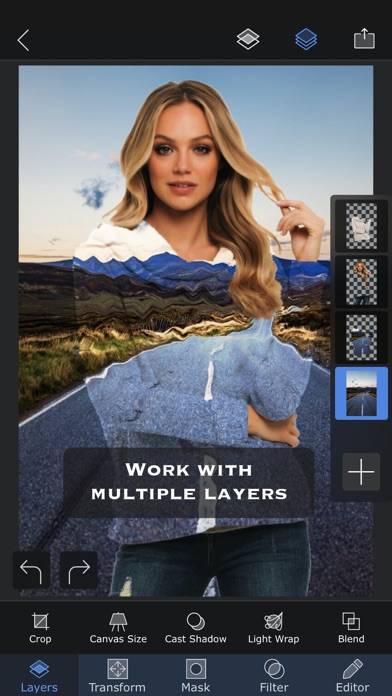
Superimpose X Bildschirmfoto
Superimpose X
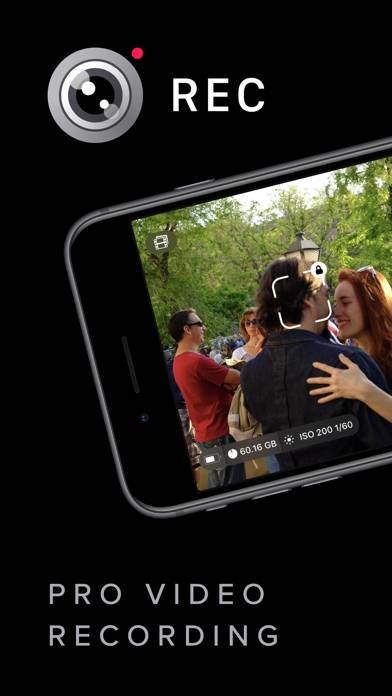
REC - Pro Video Camera Bildschirmfoto
REC - Pro Video Camera