1Writer - Markdown Text Editor is a productivity app developed by Ngoc Luu. Available for $4.99, it was updated to v3.30 on September 24, 2022, and currently holds a 4.69 out of 5 rating based on 359 reviews. Before downloading, make sure your device has at least 19 MB of free space and runs Android 12+ or iOS 13.0+.
Note taking, writing app
Video: 1Writer Overview
Description
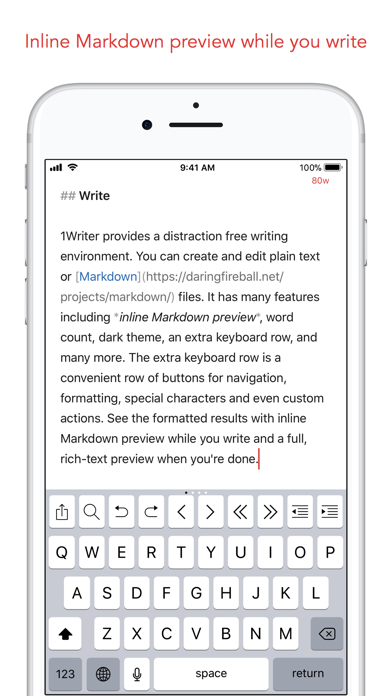
1Writer combines all the basic text editing features you would expect with all the advanced features you will ever need. Use 1Writer to write, research, revise, and share your ideas with maximum efficiency.
1Writer - Markdown Text Editor may be playable on Windows and macOS using Android emulators such as BlueStacks. Follow our BlueStacks installation guide to get started. Looking for 1Writer APK? Visit our forums for help finding authorized downloads, installing APK files, and troubleshooting installation issues.
User Reviews and Ratings
★★★★★rock solid
Surprised to see that this app was updated two years ago… There's no sign that it is aging at all. This is the only markdown app that I have ever used for writing stories that hasn't revealed some quirky incompatibility with my process. I love it.
★★★★☆Really nice app. Wish it could print in color
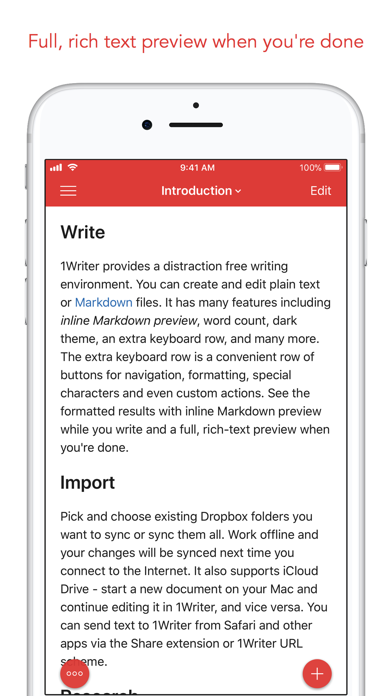
I like this app a lot. Only limitation I see is that I cannot export the same view as in the render mode. It always prints black and white. If it had color export or print this would be five star all the way. Still a nice app for reviewing, just need to be able to print and email a pdf in color.
★★★★★My most-used app
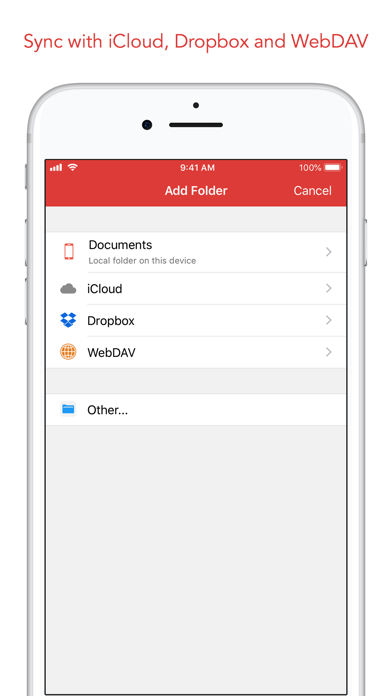
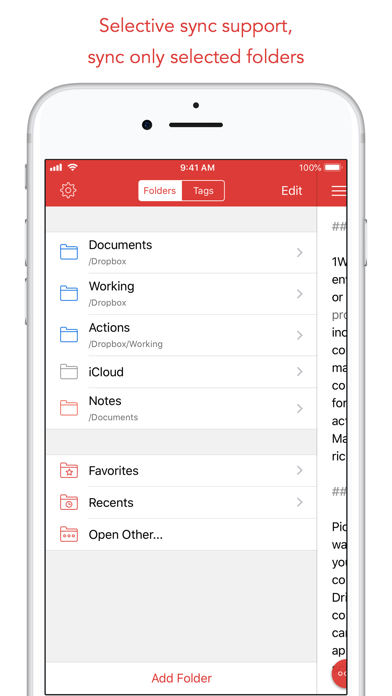
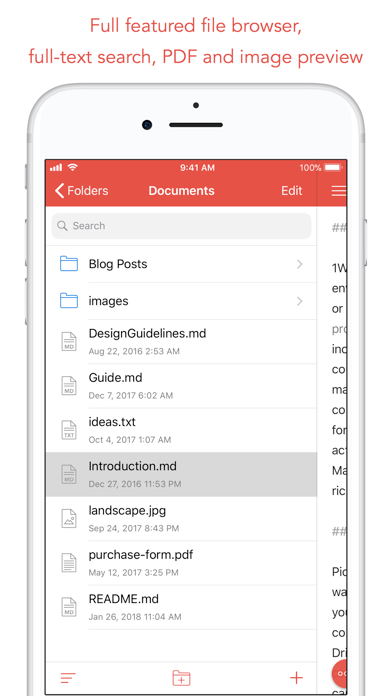
I can edit all my text files on iCloud from my phone! Powerful and reliable. Love it. The JavaScript actions are handy, too.
★★☆☆☆Buggy
The editor generally works great. But the current version when interfacing with Dropbox keeps crashing especially when switching files or directories. Very disappointing. Pretty much unusable on my phone.
★★★★★WebDAV is so smooth
While WebDAV is present if you don’t use it at install it is hard to find. In general navigation isn’t as intuitive as aiWriter, and it isn’t as feature rich… that said it is more affordable.
Still, with offline storage, WebDAV has a lot of value with a local Nextcloud install. The creator should be advertising this more. I use this with Obsidian on computer as I don’t want to pay to for Obsidian sync.