BeatMirror: Track BPM is a music app developed by Ten Kettles. Available for $4.99, it was updated to v2.60 on October 17, 2022, and currently holds a 4.64 out of 5 rating based on 163 reviews. Before downloading, make sure your device has at least 4 MB of free space and runs Android 12+ or iOS 13.0+.
Tempo detector for musicians
Video: BeatMirror: Track BPM Overview
Description
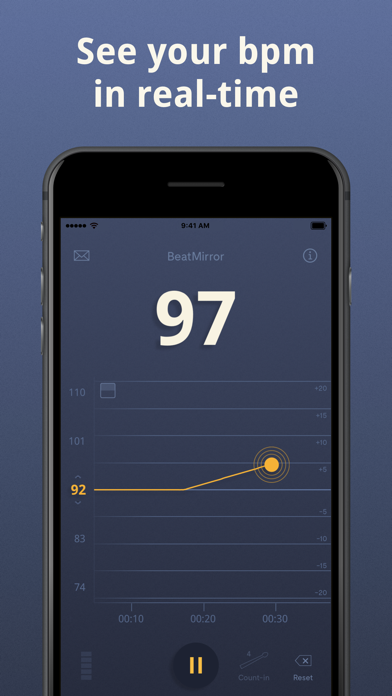
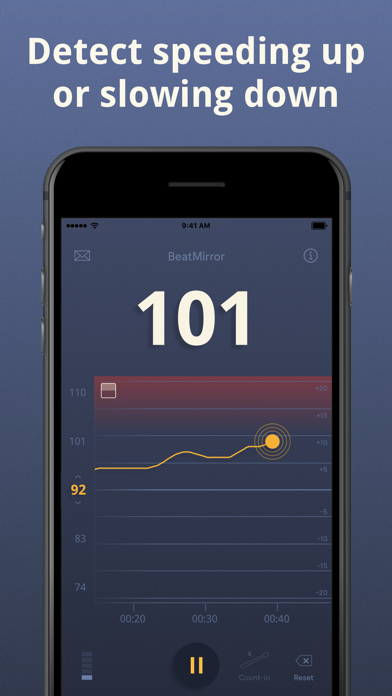
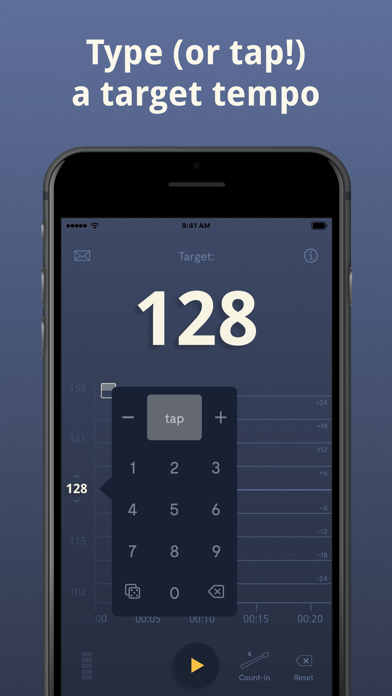
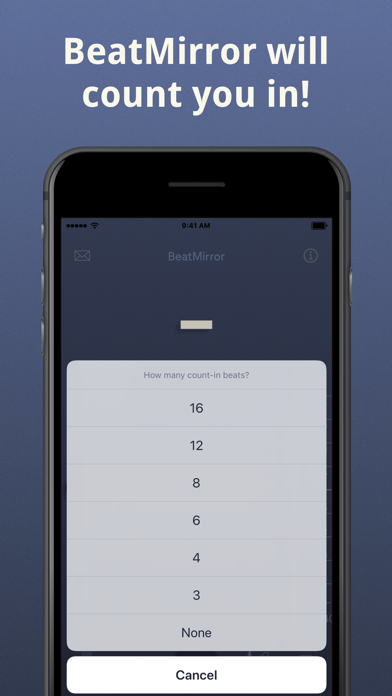
BeatMirror uses your device's built-in microphone to detect musical tempo in real-time. Set a target tempo with the special tempo keyboard and then start the music.
BeatMirror: Track BPM may be playable on Windows and macOS using Android emulators such as BlueStacks. Follow our BlueStacks installation guide to get started. Looking for BeatMirror: Track BPM APK? Visit our forums for help finding authorized downloads, installing APK files, and troubleshooting installation issues.
User Reviews and Ratings
★★☆☆☆Doesn’t work unless you set target tempo.
I just wanted an app to tell me the bpm. Paid 5 bucks and immediately deleted.
★★★★★Essential Tool!
BeatMirror should be famous.
There are two tools EVERY musician who wants to improve their tempo needs: a metronome and BeatMirror. A metronome trains you to (re)sync with an external reference. BeatMirror shows you what your internal tempo is and how (un)stable it is.
The app interprets tempo accuately even when there are complex rhythms. It’s rock solid and works well in a practice room, rehearsal, and on stage!
I highly recommend it!!!
★★★★★Great app
I am an intermediate drummer and this app helps me improve my timing. It is one step up from a metronome, BM shows how my timing can waiver and how to bring it back to the speed I want.
★★★★★New version makes this superior
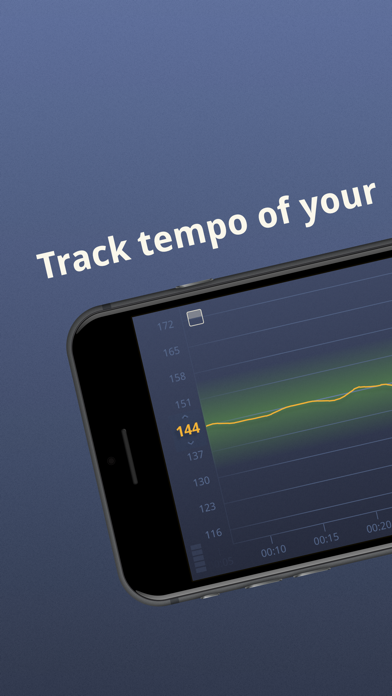
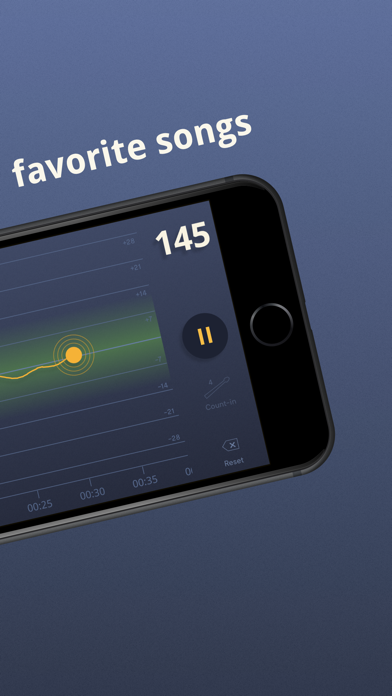
Gigging musician here. Just started using it, but I’d say this version makes the Beat Mirror app superior to other tempo detectors that I and bandmates have previously bought and used. Seems to be very accurate. Displays tempo and draws a line in real time. Two different zoom settings. Does fine with 3/4 time also when some others do not. Target tempo is a standout feature, with an illuminated strip showing when you’re staying close. Haven’t used the range option, because for our use it’s way to
★★★☆☆Appears inconsistent
Just downloaded and set target bpm at 40 and played a song I’ve been working on. It recorded my tempo between 40 and 50. Then set it at 70 and played very same section at similar tempo and it recorded between 70 and 80. It appears to be recording near the set target—-there’s no way my tempo was that different