Bulk Delete - Clean up your camera roll is a utility app developed by Apps by Erik. The last update, v1.00, released on November 18, 2014, and it’s rated 2.60 out of 5 based on the latest 47 reviews. Bulk Delete - Clean up your camera roll is FREE and requires iOS 8.0+ and Android 7 or newer to download.
Video: Bulk Delete Overview
Description
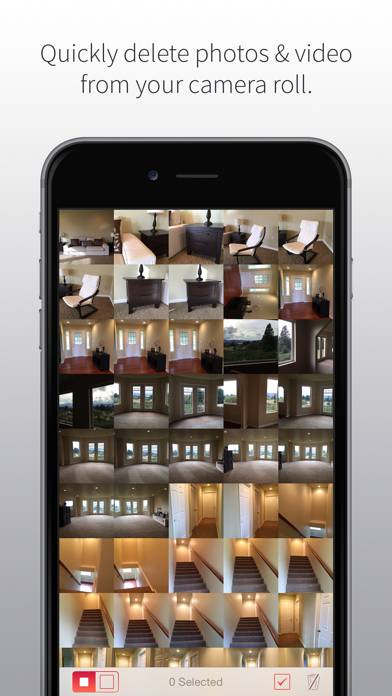
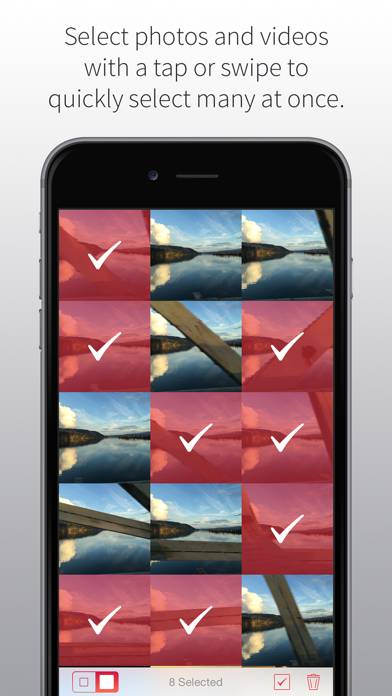
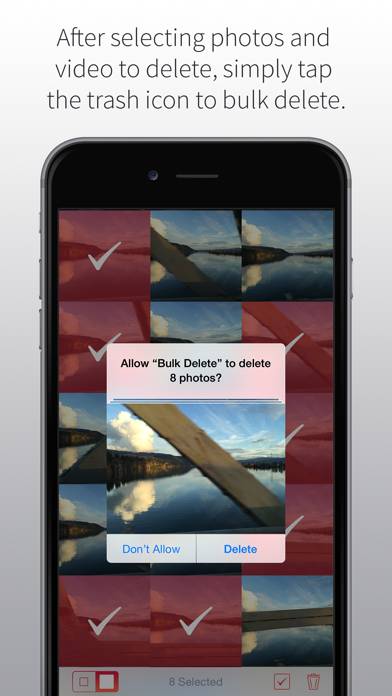
Bulk Delete enables you to quickly delete photos and video from your camera roll. Have a bunch of old or blurry photos needing to be removed from your library? Have many multiples of similar photos? Have your kids found your phone and taken 3,000+ photos of the carpet and walls? Bulk Delete will make cleaning up your camera roll/library quick and easy.
Want to enjoy Bulk Delete - Clean up your camera roll on your desktop? Download the latest APK (1.00, 1 MB) or choose your preferred version, and follow our Bluestacks emulator guide for easy installation on Windows or macOS. For any assistance with downloading or installing APK files, feel free to visit our forums!
User Reviews and Ratings
★★★★☆A Must-Have For Any iPhone Filmmakers
great way to format an iPhone as if it were a traditional reusable camera memory card - remember to turn off iCloud photo options though, otherwise you’ll delete your iCloud photo library.
Would be nice to see an iCloud specific warning clearly saying that. Also the buttons are annoyingly too small for the screen compared to the big thumbnails, but still a great find to have basic memory card formatting functionality quickly accessible.
★★☆☆☆iOS 12 not supported?
I used this app on a weekly basis. Who shed it had certain tweaks Ike letting you set your own time searches but lacking fine controls wasn’t an issue. When I updated to iOS 12 it can’t see my photo roll now.
Does the developer plan to update this app?
★★★☆☆Good for habitual deletes
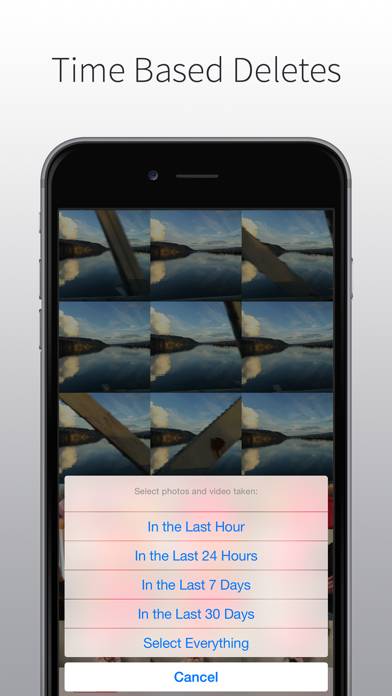
If you don’t have too many photos, say less than 10k, it should be okay for you but for sure that at 30k photos it will not delete. After waiting for a while it will say new photos loaded and deselect everything without deleting anything. The days to month option works but anything beyond a month ago will have to use the “select all” option. Can’t select the month option again to delete another months worth of photo.