EveryCord - Record & Broadcast is a utility app developed by Colton A. Available as a free download, it was updated to v1.20 on May 29, 2020, and currently holds a 4.16 out of 5 rating based on 2.4K reviews. Before downloading, make sure your device has at least 23 MB of free space and runs Android 11+ or iOS 12.0+.
Record/livestream your screen!
Video: EveryCord Overview
Description
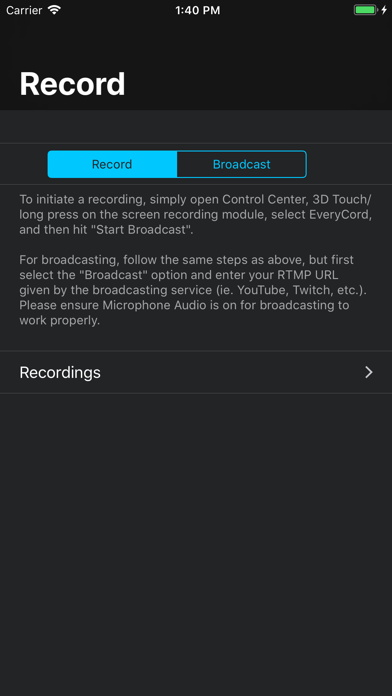
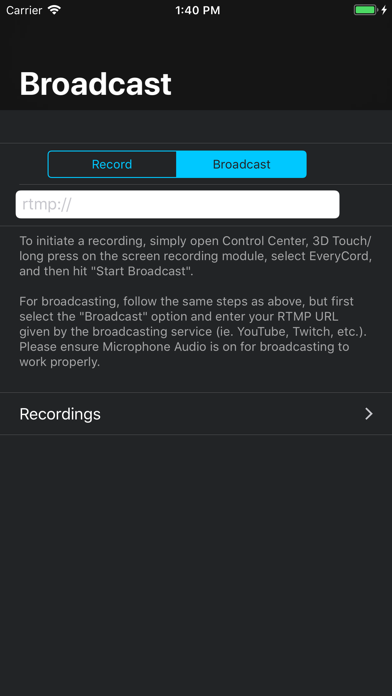
EveryCord, by the makers of iRec, flawlessly records your iOS 11+ screen and saves it locally on the device at full HD and 60 FPS.
EveryCord - Record & Broadcast may be playable on Windows and macOS using Android emulators such as BlueStacks. Follow our BlueStacks installation guide to get started. Looking for EveryCord APK? Visit our forums for help finding authorized downloads, installing APK files, and troubleshooting installation issues.
User Reviews and Ratings
★★★★★Love this app
It is my favorite app
★★★★☆Some of the footage or not save.
Every card is a good app. The setting is amazing the FPS is outstanding. These just only one problem. While I was recording a Minecraft clip on my phone for longer then 30min I stop the recording just to find out it didn't save, the same thing happened today I was playing CODM today had some good footage, and them it didn't save if there away that you can fix the time to record it would be awsome beside that the app is the amazing best money I ever spend it on. It
★★★★☆Good so have one problem
Good so have one problem the record of the screen time is not more of 3 minutes, recording more of this time and the app no save nothing only a black screen with more of 3 minutes, ipah 5th
★★★★★Screen recording glitch, please help
Whenever i record my screen, the resolution of it is messed up and it looks very skinny, any way to fix this?
★★★★★Facecam Please?
I LOVE this app, what would complete it is the ability to stream and record with a facecam. external devices can be connected so there are no worries of fingers being placed over the camera.