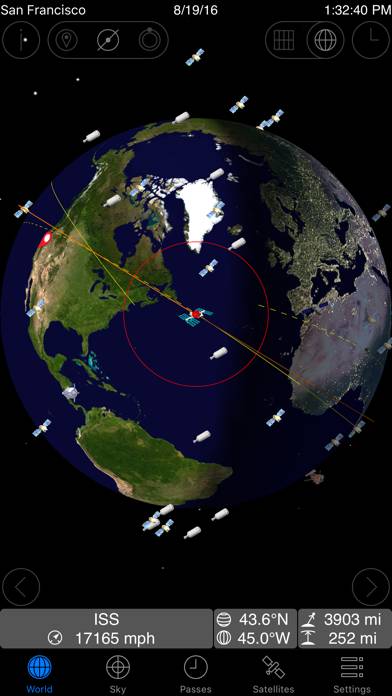
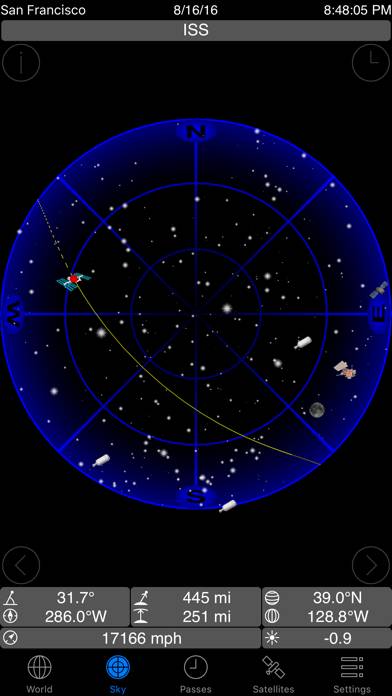
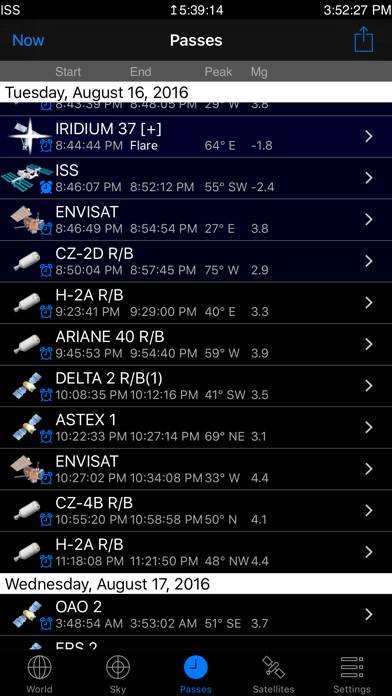
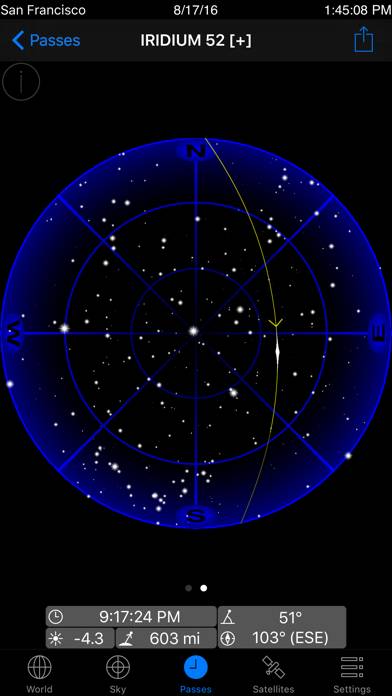
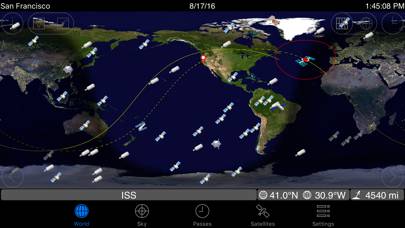
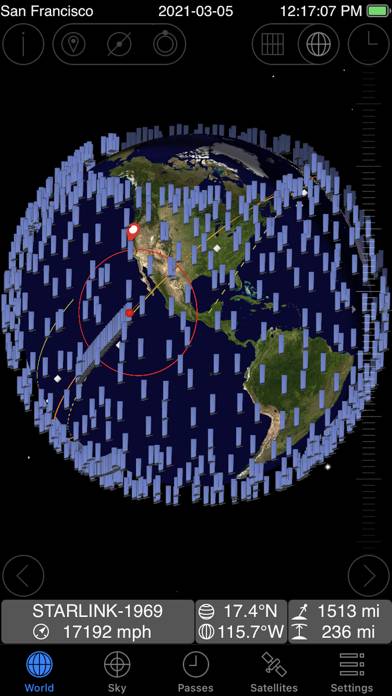
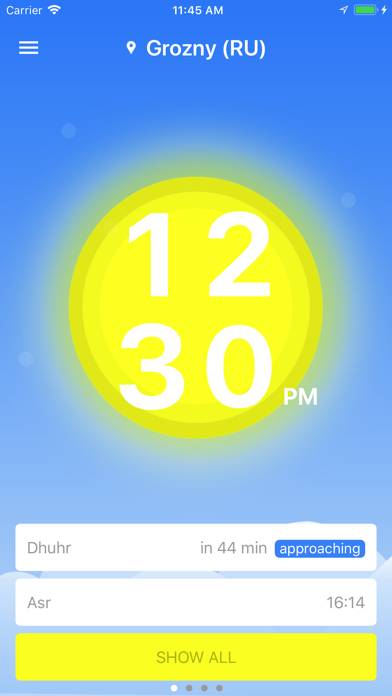
GoSatWatch Satellite Tracking is a reference app developed by GoSoftWorks. Available for $9.99, it was updated to v5.30 on March 16, 2021, and currently holds a 3.73 out of 5 rating based on 45 reviews. Before downloading, make sure your device has at least 30 MB of free space and runs Android 8.3+ or iOS 9.3+.
Satellite Tracking
Video: GoSatWatch Satellite Tracking Overview
Description
Real time satellite tracking on your iPhone, iPad or iPod touch. Find out when and where any satellite including the international space station can be seen from any location in the world.
GoSatWatch Satellite Tracking can be played on Windows and macOS using Android emulators such as BlueStacks. Download an APK version and follow our BlueStacks installation guide to get started. For help with downloading or installing APK files, visit our forums.
User Reviews and Ratings
★★★★★Best Tracking App
This is the best app on the market. You can add your own elements. Just wish it was available cross platform.
★★★★☆Does Not Sync With Other Devices Using the App
Nice and useful app. Did not give it 5 stars because it doesn’t sync across devices. Very frustrating when you’ve created several orbital elements but they only show up on one (I use the app on 3 different devices).
★★☆☆☆Is this maintained any more?
Was a nice app but when I pulled it out recently it doesn’t appear to be updating the data for the satellites any more…
★★★★★Two Thumps Up
I’ve been an amateur tracker for a couple of decades now and have used some great applications over the years, including Traksat and WinTrak. GoSatWatch ranks right at the top of my list. Always accurate, great GUI options and have never had any bug issues. I like that I can point to the TLEs that I’m interested in.
Well done and “professional grade.”
★★☆☆☆Was crashing..
July 11 2019 update
The app has started crashing continuously. I deleted the app and re downloaded, it seems to work now. The unfortunate thing is that now I have to find and download ephemeris data that I previously had.
I really like the application. I really wish it had an altitude imput though. I'm a pilot and sometimes the viewing angles are a little bit off. I think that's due to my height above the surface.
Also, I can't get the X-37 to show a customized icon. I thought it used to h