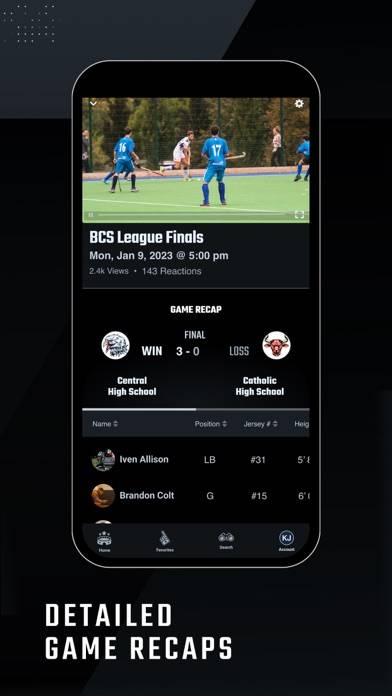
Hudl Fan: Find. Watch. Follow. is a sports app developed by Agile Sports Technologies. The last update, v2.10, released on July 15, 2024, and it’s rated 3.97 out of 5 based on the latest 59 reviews. Hudl Fan: Find. Watch. Follow. is FREE and requires iOS 15.5+ and Android 14.5 or newer to download.
Teams, scores, streams & more.
Video: Hudl Fan: Find. Watch. Follow. Overview
Description
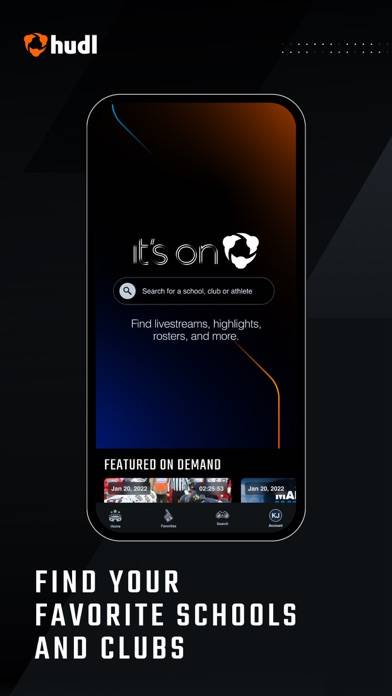
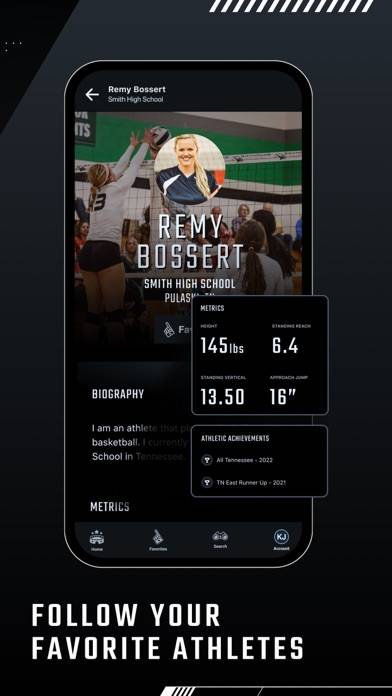
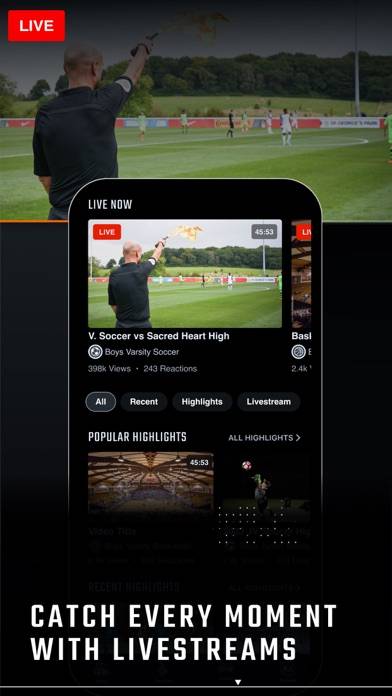
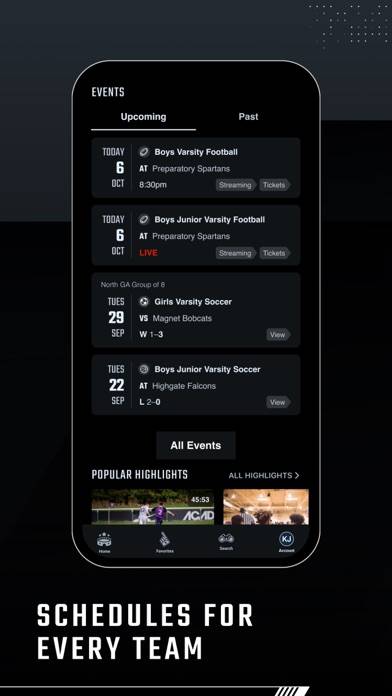
Everything you need to support schools, clubs, athletes and teams. Find scores, schedules, highlights, livestreams, tickets and more—all in one place.
How to Use Hudl Fan: Find. Watch. Follow. on Your PC or Mac
Want to enjoy Hudl Fan: Find. Watch. Follow. on your desktop? Download the latest APK (2.10, 41 MB) or choose your preferred version, and follow our Bluestacks emulator guide for easy installation on Windows or macOS. For any assistance with downloading or installing APK files, feel free to visit our forums!
User Reviews and Ratings
★★★☆☆Stream dropped
It was going good up until the stream dropped in the fourth quarter tried to make me pay again
★★☆☆☆Let down
The app is extremely inconsistent with being able to view games. For the team I like to follow, I usually can’t get a game to play, trying from multiple devices, until late in the first quarter. I have to normally find the game through the opposing teams HUDL page as it is not listed on the home teams page. Tonight the stream stopped at halftime. I like the thought of this app and am more than willing to pay to watch my nephew play from afar if I can expect some reliability. Also, I can only air
★★☆☆☆Garbage
Cant cast direct video sucks
★★★★★Awesome
I use Hudl all the time to watch my film for games and i love how it is free and there are like no adds. I can watch games from all over the country and i can favorite other players. This app has always been great to me!
★★★☆☆Frequently gives “error” codes
I love the ability to watch sporting events when I can’t make it live. However, every time I try to watch a previously recorded game it gives me an error code. I then have to delete the app and redownload it. Then it works again. I bets I have deleted the app at least 10 times so I could redownload it and watch a game. Annoying? Yes, but not the end of the world.