Metronomics Metronome
Published by John Nastos on May 17, 2011
Genre: Music
Ratings: 4.96
Version: 2024.2
Updated: Mar 11, 2024
Downloads: 868
Metronomics Metronome is a music app developed by John Nastos. Available for $4.99, it was updated to v2,024.20 on March 11, 2024, and currently holds a 4.96 out of 5 rating based on 23 reviews. Before downloading, make sure your device has at least 15 MB of free space and runs Android 13.5+ or iOS 14.5+.
A metronome for real musicians
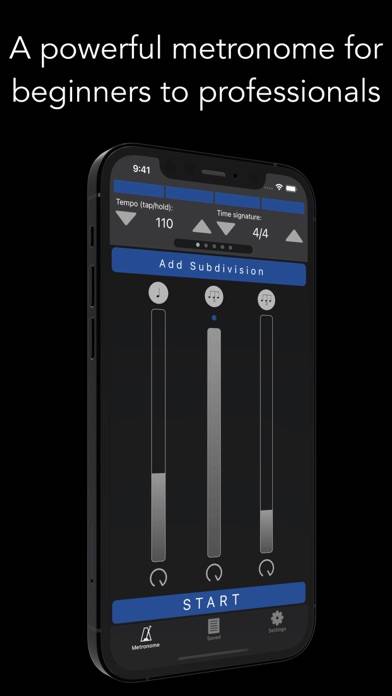
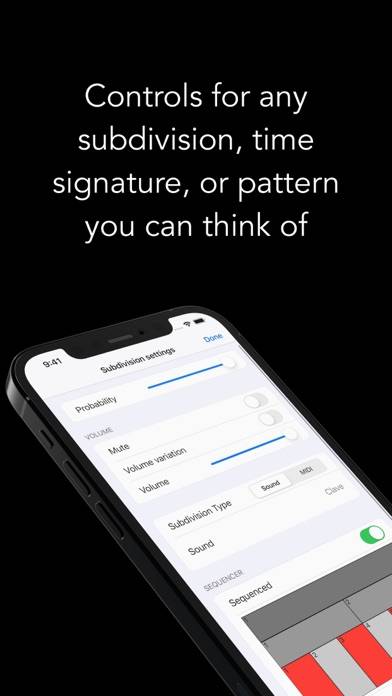
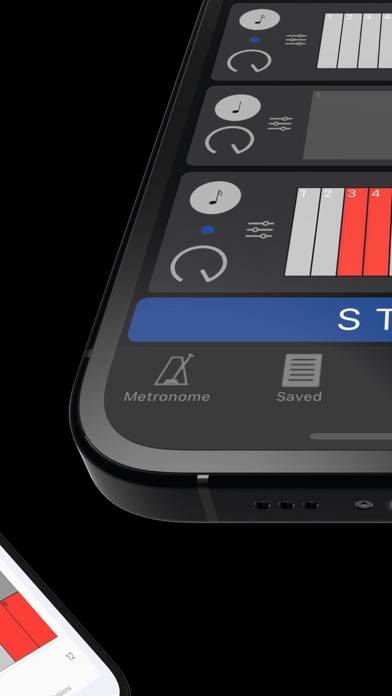
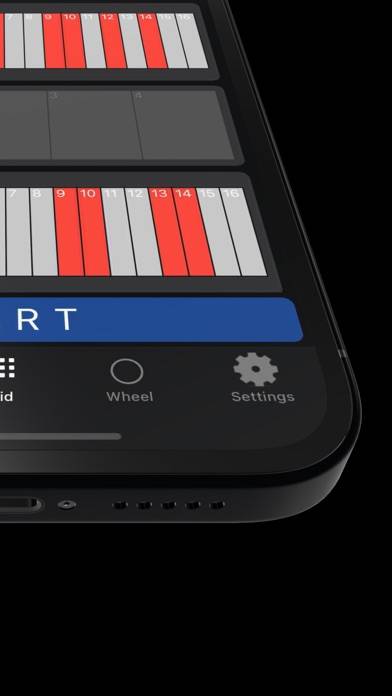
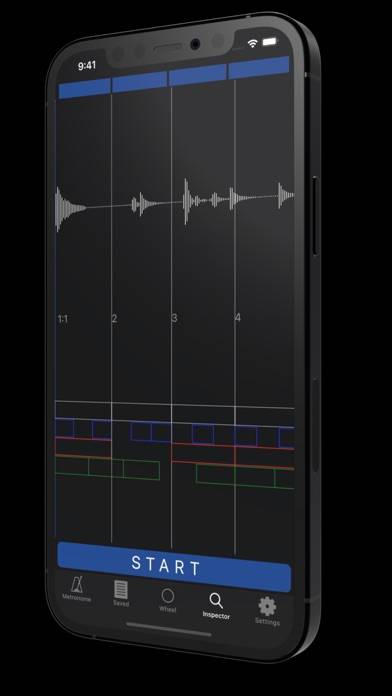
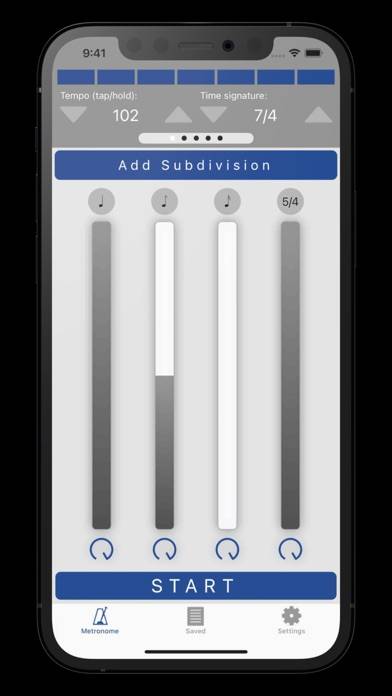
Video: Metronomics Metronome Overview
Description
Metronomics is not only a metronome, but a tool designed to help build a solid sense of time and rhythmic security.
Show more
Available In-App Purchases
Yearly Pro Subscription
$4.99
Download Metronomics Metronome
Scan to Get the App!

Using Metronomics Metronome on PC or Mac
Metronomics Metronome can be played on Windows and macOS using Android emulators such as BlueStacks. Download an APK version and follow our BlueStacks installation guide to get started. For help with downloading or installing APK files, visit our forums.
User Reviews and Ratings
★★★★★ Favorite Metronome
This is my favorite metronome and I use it for everything! It can function as a basic metronome, but under the hood it has amazing features.
I have searched through tons of metronomes and this one is by far the best. My particular use cases are:
* Gap click exercises
* tempo increases after a certain number of bars
* in depth metronome sequencer
* saving metronome settings
There are so many more great features. Another thing I love about the metronome is that the interface can be very simple
★★★★★ Most Powerful/ Flexible Metronome.
It is a great all-arounder. There are times when I want to learn or explore something weird and/or tricky, so I set it up in Metronomics to listen & play along. No other app has taught me more about cool new rhythms than this one!
★★★★★ Less cowbell
This metronome has some many options I haven’t been able to change the preset cowbell to a click. So I emailed the people and they got back to me very quickly. Here is their response :
“On the Settings screen, you can access the settings for the downbeat. There is also an option to show the downbeat on the main screen like the other subdivisions.”
★★★★☆ Love this app but need quality of life improvements
This metronome app does pretty much everything I want it to do. I can create various rhythms, control volumes and subdivisions, create playlists with saved metronomes, etc. The biggest headache is the saved metronome functionality. While I can create a folder, I can’t rename the folder. And if I want to reorganize custom metronomes in folders, I need to basically create a new folder, then open up each individual custom metronome, re-save into the new folder, then delete the old folder. Woul
★★★★★ Makes practicing more fun.
Read all reviews
I love this app. It makes practicing more fun.
It has a beautiful and easy to learn user interface.
I have tried many metronomes and this is the best one, period. It has made me a better player.