Microsoft Translator

Published by Microsoft Corporation on Aug 06, 2015

Microsoft Translator icon

Genre: Productivity

Ratings: 4.75

Version: 24.4.2

Updated: May 01, 2024

Downloads: 1,184

Microsoft Translator is a productivity app developed by Microsoft Corporation. Available as a free download, it was updated to v24.40 on May 01, 2024, and currently holds a 4.75 out of 5 rating based on 160.3K reviews. Before downloading, make sure your device has at least 30 MB of free space and runs Android 13+ or iOS 14.0+.
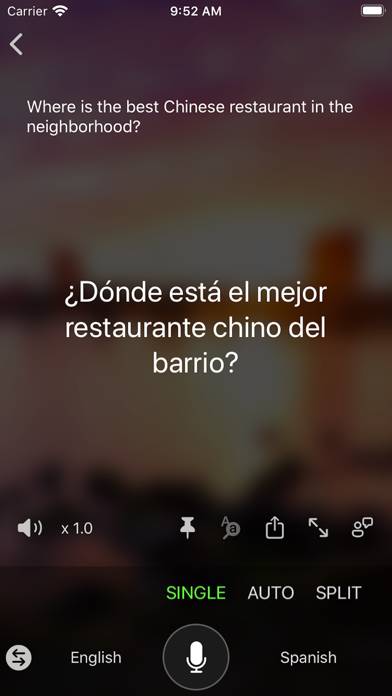
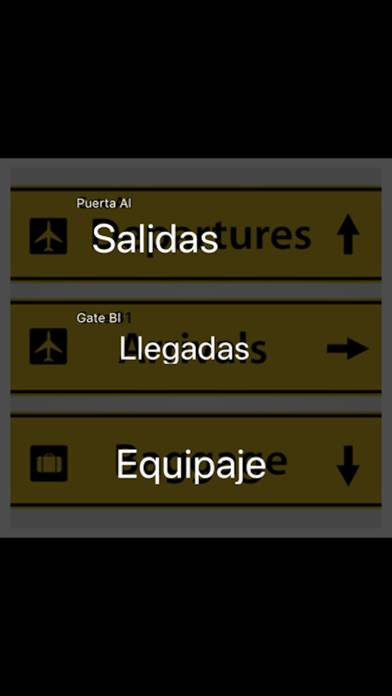
Video: Microsoft Translator Overview

Description

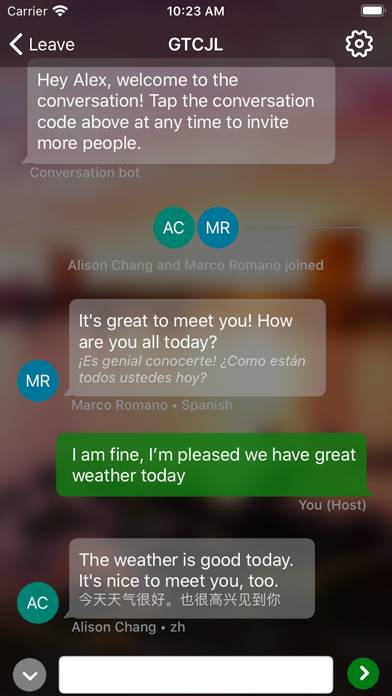
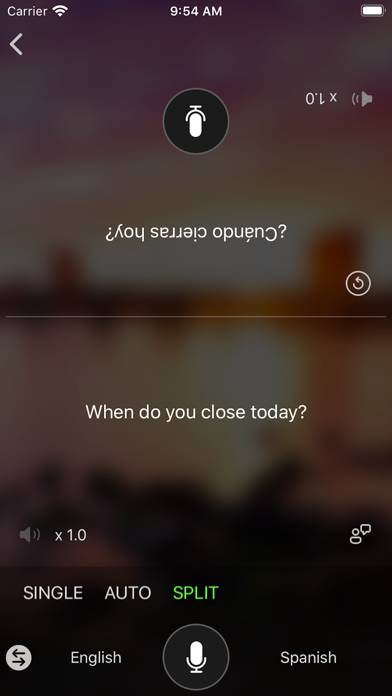
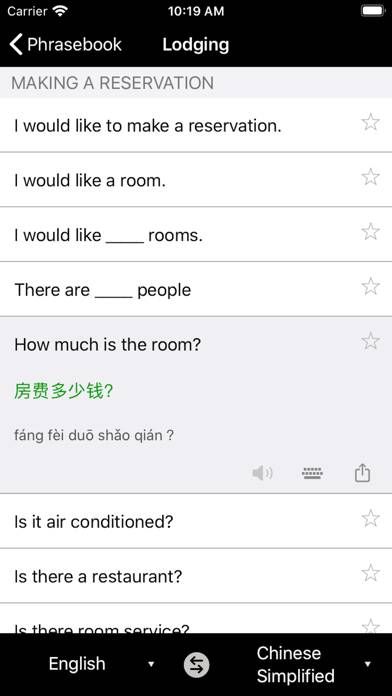
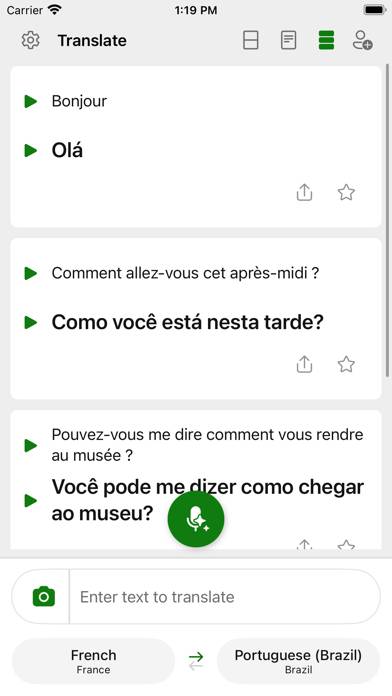
Need to communicate with someone who uses a different language? Microsoft Translator is here to help you break through language barriers and connect with people from around the globe.
Show more

Download Microsoft Translator

Scan to Get the App! QR code for Microsoft Translator

Using Microsoft Translator on PC or Mac

Microsoft Translator can be played on Windows and macOS using Android emulators such as BlueStacks. Download an APK version and follow our BlueStacks installation guide to get started. For help with downloading or installing APK files, visit our forums.

User Reviews and Ratings

★★★★★ This One is 🆓!
Than iTranslator and AI Translator!
★★★★★ Haider
تطبيق انصح بتنصيبه لأنه مجاني ودقيق الترجمة ويستحق 5 نجمات
★★☆☆☆ Documents? Files?
Tried to upload a PDF from Files. Could not find a means by which to upload any documents from anywhere in the known universe. It was the primary reason I downloaded it. I will be deleting it now. Only Clippy was less useful.
★★★★★ Excellent tiny app size!
Thanks for keeping the app size ~20 megabytes. That’s awesome, and way better than that other company’s translator app.
★★★☆☆ 没有离线包
没有离线包,太依赖网络
Read all reviews

Similar Productivity Apps

Lock Screen 14 screenshot
Lock Screen 14
1Writer - Markdown Text Editor screenshot
1Writer - Markdown Text Editor
Cam Scan - PDF Scanner Pro App screenshot
Cam Scan - PDF Scanner Pro App
Notefile screenshot
Notefile
Block and Wallpapers screenshot
Block and Wallpapers
Rubiagendapp screenshot
Rubiagendapp