MyMonitor is a utility app developed by Simon Hoss. Available for $1.99, it was updated to v1.16 on March 09, 2020, and currently holds a 3.25 out of 5 rating based on 57 reviews. Before downloading, make sure your device has at least 12 MB of free space and runs Android 8+ or iOS 9.0+.
Mix your personal monitor
Video: MyMonitor Overview
Description
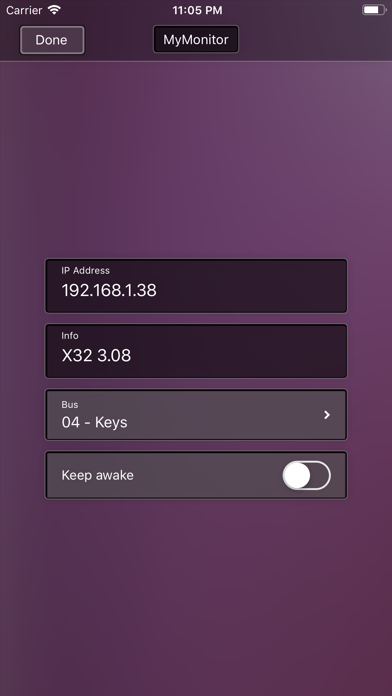
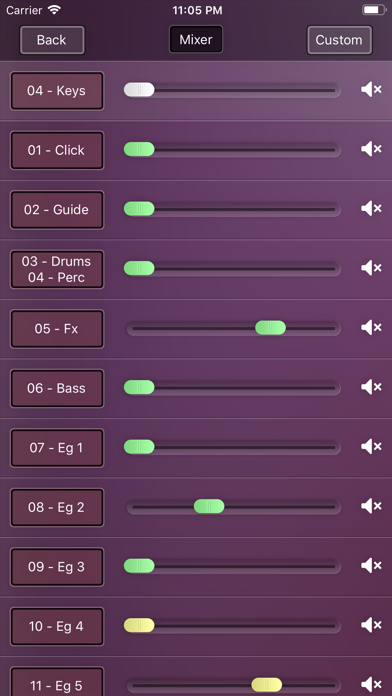
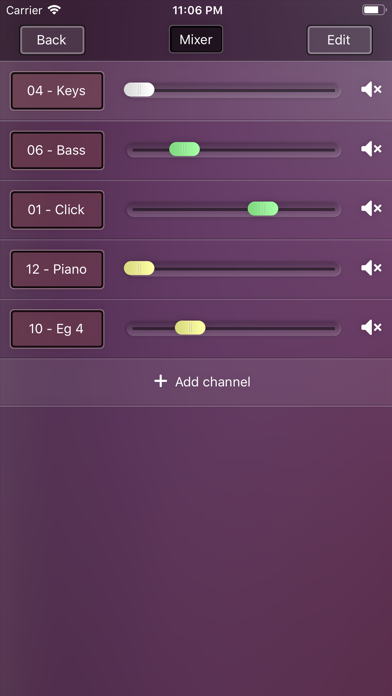
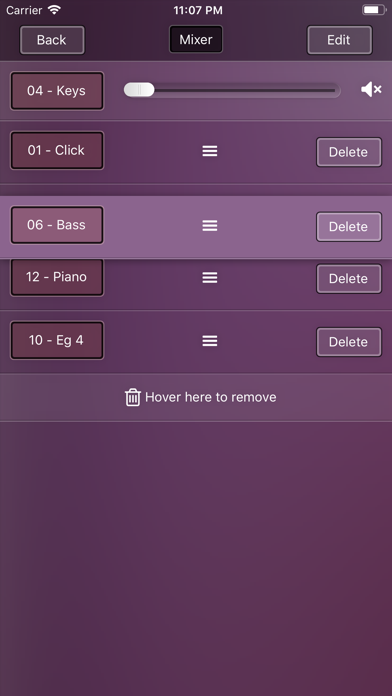
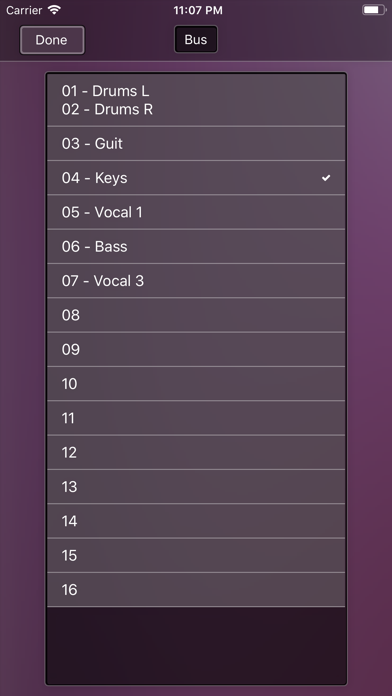
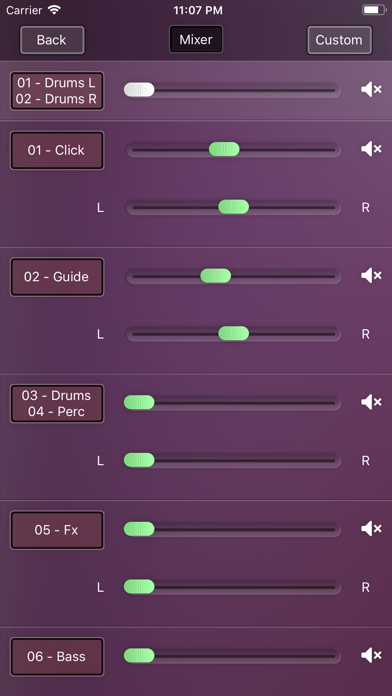
Connect your iPhone or iPad with a digital console and use it as your personal monitor mix
This app only controls the consoles. You will not hear any sound through your device.
MyMonitor may be playable on Windows and macOS using Android emulators such as BlueStacks. Follow our BlueStacks installation guide to get started. Looking for MyMonitor APK? Visit our forums for help finding authorized downloads, installing APK files, and troubleshooting installation issues.
User Reviews and Ratings
★★☆☆☆No audio
Can I use this app as an in ear monitor? Like with headphones? Or is it just for mixing the monitors? Cuz I can’t get it to work.
★★★★★Update: Perfect for my needs!
(Update: Simon quickly turned around a test version to work with the X-18 and then updated the app accordingly. That's a home run on both functionality and customer service!)
Only thing missing is support for the X-18 X-Air. It supports the XR-18 but not that one, although it will detect it on the network. Hopefully support for that will come soon!
★★☆☆☆..
When the app is working it’s great, Comes in very handy. The problem I’ve had is it never can save my boards IP address . And now for the longest time it will not connect . It always says no connection .
★★★★☆Effective
Works as advertised. Occasionally have funky connection issues, but closing app and reopening often resolves. Seems like it might be iOS related more than the App?
Not the best UI, but serviceable.
Overall very helpful for self control of mix! Speeds up rehearsal time.
★★★☆☆Cannot access, even a demo mode
I have downloaded this, and I would love to evaluate, but when the program starts it tries to connect and stays on “No Connection.” There is no option to look in demo mode, and no youtube videos. So I need to wait until I’m at the venue, wait for the PA to be set up, connect? That’s not enough time to evaluate and use in a performance? MXBus and MX-Q give you that ability…….