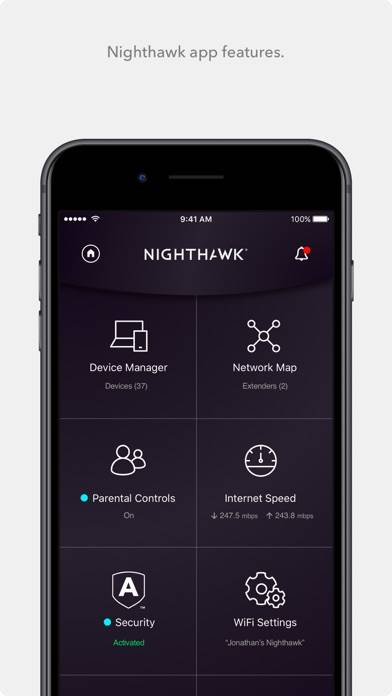
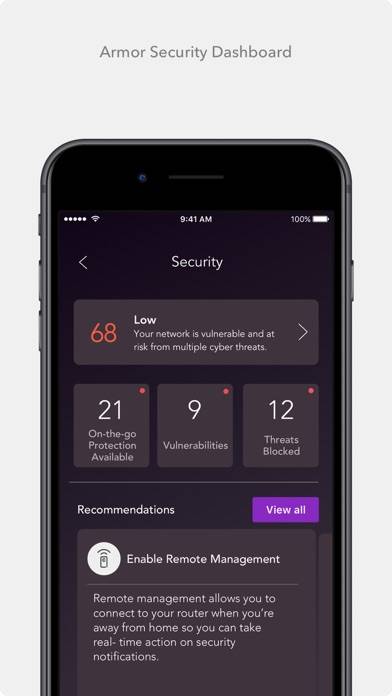
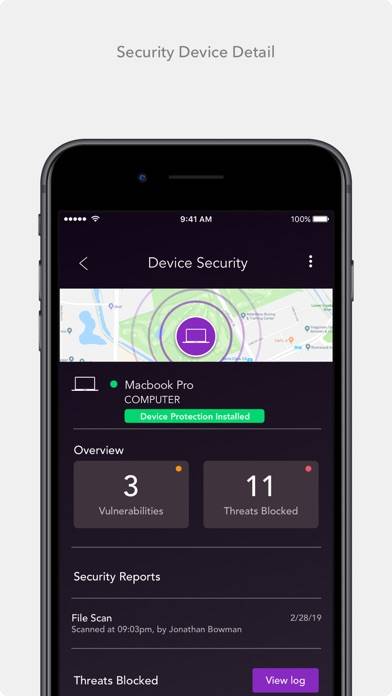
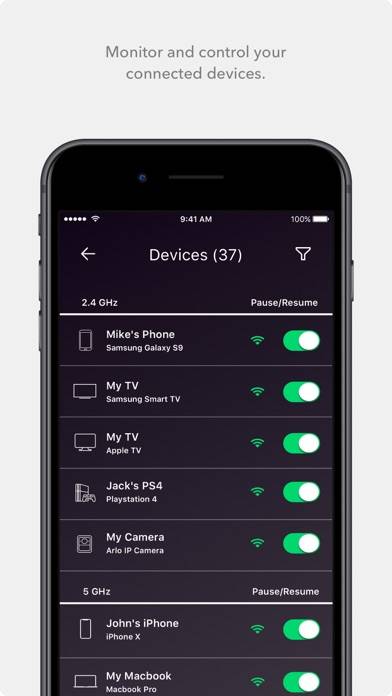
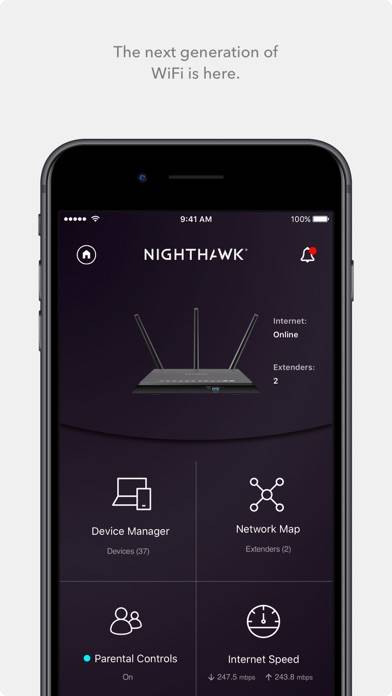
NETGEAR Nighthawk - WiFi App

Published by NETGEAR, Inc. on Sep 15, 2016

NETGEAR Nighthawk - WiFi App icon

Genre: Utilities

Ratings: 4.67

Version: 2.40.2.2

Updated: Sep 19, 2024

Downloads: 1,126

NETGEAR Nighthawk - WiFi App is a utility app developed by NETGEAR. Available as a free download, it was updated to v2.40 on September 19, 2024, and currently holds a 4.67 out of 5 rating based on 636K reviews. Before downloading, make sure your device has at least 236 MB of free space and runs Android 13+ or iOS 14.0+.

Easily access your features
Video: NETGEAR Nighthawk Overview

Description

Do more with your WiFi using the NETGEAR Nighthawk app. Access your router’s features and manage your network from anywhere after quickly setting up your WiFi in just a few steps.
Show more

Download NETGEAR Nighthawk

Scan to Get the App! QR code for NETGEAR Nighthawk

Using NETGEAR Nighthawk on PC or Mac

NETGEAR Nighthawk - WiFi App can be played on Windows and macOS using Android emulators such as BlueStacks. Download an APK version and follow our BlueStacks installation guide to get started. For help with downloading or installing APK files, visit our forums.

User Reviews and Ratings

★★★☆☆ App
When I first got the router the app was great. But now it’s junky half the time want even connect to the router. I am thinking of getting a new router from a different company
★★★★★ I’m loving it
Like I said “I’m loving it”
★★☆☆☆ Needs Netgear account
Surprised that nobody mentions that you need a Netgear account to use this app. Why ? Why create a Netgear account just to manage my mesh 6 system. So can not use this app for that reason. Stupid.
★★★★★ ScKev
Awesome! Thanks for the trial!
★★☆☆☆ Has Become Useless
This app has work well for me in the past with a fair amount of success. Recently though, it won’t accept my router login password even though I know I’m using to correct credentials. I can only successfully login once when I reboot the router. If I close the app and open again it won’t accept the password even though I just successfully logged in 30 seconds before after already rebooting the router.
Read all reviews

Similar Utilities Apps

LUPUS FC - IP camera surveillance screenshot
LUPUS FC - IP camera surveillance
Speak4Me Pro screenshot
Speak4Me Pro
Retro Txt Number Keyboard screenshot
Retro Txt Number Keyboard
Top #84 in Utilities Apps
Smart TV Remote for Samsung screenshot
Smart TV Remote for Samsung
Fonts Keyboards screenshot
Fonts Keyboards
Hivemapper Camera Viewer screenshot
Hivemapper Camera Viewer