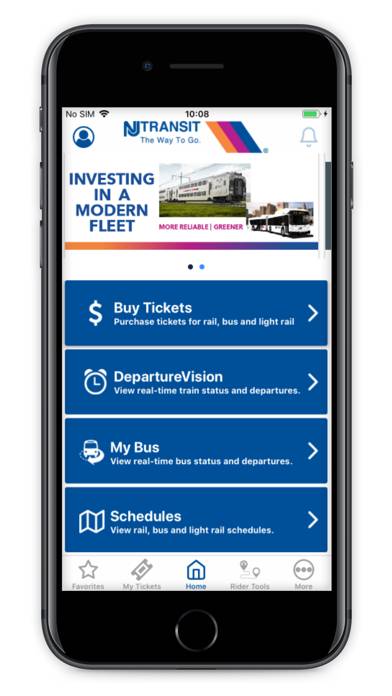
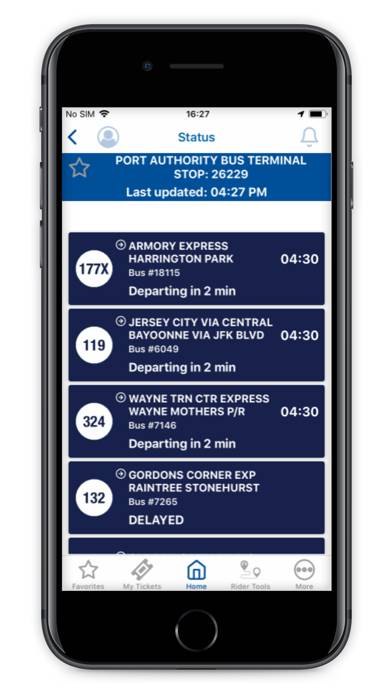
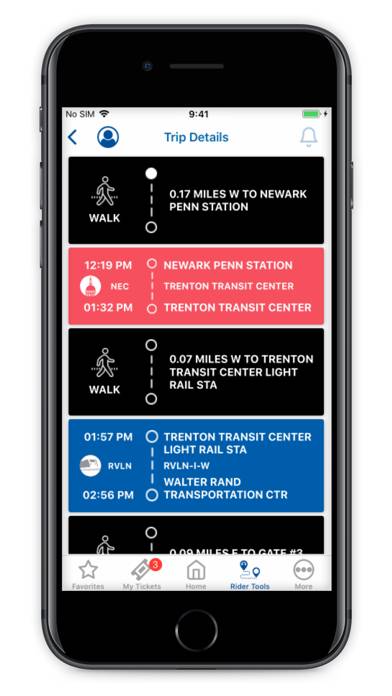
NJ TRANSIT Mobile App is a travel app developed by NEW JERSEY TRANSIT CORPORATION. Available as a free download, it was updated to v2,024.20 on August 23, 2024, and currently holds a 4.81 out of 5 rating based on 228.3K reviews. Before downloading, make sure your device has at least 66 MB of free space and runs Android 13+ or iOS 14.0+.
Video: NJ TRANSIT Mobile App Overview
Description
Using the NJ TRANSIT Mobile App, it’s easier than ever to travel throughout New Jersey to New York and Philadelphia. NJ TRANSIT information is conveniently available to you.
NJ TRANSIT Mobile App can be played on Windows and macOS using Android emulators such as BlueStacks. Download an APK version and follow our BlueStacks installation guide to get started. For help with downloading or installing APK files, visit our forums.
User Reviews and Ratings
★★☆☆☆Timing
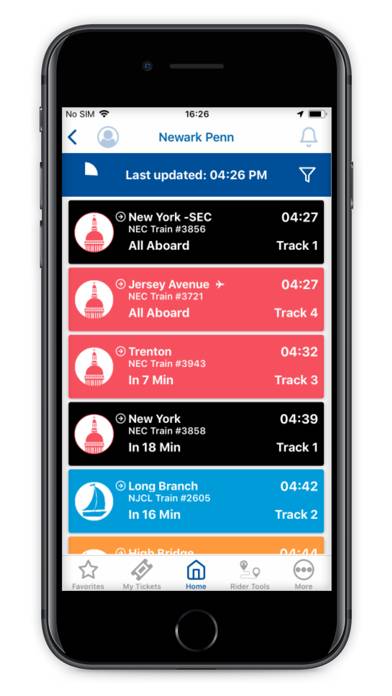
Last few months the light rail schedule isn’t the same. If I’m going on the west side train it says a certain time but when I arrive it’s tonnelle ave train coming instead so I’m
Left to wait up to 45 minutes minute waiting for the train.
★★★☆☆Time Lock-out
The app checks local (ie. phone) time vs current time in the Eastern zone. A mismatch causes an error condition making ticket purchase impossible. THIS NEEDS TO BE FIXED! I should be able to buy my ticket for tomorrow even if I’m currently in Dallas.
★★★☆☆Navigating
This app is so confusing it could be a lot easier to access
★★★★☆Good app but UX needs to be better
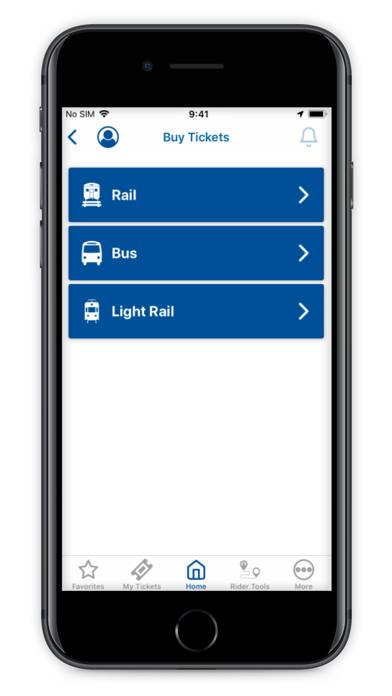
I can get all the NJTRANSIT travel options and buy tickets using the app. That’s great. But some of menus get so nested that you get lost. I was looking at bus options and couldn’t find a button to buy tickets. Finally figured out I had to go back one menu item a time to get to the main menu where I see Buy Tickets.
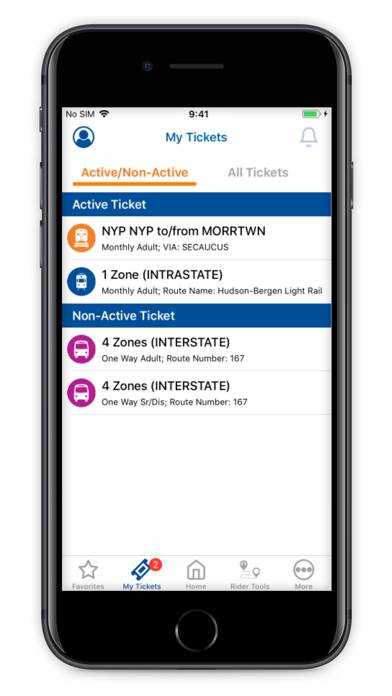
Hey, put a buy ticket menu item on the navigation bar at the button and also add a button on the MyTickets page. Make it easy for folks to spend money and not have to struggle to fi
★★★☆☆Works OK but..
It’d be fantastic if you could suppress the Apple Wallet pop up while a ticket’s QR code is displayed on the phone screen, so I can actually scan my ticket on the bus without being asked to use my bank card.
This temporary Wallet Suppression feature is explained on Apple’s Developer website, it’d be great to see it implemented appropriately.