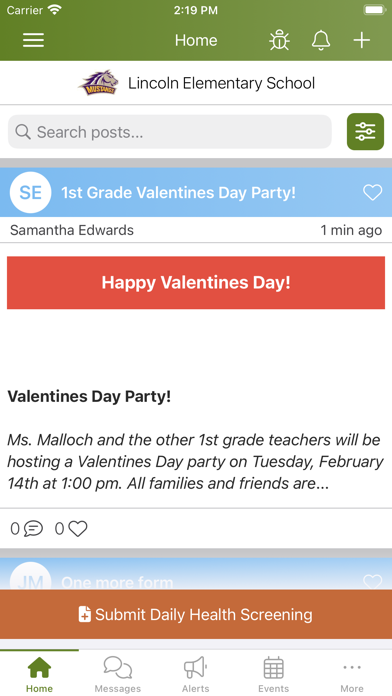
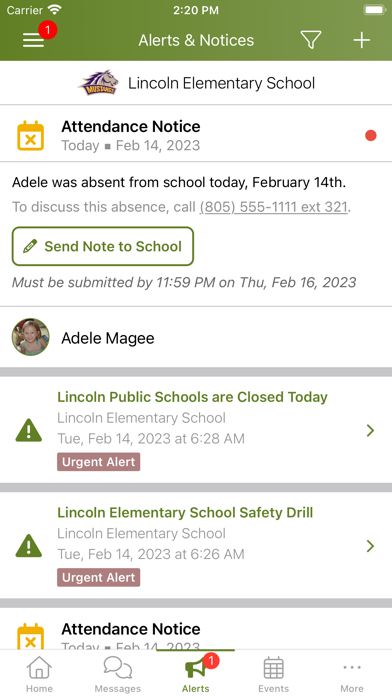
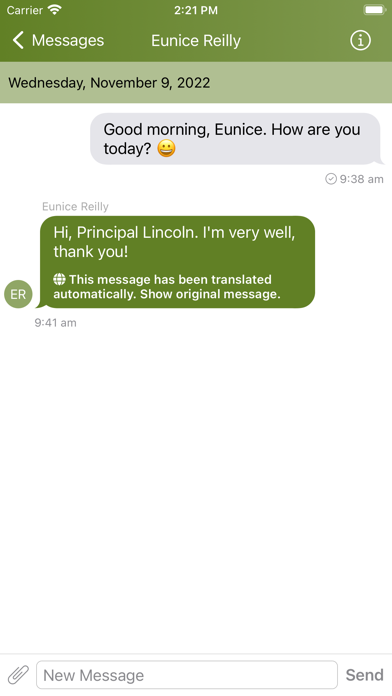
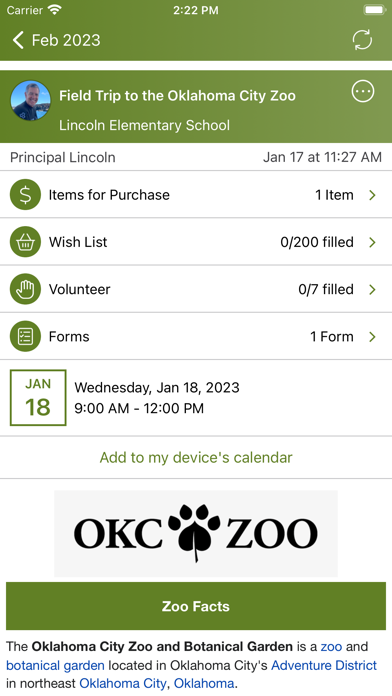
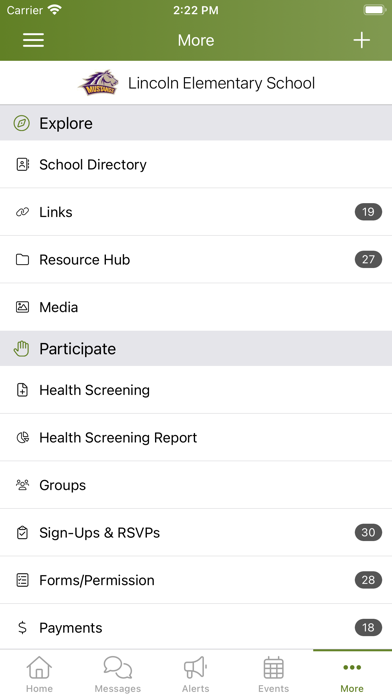
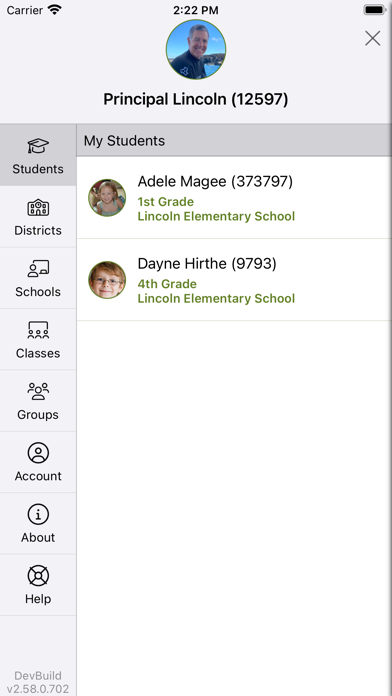
ParentSquare is an education app developed by ParentSquare. Available as a free download, it was updated to v2.84 on September 30, 2024, and currently holds a 4.62 out of 5 rating based on 54.5K reviews. Before downloading, make sure your device has at least 128 MB of free space and runs Android 14+ or iOS 15.0+.
Video: ParentSquare Overview
Description
What is ParentSquare?
-------------------------
ParentSquare is a safe and secure platform for all school-to-home communication.
ParentSquare may be playable on Windows and macOS using Android emulators such as BlueStacks. Follow our BlueStacks installation guide to get started. Looking for ParentSquare APK? Visit our forums for help finding authorized downloads, installing APK files, and troubleshooting installation issues.
User Reviews and Ratings
★★★☆☆Nice try, but could be so much better
The single biggest annoyance is that I can’t scroll through a single consolidated “news feed” for both of my daughters, and instead have to switch between their middle school and elementary school. If Facebook can combine everything into a single feed, so can you.
Overall the app feels more like someone’s senior design project than something a professional software development company produced.
★★★☆☆Annoyance
Will not clear notifications after they have been seen.
★★★★★Stay informed & have some school spirit for your kids!
Love it, keeps me informed on what’s going on in school activities and events!
★★★★★Great Communication Tool!
Unfortunately, the school-to-home communication chain breaks down when it goes through my 15 year old son. Having an app at my fingertips where I can check messages and communicate directly with his teachers has been a game changer!!!
★★★☆☆Alerts won’t go away
When we get an alert that requires a parent to write a response note, the red notification does not go away for the parent who did not write the note. It persists until some random time where it will go away. The parent who didn’t write the note also can’t open the note to see the response to clear the alert and closing the app and reopening also does nothing.
More annoying than anything else