Pi-hole Remote is a utility app developed by RocketScience IT. Available for $3.99, it was updated to v5.20 on January 03, 2024, and currently holds a 4.89 out of 5 rating based on 711 reviews. Before downloading, make sure your device has at least 50 MB of free space and runs Android 13+ or iOS 14.0+.
A Remote for Pi-hole
Video: Pi-hole Remote Overview
Description
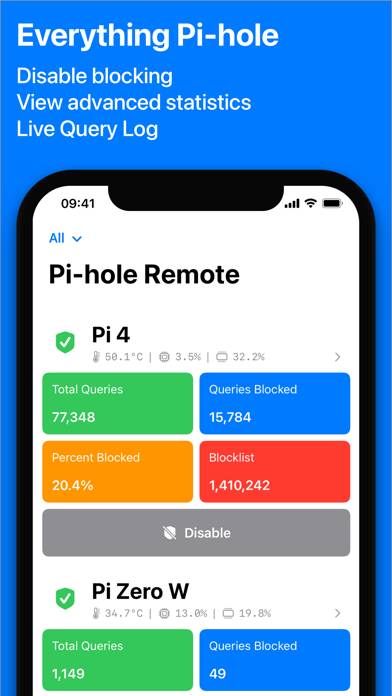
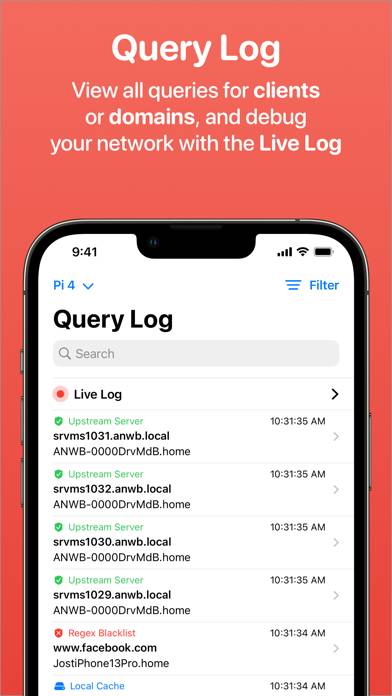
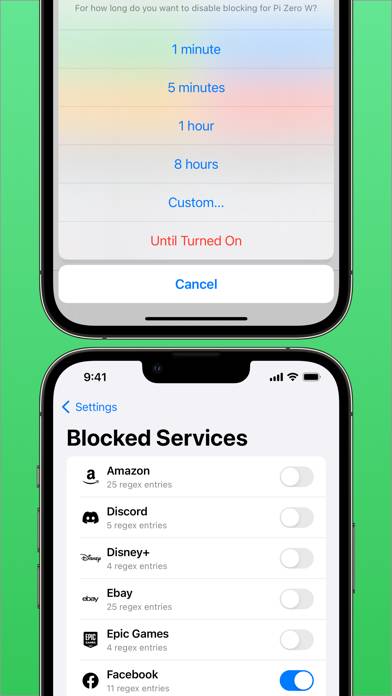
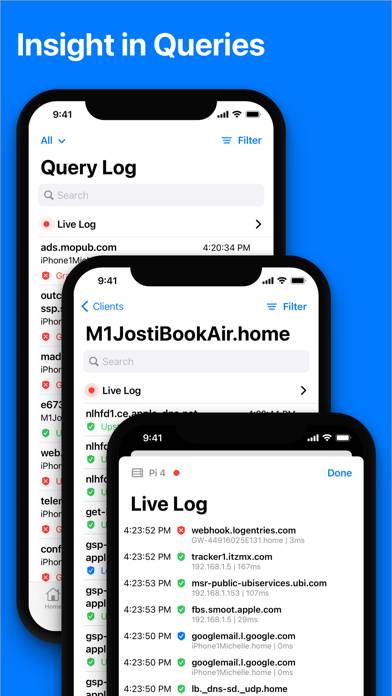
Pi-hole Remote is a third party Pi-hole application that lets you quickly enable/disable your Pi-hole, as well as add domains to your whitelist/blacklist and view statistics such as top allowed and blocked domains!
Pi-hole Remote can be played on Windows and macOS using Android emulators such as BlueStacks. Download an APK version and follow our BlueStacks installation guide to get started. For help with downloading or installing APK files, visit our forums.
User Reviews and Ratings
★★★★☆Excellent App, Slight Regression
Overall Pi-Hole Remote is an excellent app! I’ve been using it for years on all my devices (macOS, iOS), but with the v7 update it seems that using the quick-add feature of domains to the allowlist when viewing the “blocked” log from the main menu of the app causes the app to instantly crash on macOS. I usually work around this by going to my iPhone to add a domain from the log of blocked sites, but it would be great to see this bug fixed on macOS.
★★★★★Best Pi-hole Manager on iOS!
I’ve not only downloaded this excellent app for my local Pi-hole instance, but also purchased it to ensure the developer gets a change to continue to develop this app. If you have Pi-hole installed on your network, get this app as you won’t regret it.
★★★★★Always Fresh!
The esteemed developer keeps this app up to date and in support of the pi-hole super-nurd community.
Always taking feedback and adding new features.
Always.
Thank you!!
★★★★★Incredible app
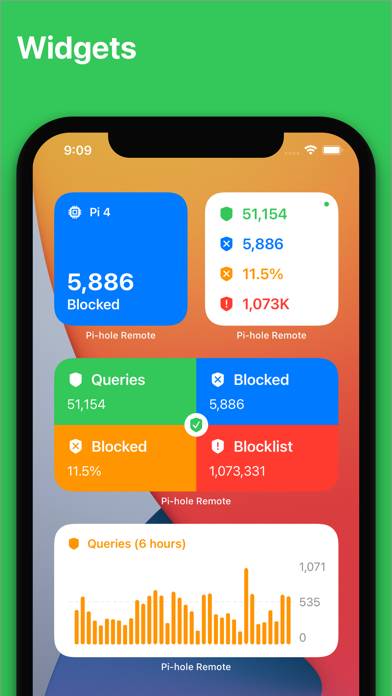
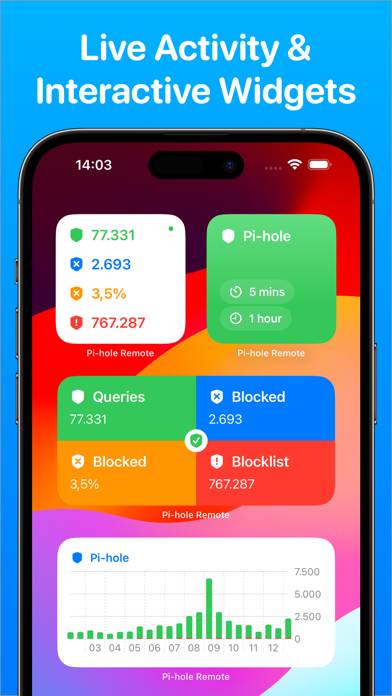
It’s always been good but now that the widgets and lock screen toggles are in and operational it’s just adds a new level of interactivity to my pihole.
★★★★★Easy to Use Stable App
Discovered this app after recently installing a Pi-Hole on my local network. Even for a novice user like me this was very easy to both use and setup. The information displayed is clearly visible, easy accessible, and well laid out. I found it very useful to use so I can monitor the activity of the pi-hole directly from my phone as well as being able to quickly disable pi-hole for any reason such as needing to temporarily allow traffic through that might be on a block list. Reasonably priced with