Pomodoro Timer - To Do List

Published by Chongqing LiangZeMu Technology Co., Ltd. on Jun 06, 2019
Pomodoro Timer - To Do List icon

Genre: Productivity

Ratings: 4.36

Version: 1.6.4

Updated: Jun 13, 2024

Downloads: 536

Pomodoro Timer - To Do List is a productivity app developed by Chongqing LiangZeMu Technology. Available as a free download, it was updated to v1.60 on June 13, 2024, and currently holds a 4.36 out of 5 rating based on 45 reviews. Before downloading, make sure your device has at least 51 MB of free space and runs Android 12+ or iOS 13.0+.

Reminders,Planner & Countdown
Video: Pomodoro Timer Overview

Description

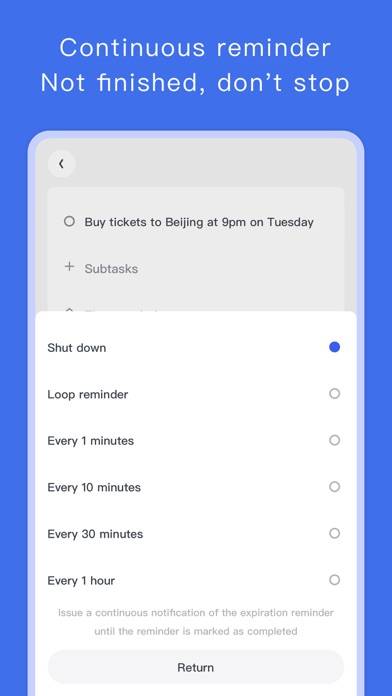
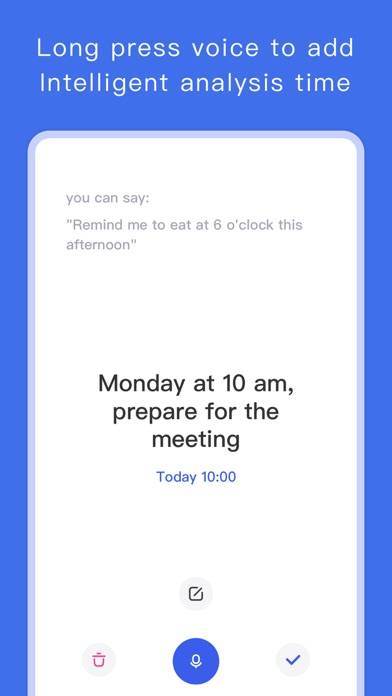
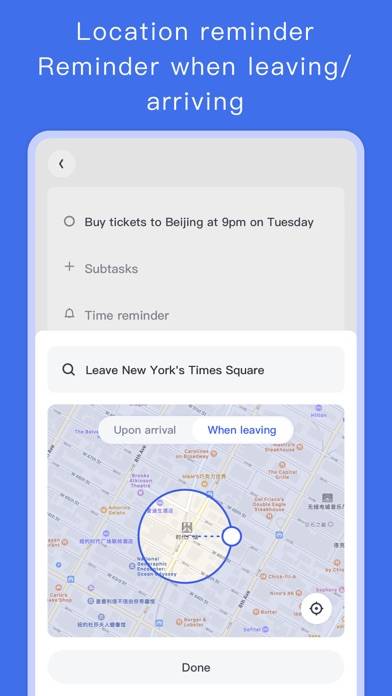
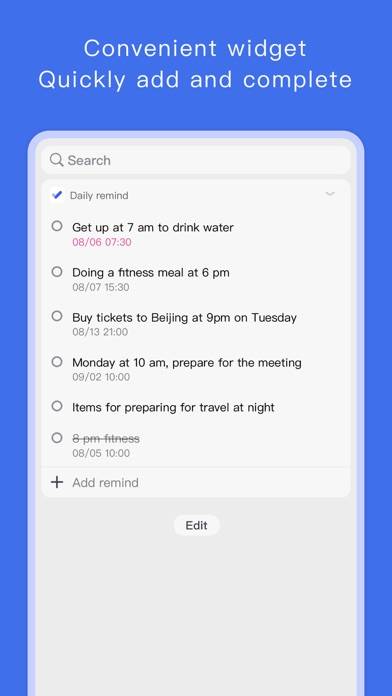
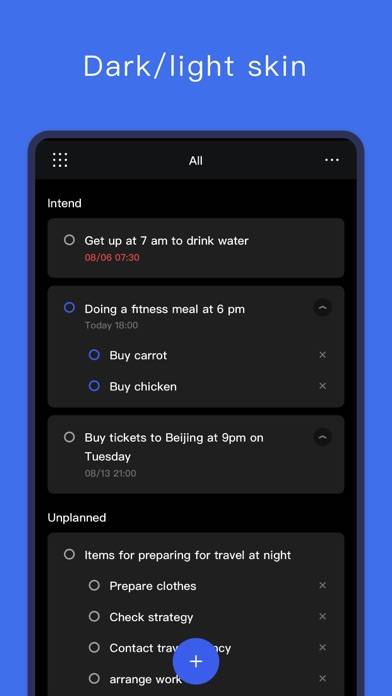
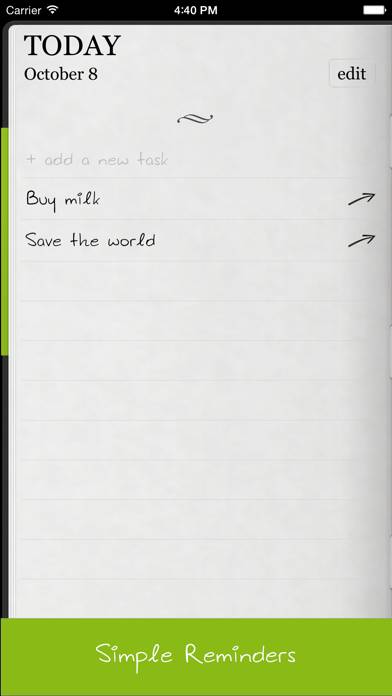
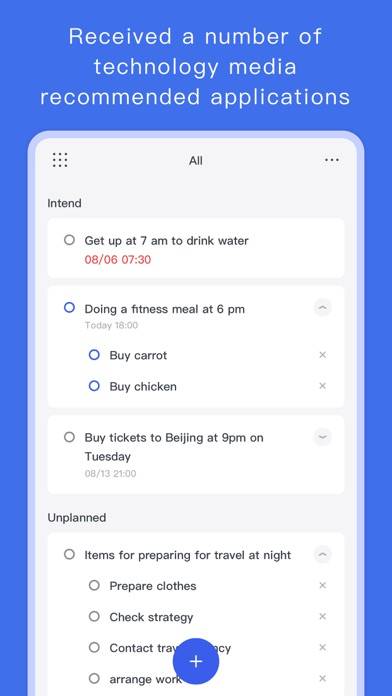
Pomodoro, a light and concise focusing software. It can help you focus on learning, make learning plans, set meeting reminders, arrange travel plans, and can also be used to record notes and organize shopping lists.
Show more

Available In-App Purchases

Annual membership

$2.99

Monthly membership

$0.49

Permanent member

$5.99

Download Pomodoro Timer

Scan to Get the App! QR code for Pomodoro Timer

Using Pomodoro Timer on PC or Mac

Pomodoro Timer - To Do List can be played on Windows and macOS using Android emulators such as BlueStacks. Download an APK version and follow our BlueStacks installation guide to get started. For help with downloading or installing APK files, visit our forums.

User Reviews and Ratings

★★★★★ great!
simple and easy. thanks!
★★★☆☆ Needs to improve
Should offer more features like: clock preference: 12- or 24-hour clock. And there is no “return” keyboard under adding reminder and no nagging reminder if I missed the reminder. However this app is neat and clean layouts.
★★★★★ Five stars
Perfect for everyday use, simple-to-use UI, and intuitive! Excellent app for those looking for something to keep track of todo lists.
★★★★★ Fantastic
So easy to use and minimal just like it says.
★★★★★ Nice and clean.
Simple and beautiful. Easy to navigate and understand. I just wish there was a toggle to turn off the prompt that asks if you want to clear repeated reminders. I don’t want to accidentally clear reminders like bills that I might want to check to see if they were paid. Also, the history of completed reminders based on category or date would also be nice. Completed: Bills 10/12/19 ——————————— Water Electric Birthdays ——————————— Sarah Get gift Etc...
Read all reviews

Similar Productivity Apps

CyberGhost VPN: Safe WiFi screenshot
CyberGhost VPN: Safe WiFi
Multi SM Pro screenshot
Multi SM Pro
3D Scanner: Cam & PDF Scanner screenshot
3D Scanner: Cam & PDF Scanner
Azure Information Protection screenshot
Azure Information Protection
iTranslate Translator screenshot
iTranslate Translator