Remote KeyPad and NumPad Pro

Published by Evgeny Cherpak on Jul 20, 2016
Remote KeyPad and NumPad Pro icon

Genre: Productivity

Ratings: 4.64

Version: 2024.39

Updated: Sep 17, 2024

Downloads: 824

Remote KeyPad and NumPad Pro is a productivity app developed by Evgeny Cherpak. The last update, v2,024.39, released on September 17, 2024, and it’s rated 4.64 out of 5 based on the latest 627 reviews. Remote KeyPad and NumPad Pro costs $4 and requires iOS 16.0+ and Android 15 or newer to download.

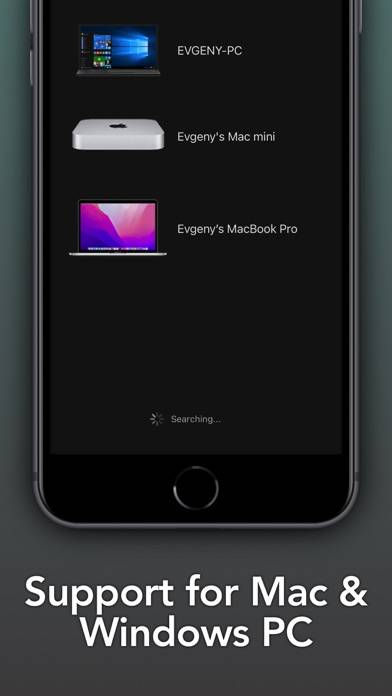
for Mac, Windows PC computer

Video: Remote KeyPad and NumPad Pro Overview

Description

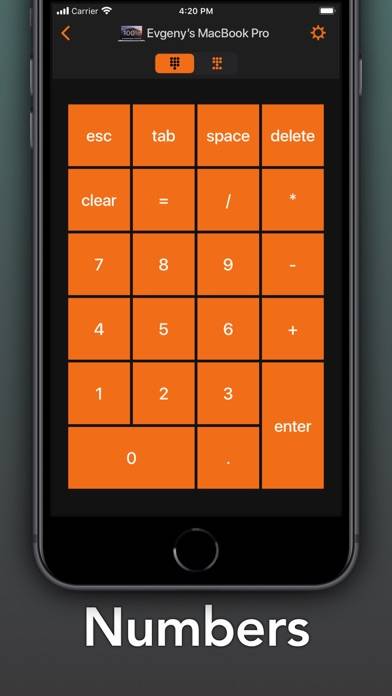
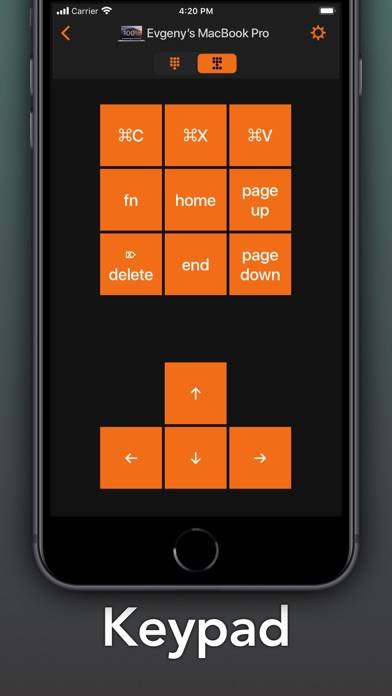
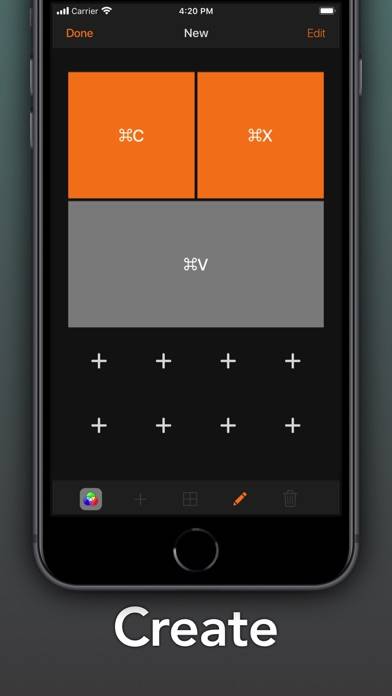
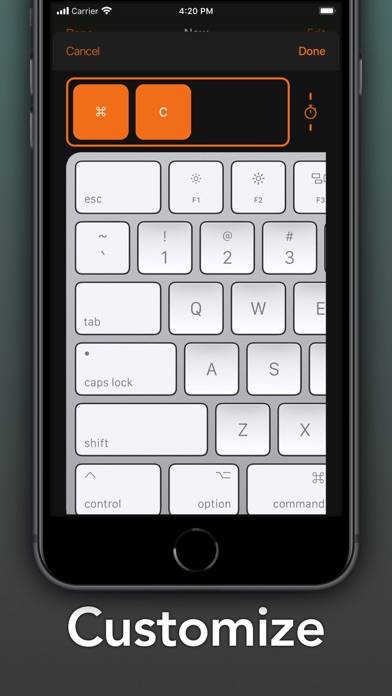
Turn your iPhone or iPad into a powerful and elegant keyboard extension with numbers and navigation pads. Create custom keypads for your professional tools to boost productivity.
Show more

Download Remote KeyPad and NumPad Pro

Scan to Get the App!
QR code for Remote KeyPad and NumPad Pro

How to Use Remote KeyPad and NumPad Pro on Your PC or Mac

Want to enjoy Remote KeyPad and NumPad Pro on your desktop? Download the latest APK (2,024.39, 30 MB) or choose your preferred version, and follow our Bluestacks emulator guide for easy installation on Windows or macOS. For any assistance with downloading or installing APK files, feel free to visit our forums!

User Reviews and Ratings

★★★☆☆ Myself
How do I use it
★★★★★ Solid App
I tried other apps and they did not input “+” and “-“ as if they’re coming from the numeric keypad. This one does! The ability to make custom keypads is a plus, though I did not see a way to change the size of the actual tile on the custom keypad. It is quite customizable though, and this is an area in which I could delve deeper. One caveat is the latency, but this is probably inevitable for an app like this. And in most cases, it won’t matter. All in all, it’s a solid app that can come in handy
★★☆☆☆ Trouble reconnecting
Worked fine one time. Have been unable to use after first attempt. Tried to contact developer. No response. Disappointed.
★★★★★ Culling photos
I sort through thousands of photos at a time in Lightroom, rating them by hitting the 2 or 3 keys, along with a handful of others. Holding my hand over the physical keyboard is an ergonomic strain, so this app allows me to push the buttons I need right from my phone while my hands are on a more comfortable and natural position. I’ve designed four big buttons (by merging 4 little squares) so that i can fly through the photos with just my thumbs. I’m sure I’ll be coming up with lots of other uses
★★★☆☆ First time
Not a fan of pop ups requesting I share the app. Especially since I paid for it.
Read all reviews

Related Apps

LEDWallCalc screenshot
LEDWallCalc
TunnelBear: Secure VPN & Wifi screenshot
TunnelBear: Secure VPN & Wifi
Top #98 in Productivity Apps
TwomonUSB - Extended Display screenshot
TwomonUSB - Extended Display
My Secret Notes screenshot
My Secret Notes
Air Doc Viewer Pro screenshot
Air Doc Viewer Pro
Remote KeyPad and NumPad Pro App Alternatives