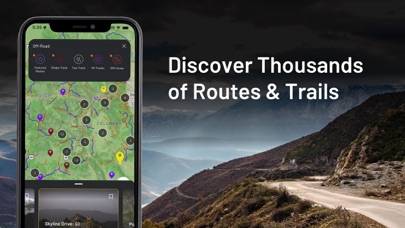
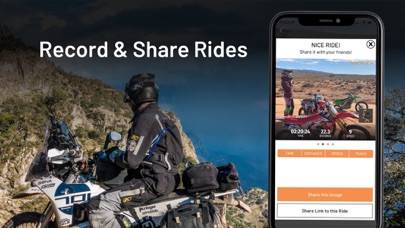
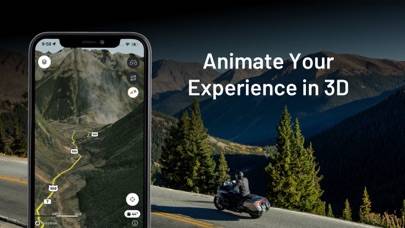
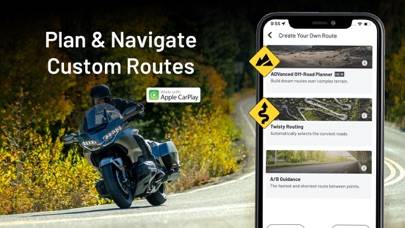
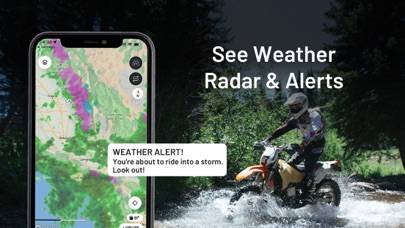
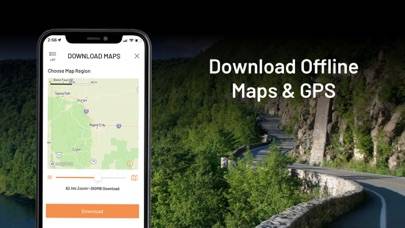
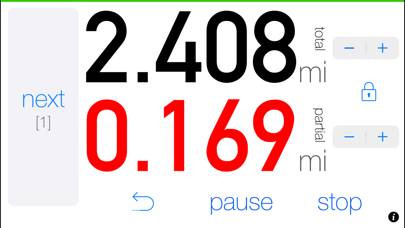
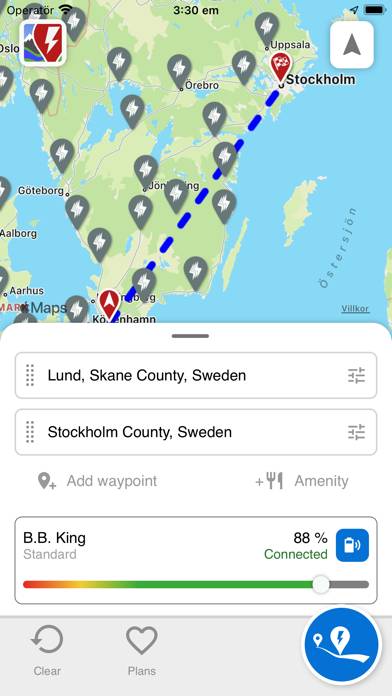
REVER - Motorcycle GPS & Rides is a navigation app developed by Rever LLC. Available as a free download, it was updated to v8.10 on October 15, 2024, and currently holds a 4.65 out of 5 rating based on 11.7K reviews. Before downloading, make sure your device has at least 152 MB of free space and runs Android 13+ or iOS 14.0+.
Your Ride Starts Here
Video: REVER Overview
Description
Looking to elevate your riding experience and make it more fun and memorable? Consider using REVER - the world's largest GPS app and community for motorcycle, snowmobile, and off-road enthusiasts.
REVER - Motorcycle GPS & Rides can be played on Windows and macOS using Android emulators such as BlueStacks. Download an APK version and follow our BlueStacks installation guide to get started. For help with downloading or installing APK files, visit our forums.
User Reviews and Ratings
★★★☆☆Great idea, horrible user interface
I simply want to start GPS directions to Bear Mountain from Brooklyn using a scenic route. The interface is super tedious to do something so simple. I know this app can do it, but I wish it was as one-tap straightforward as Google Maps or Apple Maps.
★★★☆☆Love it, but…..
I love the planning and the app works pretty good, but the lack of support for family sharing is going to stop me continuing my subscription. Other apps of equal quality like Inroute support family sharing.
★★☆☆☆Several Issues Unfortunately
1) Why is the default in turn-by-turn navigation to turn off my screen after ~5 minutes? I need my screen to see the turns ahead! 2) If you map a rout using the app then use turn by turn navigation, rather than telling you left or right ahead, it just tells you when you’re approaching a waypoint. I don’t care about the waypoints I use to create the route, I just want to know the left and right turns to get there. 3) Where in the world is the “settings” menu buried in this app? For the life of m
★★★★★Parque nacional los Padres
Un paseo muy bonito, camino muy bueno se requiere un buen grado de experiencia en la conducción , muchas curvas , pero si tienes un poco de experiencia lo vas a disfrutar mucho, trata de realizar la ruta temprano , en la tarde hay lluvia y niebla, en general muy divertido
★★☆☆☆Pro doesn’t work
Most of the pro features don’t work. Just use the free version. Then use google maps for the rest