ShutterCount Mobile

Published by DIRE Studio Kft. on Apr 04, 2016

ShutterCount Mobile icon

Genre: Photo & Video

Ratings: 3.26

Version: 6.5.1

Updated: Dec 06, 2023

Downloads: 2,012

ShutterCount Mobile is a photo & video app developed by DIRE Studio. The last update, v6.50, released on December 06, 2023, and it’s rated 3.26 out of 5 based on the latest 54 reviews. ShutterCount Mobile costs $8.99 and requires iOS 15.6+ and Android 14.6 or newer to download.

The Original

Video: ShutterCount Mobile Overview

Description

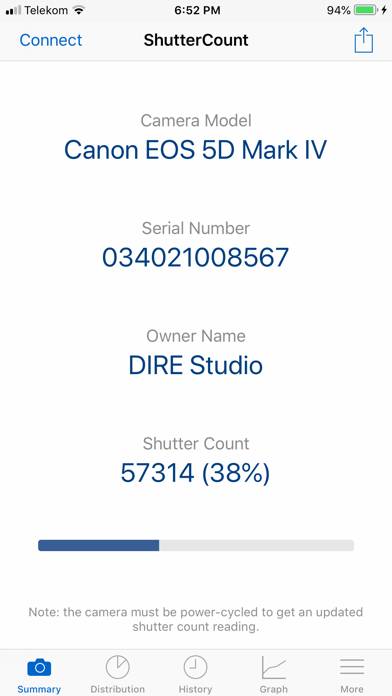
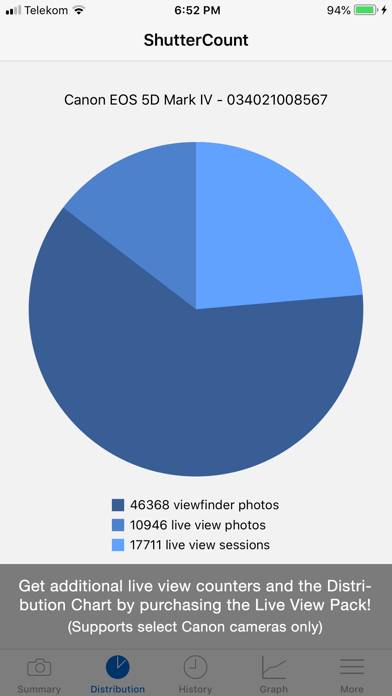
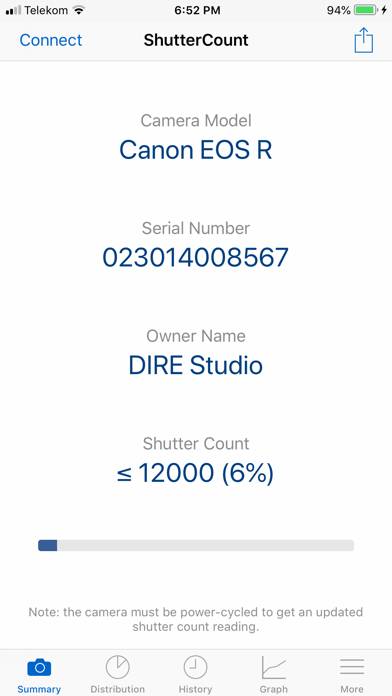
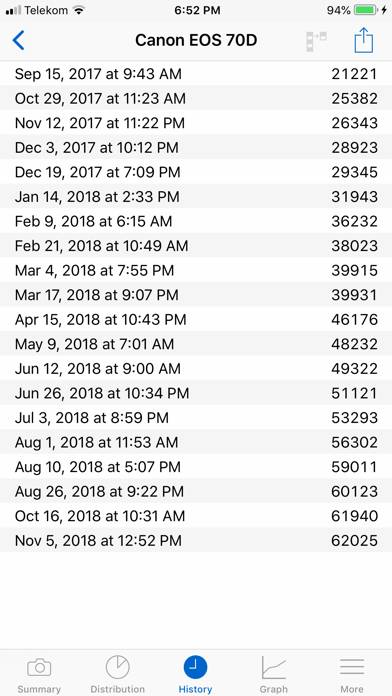
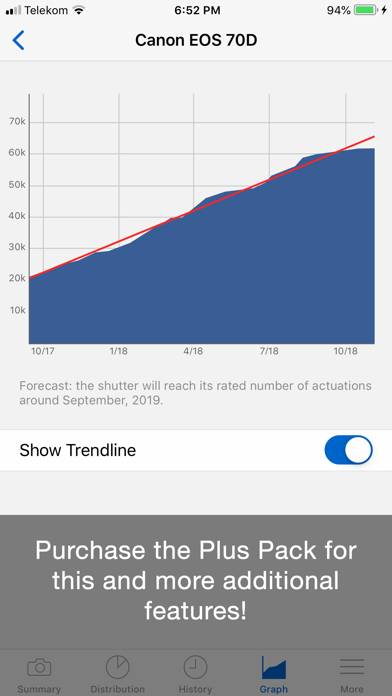
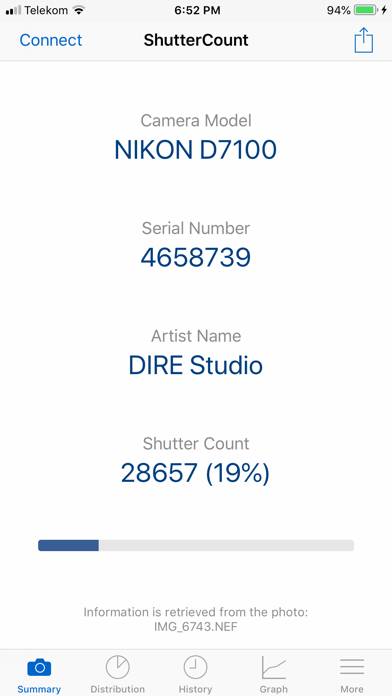
*** The original, most feature-rich and only iOS shutter count reader that works with all new Canons *** ShutterCount displays the number of shutter actuations (the shutter count) of your Canon EOS, Nikon or Pentax digital camera - see the complete list of certified models below.
Show more

Available In-App Purchases

Live View Pack

$3.99

Plus Pack

$4.99

Download ShutterCount Mobile

Scan to Get the App!
QR code for ShutterCount Mobile

How to Use ShutterCount Mobile on Your PC or Mac

Want to enjoy ShutterCount Mobile on your desktop? Download the latest APK (6.50, 3 MB) or choose your preferred version, and follow our Bluestacks emulator guide for easy installation on Windows or macOS. For any assistance with downloading or installing APK files, feel free to visit our forums!

User Reviews and Ratings

★★★★★ Piece of cake
1. Take 2 ended usb-c cable 2. Hook one end to your mirrorless camera 3. Hook other end to your I-pad 4. Pop open your app. Vola!
★★☆☆☆ Limit use
Only give increments of 1000 on Canons! Not a lot of use...
★★★★★ Shutter Count on my 7d mark ii
This actually worked great for me and my friends camera!
★★★☆☆ Works but difficult to figure out at first
Ok…I am technical and still had difficulty pairing my canon cameras at first. 1. WiFi settings on camera should log into your home wifi (same as your phone is on) 2. Choose option on your camera for computer (even if using a phone…never choose phone) 3. Open app and choose connect via wifi (top left button) 4. Phone app will find your camera choose ok and then choose ok on your camera 5.good luck!
★★★★☆ It’s hard but it will work
I’ve spent more than 2 hours between my desktop and my mobile phone it took me 30 mins to figure it out connect to your WiFi from the camera and press connect on the app it will work I promise I know you might think it’s a scam but it’s not
Read all reviews

Related Apps

Wallpaper Expert Pro screenshot
Wallpaper Expert Pro
KnockOut HD Pro-Photo Editor screenshot
KnockOut HD Pro-Photo Editor
iWatermark screenshot
iWatermark
Decim8 screenshot
Decim8
Velomingo: Velocity Edit Maker screenshot
Velomingo: Velocity Edit Maker
Top #88 in Photo & Video Apps
Pimple Eraser screenshot
Pimple Eraser
ShutterCount Mobile App Alternatives