SP Voice
Published by Ratha Sou on Nov 14, 2013
Genre: Productivity
Ratings: 4.39
Version: 4.1.2
Updated: Apr 23, 2024
Downloads: 740
SP Voice is a productivity app developed by Ratha Sou. Available for $2.99, it was updated to v4.10 on April 23, 2024, and currently holds a 4.39 out of 5 rating based on 270 reviews. Before downloading, make sure your device has at least 20 MB of free space and runs Android 10+ or iOS 11.0+.
Silently work at best quality
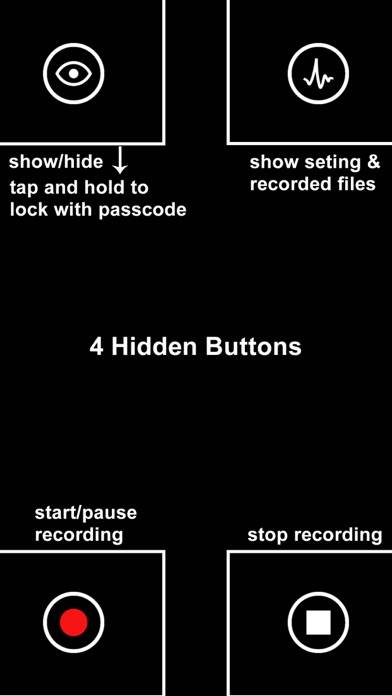
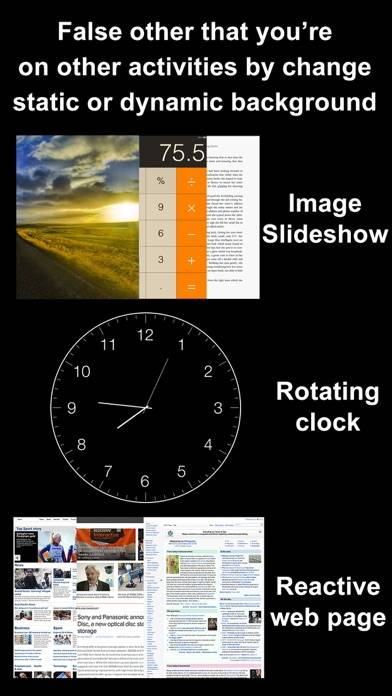
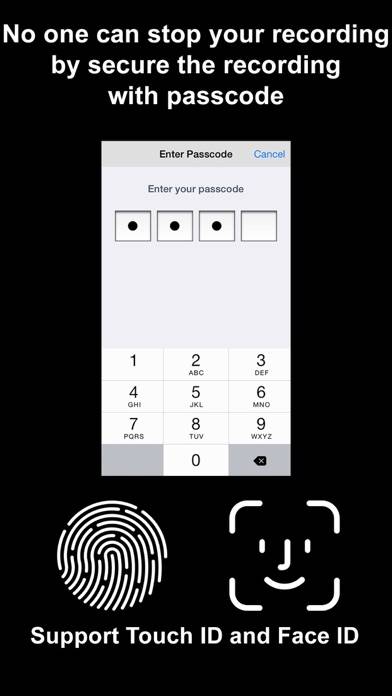
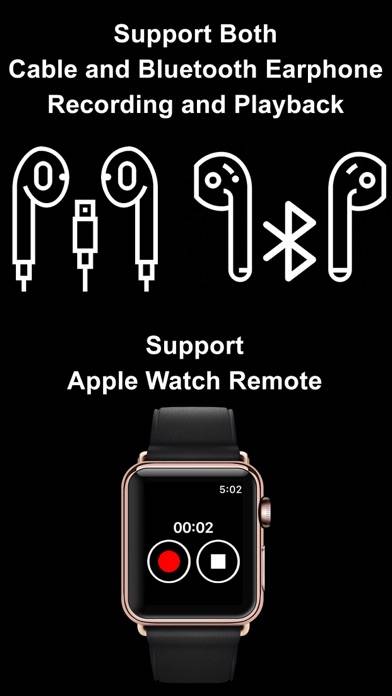
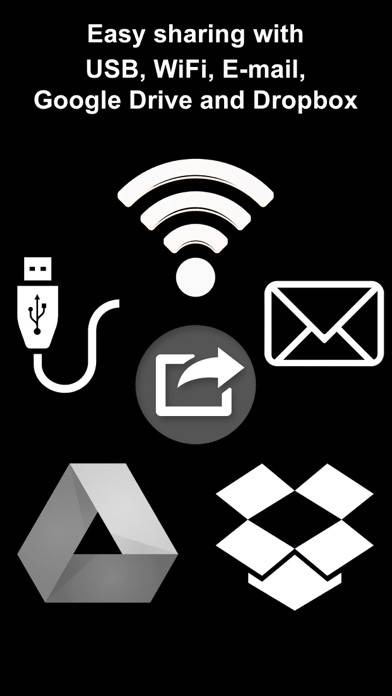
Video: SP Voice Overview
Description
Want to record voice memo in highest quality without any notice. This is the app that you need: SP Voice. This is one of the best app for record conversations in any meeting without disturbing other.
Show more
Download SP Voice
Scan to Get the App!

Using SP Voice on PC or Mac
SP Voice can be played on Windows and macOS using Android emulators such as BlueStacks. Download an APK version and follow our BlueStacks installation guide to get started. For help with downloading or installing APK files, visit our forums.
User Reviews and Ratings
★★★★☆ How long will it record for?
So far it seems to work great, but I can’t find anywhere that says how long it will record voice memos for. It would be helpful so that I can plan my memos accordingly.
★★★★☆ Good app, but left with some questions
Love the app, great stealth options in comparison with other recorders (apparently annoying red bar is IOS related). Left wondering 3 questions:
Does app gives warning sound/message when you're running out of memory on phone?
Is data saved when you run out of memory? Or do you lose all recording?
Why does recorded time over 1 hour shows as 1:120 instead of 3:00?
★★☆☆☆ Not able to access my files and can’t get help!
The app had been great and I had several important files saved. Now, I can use app but can’t access any of my files. So distressed and I can’t get help!
★★★★★ Private recording
This app saved my life in a few different ways, the ease of using it and the quality of the recordings are amazing.
★★★★☆ Possible to remove iOS red microphone icon in corner while recording?
Read all reviews
One commenter indicated they thought the red microphone icon is part of the iOS and cannot be deactivated by the recorder app. Is this the case? I don’t want to have the red recording light on when im making a recording. Not very discreet to have the recording light on... is it possible to deactivate this via the app? Thanks
Similar Productivity Apps
ZIG SIM PRO
Яндекс.Почта
X-VPN - Super VPN & Best Proxy
Top #93 in Productivity Apps
ContactsXL + Favorites Widget

ChatAI - AI Chat Assistant
VPN ゜
Top #68 in Productivity Apps