Speech Assistant AAC is a medical app developed by Ton Schalke. Available for $23.99, it was updated to v5.60 on September 19, 2024, and currently holds a 4.71 out of 5 rating based on 65 reviews. Before downloading, make sure your device has at least 137 MB of free space and runs Android 11+ or iOS 12.0+.
Text to Speech Communication
Video: Speech Assistant AAC Overview
Description
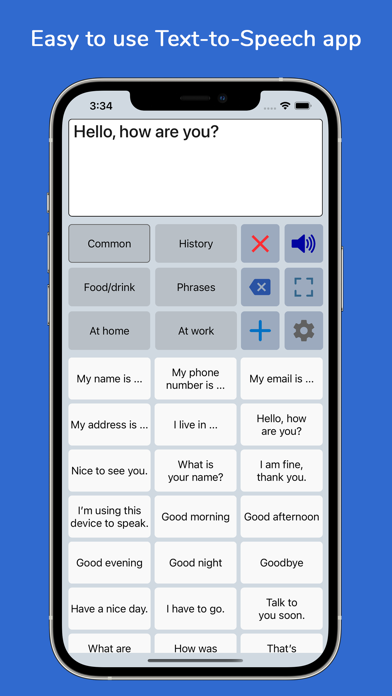
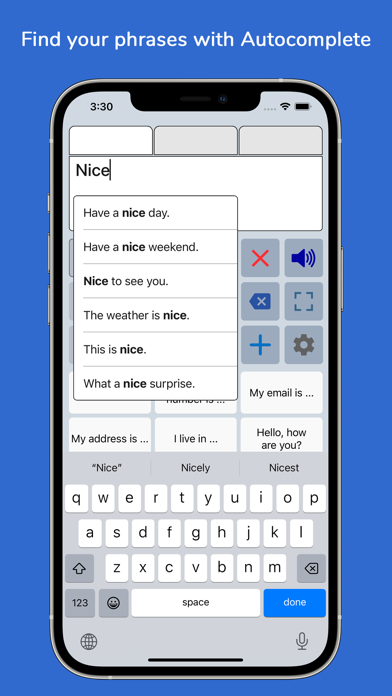
Speech Assistant AAC is a text-to-speech app designed for people who are speech impaired, for example due to Aphasia, MND/ALS, Autism, Stroke, Cerebral Palsy or other speech problems.
Speech Assistant AAC may be playable on Windows and macOS using Android emulators such as BlueStacks. Follow our BlueStacks installation guide to get started. Looking for Speech Assistant AAC APK? Visit our forums for help finding authorized downloads, installing APK files, and troubleshooting installation issues.
User Reviews and Ratings
★★★★☆Wonderful service!
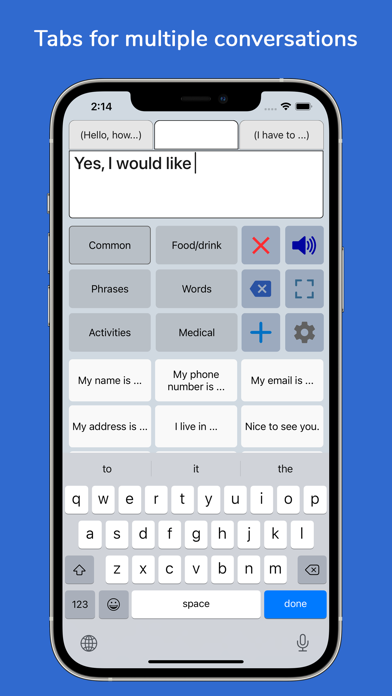
The only issue I have is that when switching tabs for different conversations, the categories don’t stay on the conversation. If you change the tab from one and start a new conversation using a different category, then switch back to the other conversation, the categories are still on the previous conversation. So you have to keep changing them. It would be great to have the categories change with the conversations tabs.
★★★★★Perfect
This wonderful tool has provided me, someone who doesn’t have a voice, with a way to easily communicate with others.
It’s perfect for my needs.
Highly recommended.
★★★☆☆Drag option for moving the position
It will be helpful if I can move the position of phrases or categories by dragging the button.
★★☆☆☆Syncing between iPad and iPhone
It takes time to learn how to use the app. However, syncing from iPad to iPhone isn’t happening. I created a personal tab with phrases in an orderly fashion but when I sync the tab doesn’t show up.
★★★★★The customization on this is amazing!
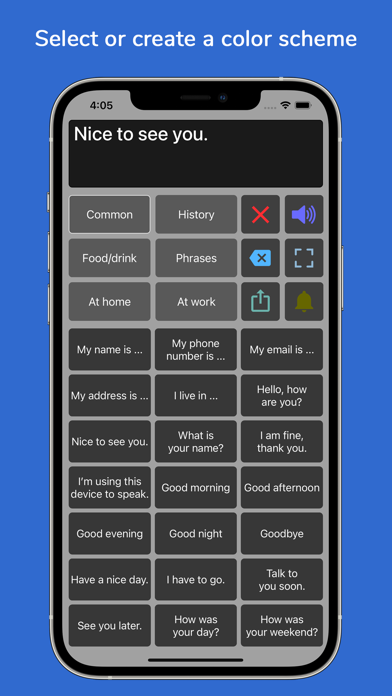
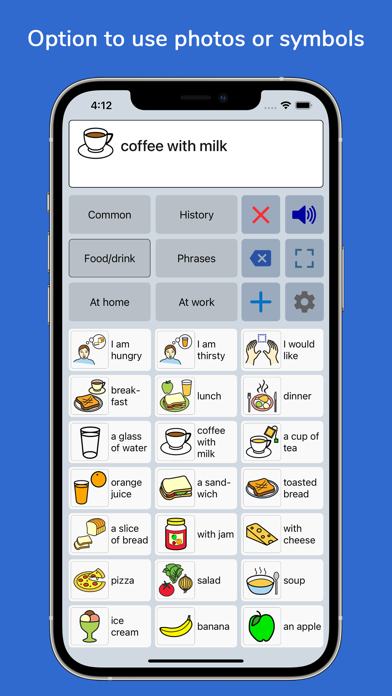
I am occasionally nonverbal due to being autistic; I love that I can customize this as needed, and add lots of words or phrases specific to my line of work. I recommended to a friend of mine; that for a kid we can start with pictures, add words as they grow older, then add more complex sentences even later on. Thank you!
I recommend adding a shortcut to the Control Panel, so we can quickly get to it from another app, rather than have to access only from the Home Screen.