Things 3

Published by Cultured Code GmbH & Co. KG on May 18, 2017
Things 3 icon

Genre: Productivity

Ratings: 4.82

Version: 3.21.3

Updated: Sep 19, 2024

Downloads: 1,963

Things 3 is a productivity app developed by Cultured Code GmbH KG. Available for $9.99, it was updated to v3.21 on September 19, 2024, and currently holds a 4.82 out of 5 rating based on 25.2K reviews. Before downloading, make sure your device has at least 115 MB of free space and runs Android 14+ or iOS 15.0+.

Organize your life

Video: Things 3 Overview

Description

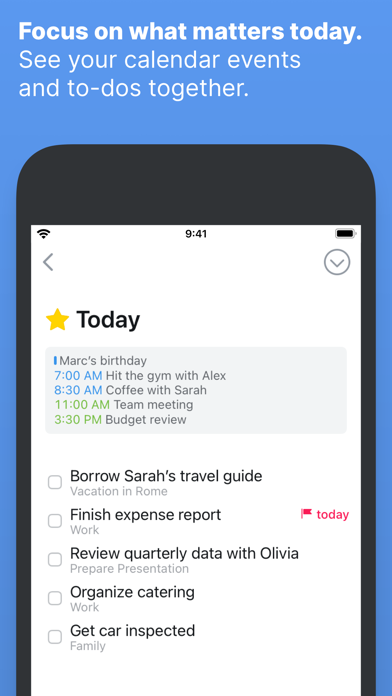
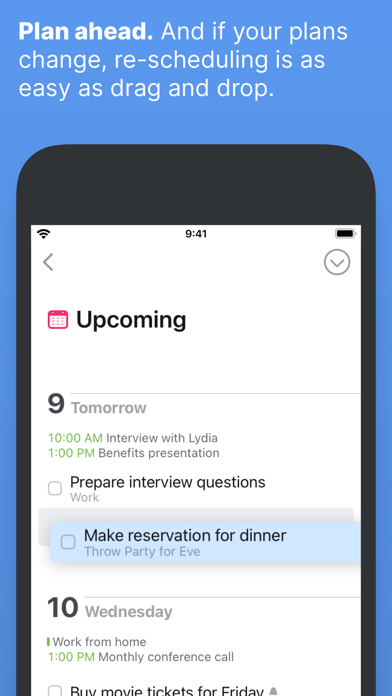
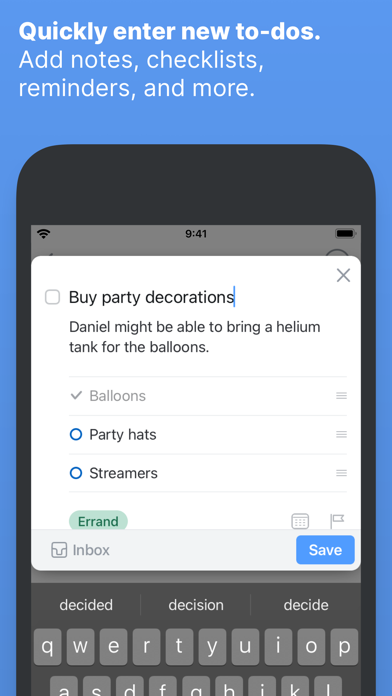
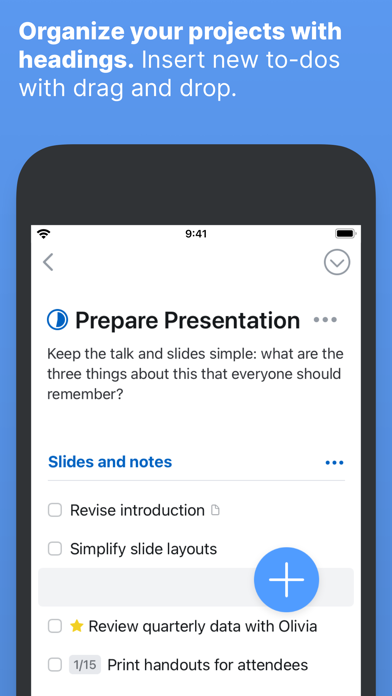
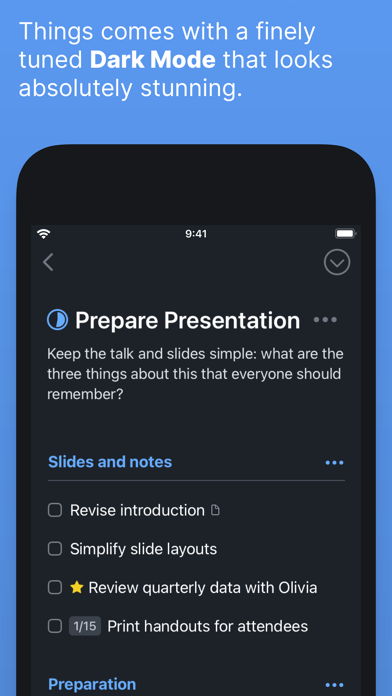
Get things done! The award-winning Things app helps you plan your day, manage your projects, and make real progress toward your goals. Best of all, it’s easy to use.
Show more

Download Things 3

Scan to Get the App! QR code for Things 3

Using Things 3 on PC or Mac

Things 3 can be played on Windows and macOS using Android emulators such as BlueStacks. Download an APK version and follow our BlueStacks installation guide to get started. For help with downloading or installing APK files, visit our forums.

User Reviews and Ratings

★★★★★ Auto sort
It is hoped that the automatic sorting feature for lists can be added, which allows sorting by list content, tags, and other criteria. Thanks
★★★★☆ Apple watch Upcoming
Please make the upcoming section to the Apple Watch App too, not only Today. For example when nothing today, I want to see what’s next or after today tasks, pleeeeeease
★★★☆☆ No attachments
This app would be a perfect app if you could add photos, files, links, etc. That is a major issue for me.
★★★★★ Easy peasy
Try this after Todoist and you'll wonder how they made the same thing without the bloat and subscription
★★★★★ My favorite to-do app
I’ve tried every major to do app there is, and then some. I always come back to Things. The UI is simply the most beautiful, and the workflow just makes sense.
Read all reviews

Similar Productivity Apps

Hydraulic schemes screenshot
Hydraulic schemes
Sweepy: Home Cleaning Schedule screenshot
Sweepy: Home Cleaning Schedule
Orderly - Simple to-do lists screenshot
Orderly - Simple to-do lists
Pros n Cons screenshot
Pros n Cons
i41CX screenshot
i41CX
WiFi Camera for OBS screenshot
WiFi Camera for OBS