TimeFinder: Time Blocking is a productivity app developed by TimeFinder LLC. The last update, v8.30, released on August 25, 2024, and it’s rated 4.71 out of 5 based on the latest 1.2K reviews. TimeFinder: Time Blocking is FREE and requires iOS 15.0+ and Android 14 or newer to download.
Schedule Planner & To Do List
Video: TimeFinder: Time Blocking Overview
Description
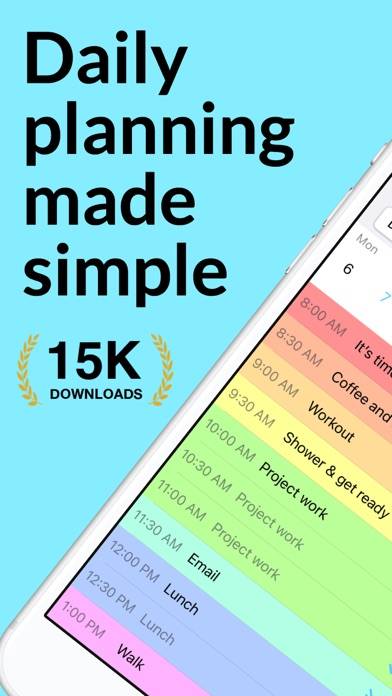
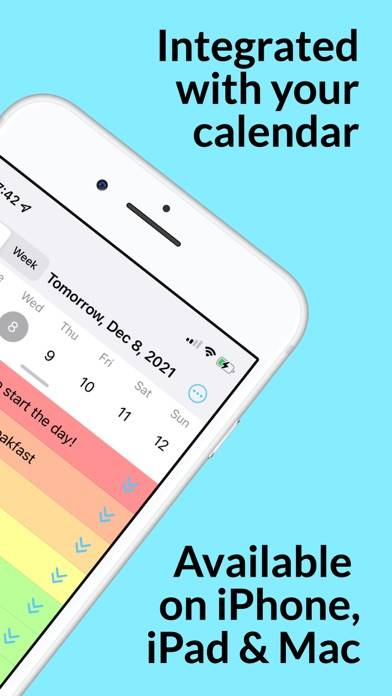
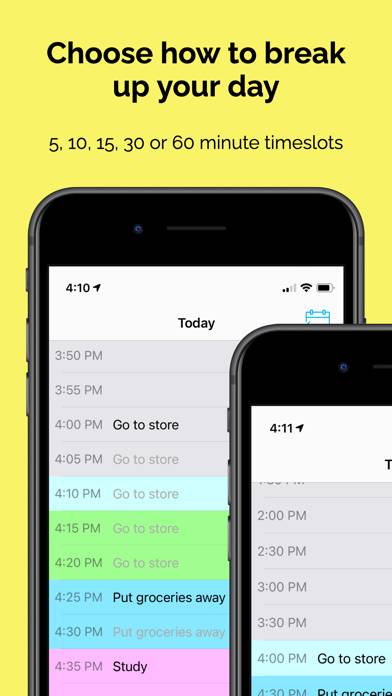
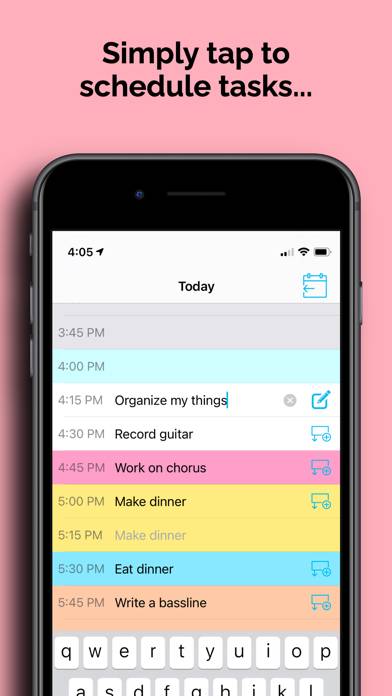
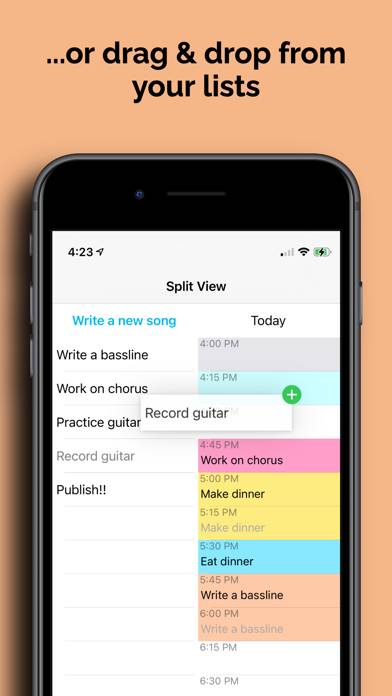
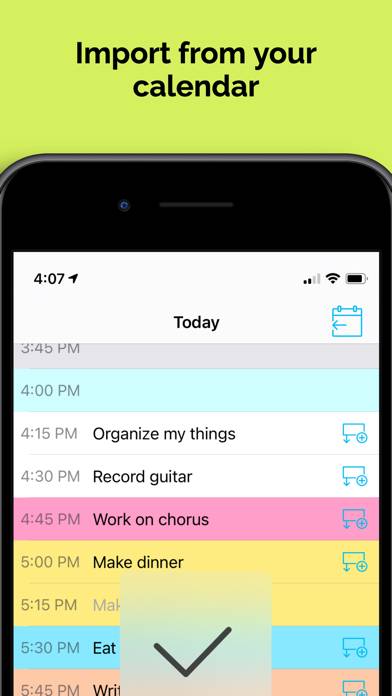
Get TimeFinder — the most intuitive and delightful daily planner you’ll ever use. It’s a powerful and fun way to get organized!
How to Use TimeFinder: Time Blocking on Your PC or Mac
Want to enjoy TimeFinder: Time Blocking on your desktop? Download the latest APK (8.30, 75 MB) or choose your preferred version, and follow our Bluestacks emulator guide for easy installation on Windows or macOS. For any assistance with downloading or installing APK files, feel free to visit our forums!
User Reviews and Ratings
★★★★★Great time blocking app
This is one of most attractive and easiest to use time-blocking apps I’ve seen (after trying many). It’s a great value, fun to use, and keeps add-on g more and more very cool features!
★★★★★scroll for day view?
if there were a scroll bar for day view we’d be able to use 5m intervals easily. a scrollbar can help you travel through the entire day. instead you have to scroll like a mad man 😅. easy feature hope you consider it
★★☆☆☆Buggy
I love the concept of this app but it simply doesnt work. i open it and it auto closes. Doesnt matter if I close completely or delete and re-download. It still closes on me.
★★☆☆☆What happened?? New update ≠ won’t open
This app has been so incredibly helpful! I have horrible adhd and this has helped so much with planing out my day and staying on track. It’s the best app I’ve paid for ever — HOWEVER — now the app won’t even work.. all that I can see is a gray screen. This started recently, ever since they had their latest and “biggest update”! I want to use all the new features 😭
★★☆☆☆Stuck on “free trial!” Page
I can’t figure out how to get past the free trial/subscription page in the beginning. It pops up anytime I open the app and I can’t find an “x” or way to exit out of it to actually use this app.