Published by The Center for Quality Assurance Inc. on Oct 22, 2024
Genre: Travel
Ratings: 2.89
Version: 1.8
Updated: Nov 26, 2025
Downloads: 467
TOP TIER™ Station Finder is a travel app developed by The Center for Quality Assurance. The last update, v1.80, released on November 26, 2025, and it’s rated 2.89 out of 5 based on the latest 28 reviews. TOP TIER™ Station Finder is FREE and requires iOS 15.0+ and Android 14 or newer to download.
Video: TOP TIER™ Station Finder Overview
Description
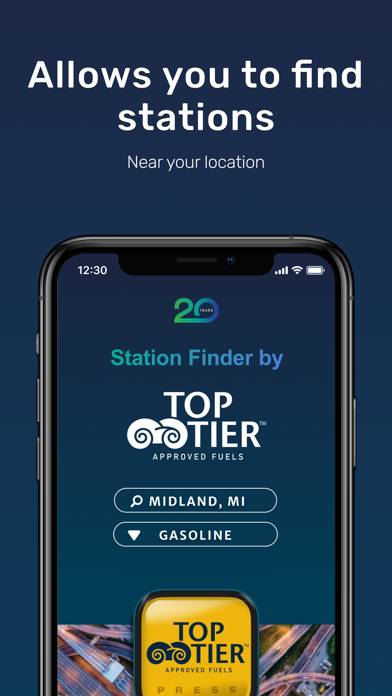
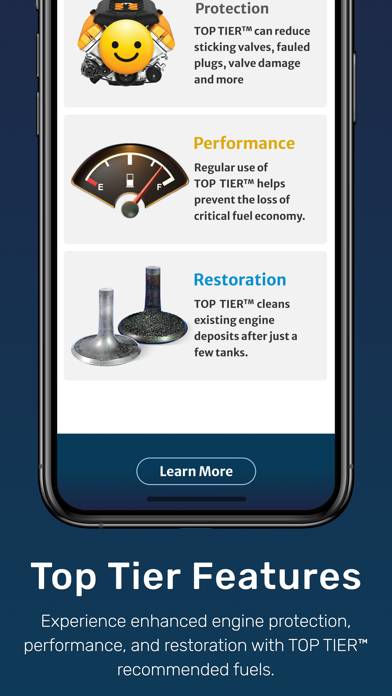
The TOP TIER™ Station Finder allows consumers to locate TOP TIER™ Authorized Fuel Retailers of TOP TIER™ Approved Fuels.
How to Use TOP TIER™ Station Finder on Your PC or Mac
Want to enjoy TOP TIER™ Station Finder on your desktop? Download the latest APK (1.80, 51 MB) or choose your preferred version, and follow our Bluestacks emulator guide for easy installation on Windows or macOS. For any assistance with downloading or installing APK files, feel free to visit our forums!
User Reviews and Ratings
★★★☆☆Not perfect
Nice to have an app so when I’m out on the road in an unfamiliar area, I know where to find top tier stations. My only gripes are a couple glitches I’ve run into and I’m not understanding why some top tier stations that used to show up on the website aren’t showing up anymore. Like Sunoco. It’s still on the list of approved stations, but all Sunoco locations are no longer recognized on the station finder.
★★★★★Top Tier Gas Only
I used to use the Gas Buddy app to find Top Tier gas stations but they removed the Top Tier filter and I had to resort to sticking only with brands I know offhand are Top Tier (Mobil, Shell, Sunoco) and keep checking into the Top Tier site to verify they still uphold their certification. Here finally an app that maintains only the brands that meet the criteria and how to navigate to them.
★★★★★Awesome app!!
So thankful for this app!
★★★☆☆Annoying splash screen when using as guest
The app functions as advertised, but the UI is atrocious. First, it opens to a splash screen that must be clicked through to use as guest every time with a fresh restart. Then, instead of opening to a map displaying nearby stations, it requires three taps to set current location (because I could be looking for gas stations on Mars, you never know!), press the hideous logo that is not at all obvious as the actionable button, then generates display a list of nearby stations by default because why