Yoink - Improved Drag and Drop

Published by Matthias Gansrigler on Oct 12, 2017

Yoink - Improved Drag and Drop icon

Genre: Productivity

Ratings: 4.74

Version: 2.5.1

Updated: Sep 19, 2024

Downloads: 574

Yoink - Improved Drag and Drop is a productivity app developed by Matthias Gansrigler. The last update, v2.50, released on September 19, 2024, and it’s rated 4.74 out of 5 based on the latest 1K reviews. Yoink - Improved Drag and Drop costs $5.99 and requires iOS 15.0+ and Android 14 or newer to download.

Your Files and Snippet Shelf

Video: Yoink Overview

Description

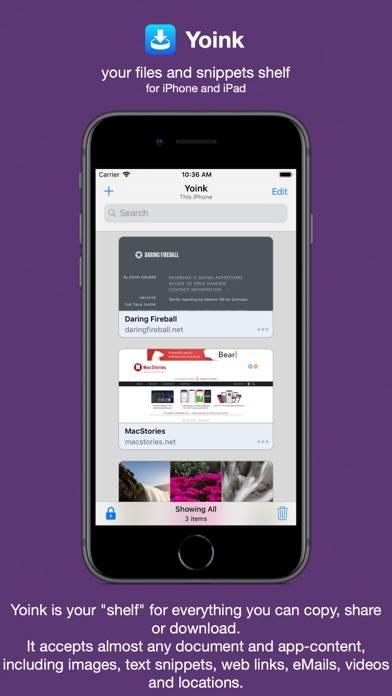
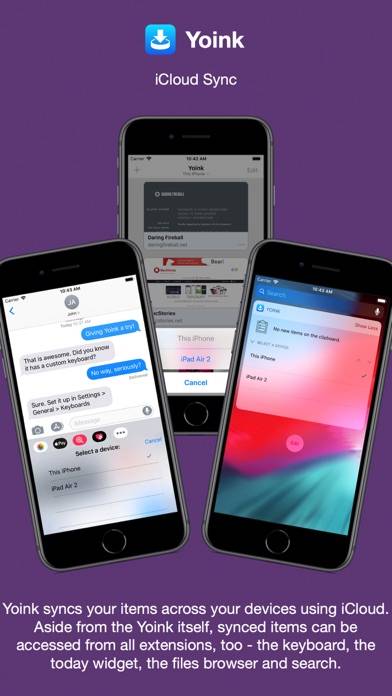
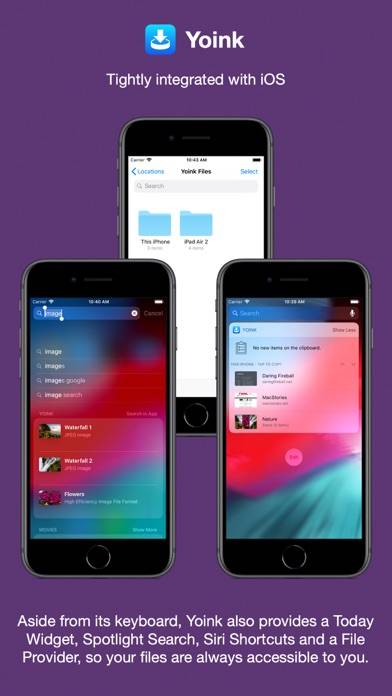
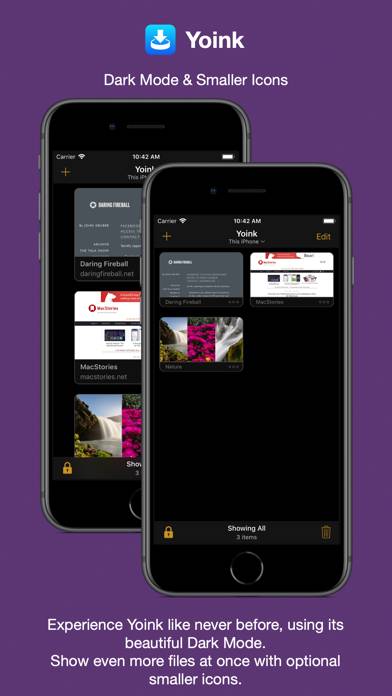
Yoink for iPad and iPhone lets you easily and quickly store items you drag, copy, share or download for later use.
Show more

Download Yoink

Scan to Get the App!
QR code for Yoink

How to Use Yoink on Your PC or Mac

Want to enjoy Yoink - Improved Drag and Drop on your desktop? Download the latest APK (2.50, 14 MB) or choose your preferred version, and follow our Bluestacks emulator guide for easy installation on Windows or macOS. For any assistance with downloading or installing APK files, feel free to visit our forums!

User Reviews and Ratings

★★★★★ Would it be possible to add tags/folders?
It would be nice to categorized the saved items even further if at all possible. Please and thank you
★★☆☆☆ Link deletion bug
This app is tremendous. It’s like having a desktop on your iPhone and iPad, but please fix the bug where it deletes links. It’s quite annoying for me to paste the link in notes just to make sure that I have the link saved. This is like a problem for years now. i’m really getting sick of it.
★★★★★ Thanks for the update
Thanks for the update. This is a beautiful application. Keep improving and updating. Note: I regularly update my review/rating for this application. My Device: iPhone 14 Pro Max (latest iOS), iPad Pro 12.9” (latest iPadOS, 2018 third-generation).
★★★☆☆ Mac Sync
I really want to like it. Always go back and forth with it. No iCloud Mac sync is just deal breaker. It would be nice when you working on a project and sync between Mac and iOS. Otherwise I can use iCloud folder to hold files. Yes it’s not as convenient but more useful. Or I can just use AnyBox to store files across all devices. It’s kinda confusing business model not fully holding place (no sync) and not fully clipboard because totally different on the Mac.
★★☆☆☆ iCloud sync missing
Excited for Mac and iOS iCloud sync.
Read all reviews

Related Apps

Uploader for Mendeley screenshot
Uploader for Mendeley
Buy Me a Pie! - Grocery List screenshot
Buy Me a Pie! - Grocery List
Converti pdf in Excel screenshot
Converti pdf in Excel
Scan to pdf app: text scanner screenshot
Scan to pdf app: text scanner
Rocket Video Cast | Chromecast screenshot
Rocket Video Cast | Chromecast
Mental Notes screenshot
Mental Notes
Yoink App Alternatives