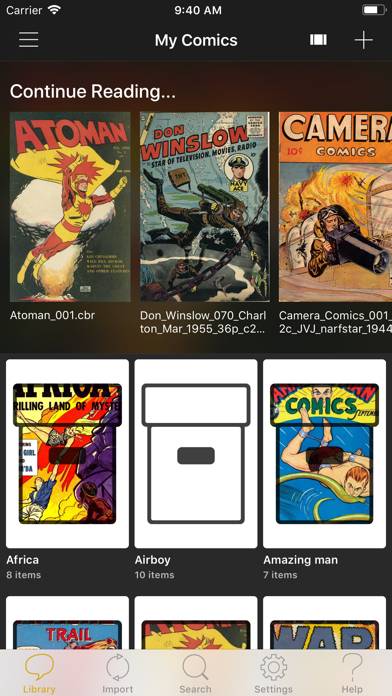
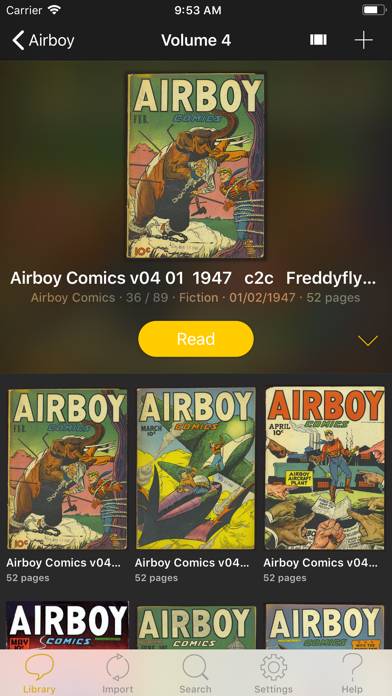
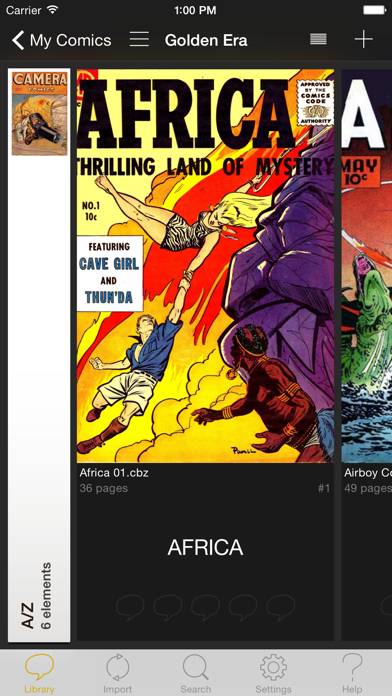
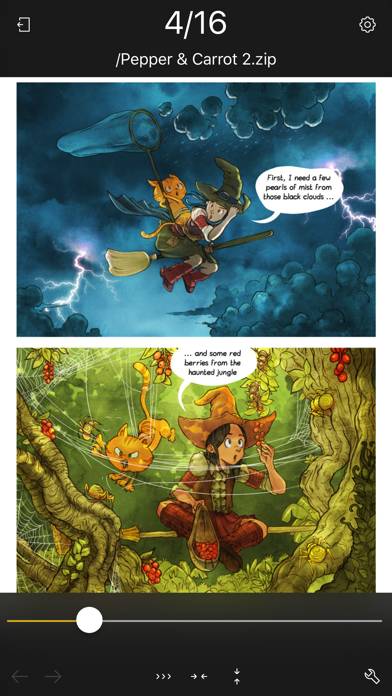
YACReader - Comic Reader est l'application a divertissement développée par Luis Ángel San Martín. La dernière mise à jour, v3.33, publiée sur October 15, 2024, est notée 4.84 sur 5 sur la base des dernières critiques de 400. YACReader - Comic Reader coûte $5.99 et nécessite iOS 12.0+ et Android 11 ou une version plus récente pour être téléchargé.
Vidéo : Présentation de YACReader
Description
YACReader offers you the best way to read and manage your digital comics and mangas. Enjoy your collections anywhere.
Vous souhaitez profiter de YACReader - Comic Reader sur votre bureau ? Téléchargez le dernier APK (3.33, 114 MB) ou choisissez votre version préférée et suivez nos Guide de l'émulateur Bluestacks pour une installation facile sur Windows ou macOS. Pour toute assistance concernant le téléchargement ou l'installation de fichiers APK, n'hésitez pas à visiter nos forums !
Avis et notes des utilisateurs
★★★★★Almost perfect…
This is the best comics reader I could find. Could the developer add a contrast and tint controler to enhance the reading experience with old pale and yellow tinted comics? Thank you!
★★☆☆☆Good. Issue with bigger images in pdf.
Issue with bigger images in PDF.
Double pages for instance are blurry.
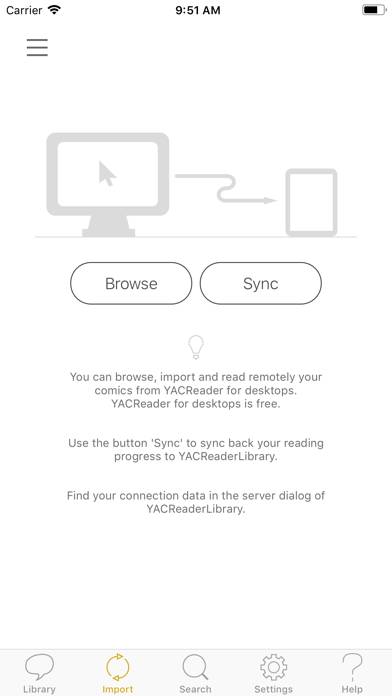
Import is made by sync with yac reader library.
iPad 12,9 latest PadOs.
★★★★☆Bonne application mais…
Il manque deux choses à mon niveau !
Améliorer le contraste et les couleurs, et pouvoir régler le zoom en mode de lecture vertical continu.
Sinon, très bonne application et rangement automatique par sélection de répertoires qui est top !!!
Bravo,
★★★★☆Excellent
L’application est vraiment top, il n’y a pas grand chose à dire. Il manquerait juste un petit traducteur automatique et là, ce serait juste la meilleure app.
★★★★★The best comic-reading app, but…
Probably the best comic-reading app on the AppStore (I've tried them all).
However, it lacks several features:
- The ability to enhance the display of comics (by varying color, contrast, sharpness, etc.).
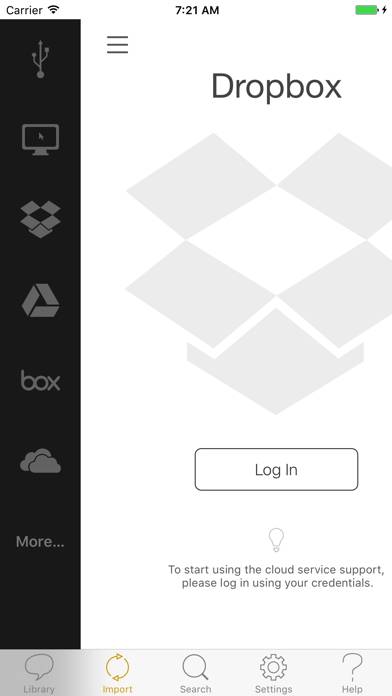
- The ability to customize the order in which clouds are displayed in the "import" tab. If you're unfortunate enough to be using One Drive or The Box, it's a pain to have to scroll all the way down the clouds list.
- The ability to customize shortcuts on the home page tab bar (for example, to