Chladni Screen app icon
U.S. App Store

Chladni Screen App Reviews

The Chladni Screen app recently received 11 positive reviews on iPhone, iPad, and Android devices, and 3 negative reviews. Users in the United States have given Chladni Screen app an average rating of 4.82 out of 5 stars, based on a total of 50 ratings since its release on Nov 23 by Narumi Inada. Can you share your positive or negative thoughts about Chladni Screen?

Ratings and Reviews
Rated 4.09 out of 5

50 global ratings

5 Star
45%
4 Star
18%
3 Star
9%
2 Star
27%

Explore global reviews of the Chladni Screen app: Germany, Spain, France, Italy, Sweden.

11 Positive User Reviews for Chladni Screen

Appreciate the response

I appreciate you telling me to wait, now I gotta make them myself have a mad scientist friend that creates cymatics and I’m just gonna do that

Works Perfectly

The best on the app store for Chladni visuals.

Interesting

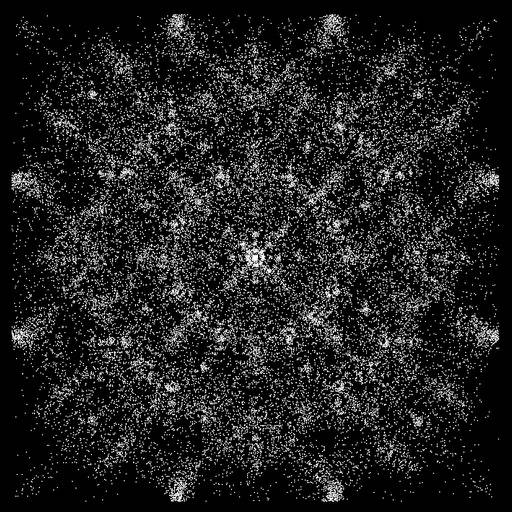
It’s fun. It is like a relaxing kaleidoscope. Doing simple voice vowels reveals it’s limitations. It’s more of a visual representation of what cymatic patterns look like in general, but testing side by side with other Chladni videos, it’s not the same as an actual Chladni plate vibrating loose material. But definitely worth the price.

A true portal

This the first gate…

Very Cool

I’d like to suggest that each sand grain leave a fading trace or fading memory of where it’s been, kind of like a blip on a radar screen. Also, find some way to add color. Assign color to the vibrating sections of the membrane instead of just dots where the membrane is not in motion.

Very Fun!

I’d actually give Chladni a 4.5 but would be an easy 5 star if we could apply color options to the patterns. Any chance of adding a color selector to the app?

iPad version no longer allows for mic volume access

Lost the ability to change the volume of the mic on the iPad version. Fix it Jesus!

Outstanding!

Works great! Responds wonderfully to voice as well as my didgeridoo.

3 Negative User Reviews for Chladni Screen

Can’t see the Visuals

I can see the options for circle , square etc but when I speak in the mic it doesn’t show anything!

Circles and blocks not working

I’m using iPhone 16 pro and iOS 18.3. Just downloaded the app. Squares is lovely but circles & blocks features don’t work at all. Just a black screen.

Parlor trick

I think it just makes different Kaleidoscope type pictures every time you say something. If I repeat the same word the picture should come out the same or pretty similar but it would show something totally different each time. I don’t think it’s accurate. I just wasted $1.99.