GoCoEdit - Code & Text Editor is a productivity app developed by Christoph Gogolin. Available for $8.99, it was updated to v22.00 on June 05, 2024, and currently holds a 4.53 out of 5 rating based on 116 reviews. Before downloading, make sure your device has at least 70 MB of free space and runs Android 10+ or iOS 11.0+.
Dropbox client & SSH shell
Video: GoCoEdit Overview
Description
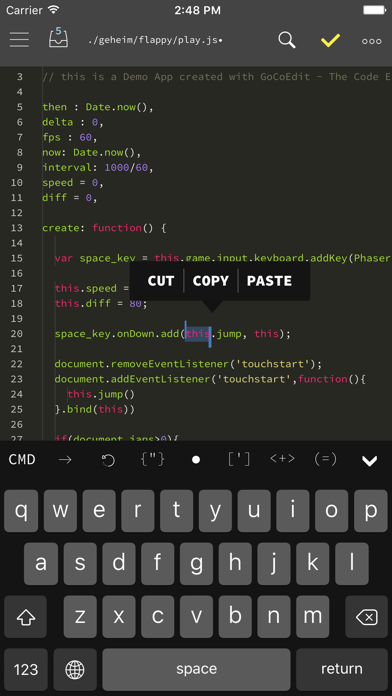
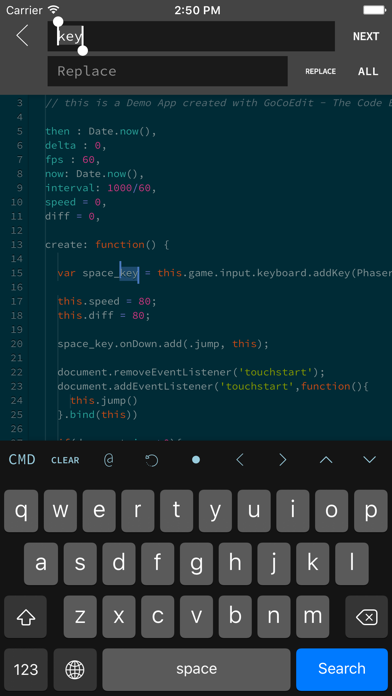
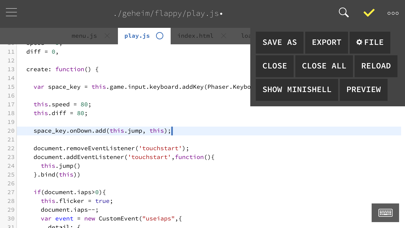
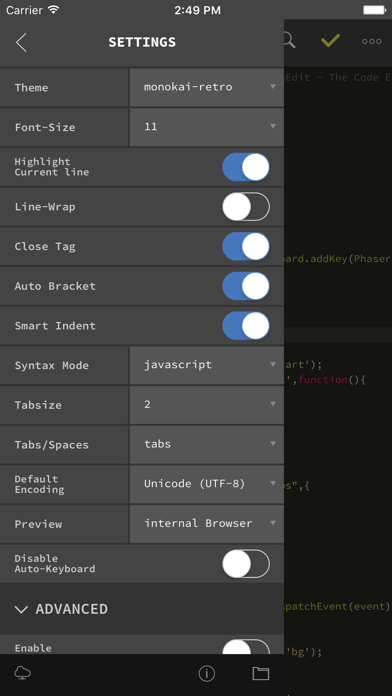
GoCodeEditor is a Code Editor optimized for fast opening and editing local and remote files (Dropbox, OneDrive, Google Drive, FTP, SFTP/SSH) on your iOS Device.
GoCoEdit - Code & Text Editor may be playable on Windows and macOS using Android emulators such as BlueStacks. Follow our BlueStacks installation guide to get started. Looking for GoCoEdit APK? Visit our forums for help finding authorized downloads, installing APK files, and troubleshooting installation issues.
User Reviews and Ratings
★★★☆☆Hits and misses
Fast text editor with syntax highlighting and plenty of themes. But limited fonts and no way to add my own. Really clunky, challenging file manager that looks ported over from a Palm Pilot. Navigation is a total pain. Font sizes are also off, 14 point in this app is rather small on my screen where other apps display 14 pt larger on the screen.
It’s a good start, and glad I got it on sale, I hope it gets better, but for now I’ll keep looking for my ideal text editor.
★★★★☆Like it
Let’s me quickly edit files directly on remote drive, manually save them or exit them without saving if I want (other editors that I’ve tried, except GTW also by this dev, aren’t easy to manually save and all seem to auto save on exit with no option to disable). Thanks for fixing the problem with Google Drive.
★★★★★Best Text Editor + SSH shell included
I’m loving the ssh shell with linux. I can install Gimp and Discord from the bathtub. I just leave my iPhone in a plastic baggy and ssh into my computer and start installing.
They also include language support for virtually every single language. Except Basic. Like what the heck! It’d be nice if basic made it on.
★★☆☆☆Can't access Dropbox
When I connect to Dropbox, not all the text files in my directories are listed, so I can't edit them with this editor. I've contacted the developer, but this defect remains. I re-downloaded the app because it claims an updated Dropbox interface this revision, but there's been no change.
Two stars because I really like the editor for the files I *can* access, but until I can access *all* files in a Dropbox directory, it's useless.
★★★★★A nearly perfect editor
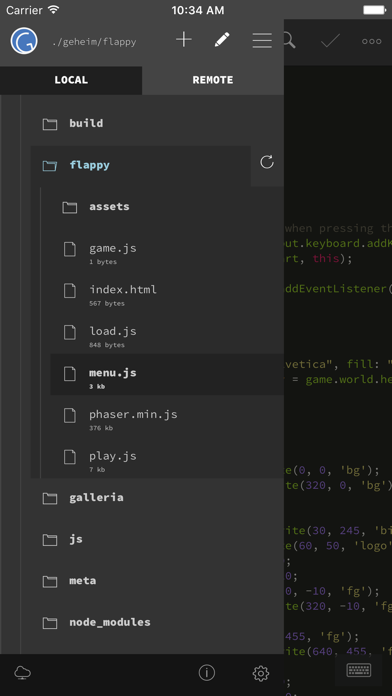
Easy the best code editor for iOS. The sidebar design and easy access to files/folders puts it above all others.