Inspect Browser
Published by Parallax Dynamics Inc. on Feb 10, 2017
Genre: Developer Tools
Ratings: 4.30
Version: 2.4.4
Updated: Jul 12, 2024
Downloads: 1,072
Inspect Browser is a developer tools app developed by Parallax Dynamics. Available for $5.99, it was updated to v2.40 on July 12, 2024, and currently holds a 4.3 out of 5 rating based on 115 reviews. Before downloading, make sure your device has at least 18 MB of free space and runs Android 14+ or iOS 15.0+.
Web Inspector and Dev Tools
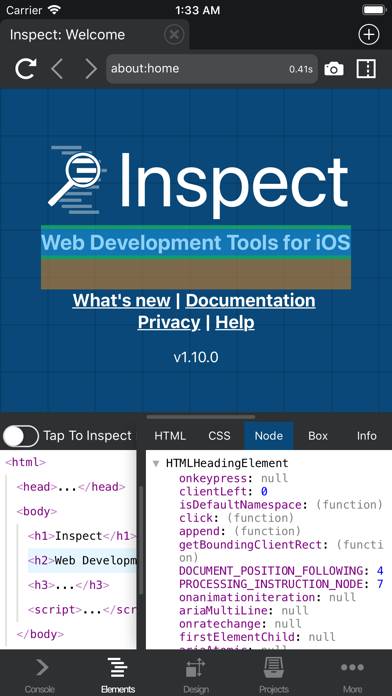
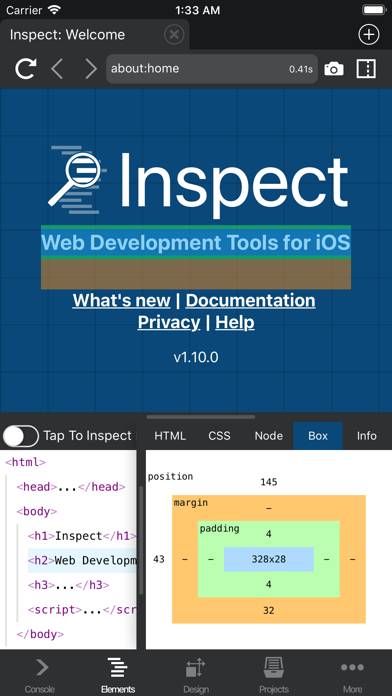
Video: Inspect Browser Overview
Description
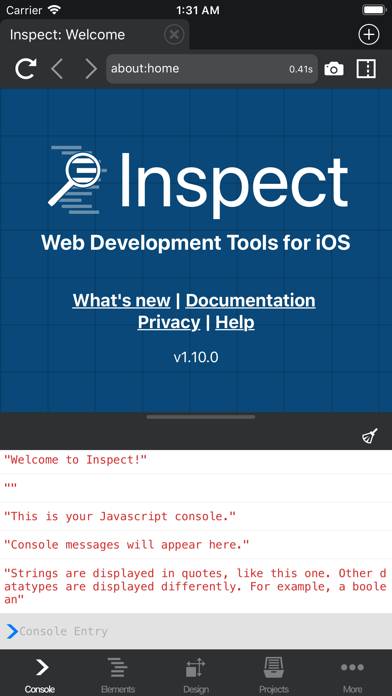
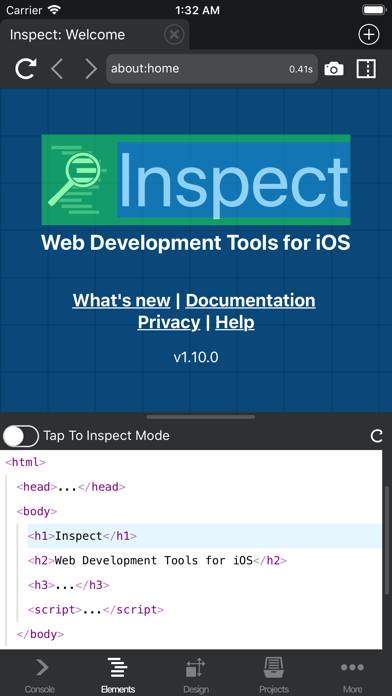
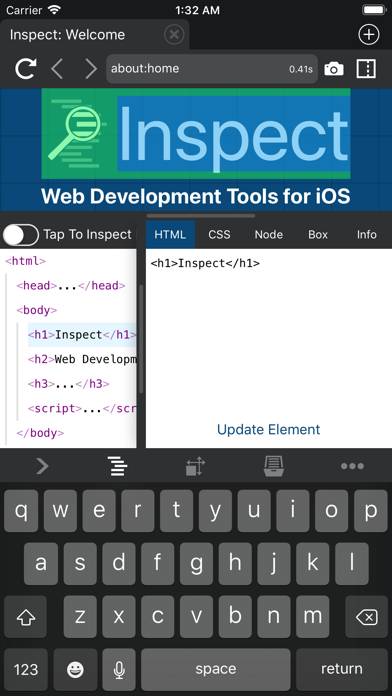
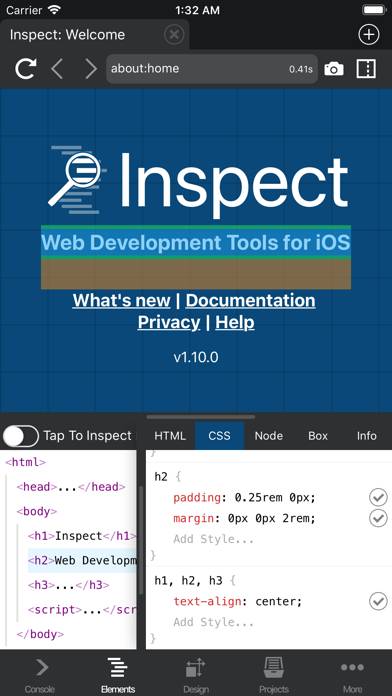
Web development tools for iOS. Inspect is a web inspector for iOS that provides desktop-class developer tools, right in the app. No need for remote debugging, connecting to a desktop, proxies, or remote systems.
Show more
Download Inspect Browser
Scan to Get the App!

Using Inspect Browser on PC or Mac
Inspect Browser can be played on Windows and macOS using Android emulators such as BlueStacks. Download an APK version and follow our BlueStacks installation guide to get started. For help with downloading or installing APK files, visit our forums.
User Reviews and Ratings
★★☆☆☆ Good for simpler sites
Doesn’t really work on more complex sites
★★☆☆☆ Unusable on iPhone
I don’t know what’s going on but the address bar keeps growing to 30% and sometimes 50% of the screen.
The inspector is not usable and is too small for iPhone use. The text doesn’t fit horizontally and when selecting elements it highlights the wrong thing. I tried landscape mode and it covers most of the screen with the address bar.
Force closed the app, but no change.
I think this app used to work right, not sure if it’s the latest update or what..
★★★★★ Can’t say enough good things about this
This has gotten me out of soooooo many jams. I really appreciate it!
Fantastic app. Makes it so much easier to know when stuff is and isn’t working!
★★★★☆ cannot enter multi-line input from console
It seems the console doesn’t support entering multiple lines. To enter a function, the entire content needs to be entered in a single line, which is a bit inconvenient. Hope this can be improved in later versions.
★★★★★ Amazing for web devs!
Read all reviews
Just want to thank you for creating this indispensable tool. The iPad is actually useful for web dev thanks to this app. It would be great if you were allowed to use Blink as well instead of just web-kit, but that’s Apple’s fault. Anyway, amazing job on this app, I know it’s a labor of love.
Similar Developer Tools Apps
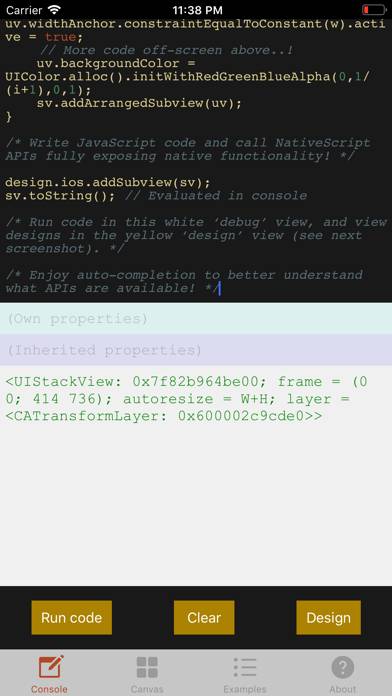
NSIDE
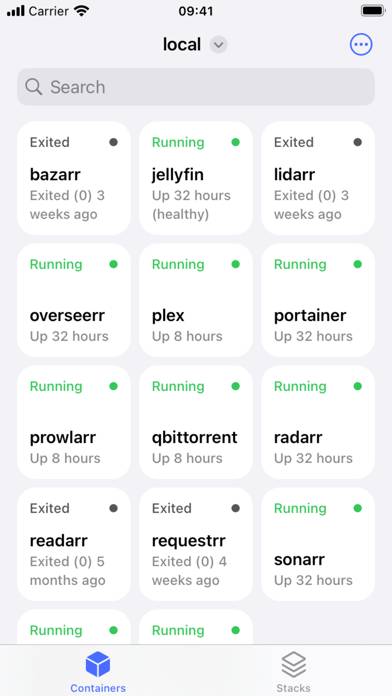
Harbour - Docker Manager
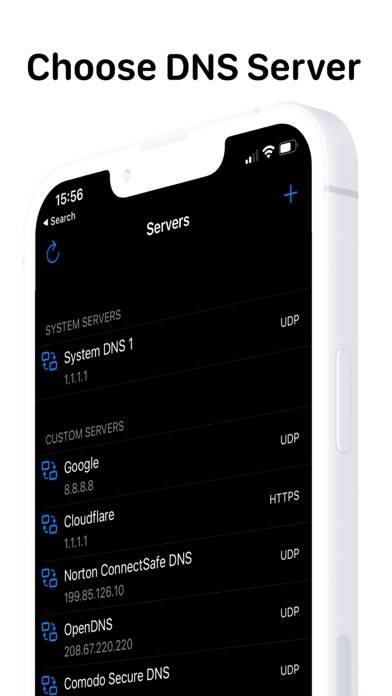
DNS Client
Apple Developer
Top #99 in Developer Tools Apps
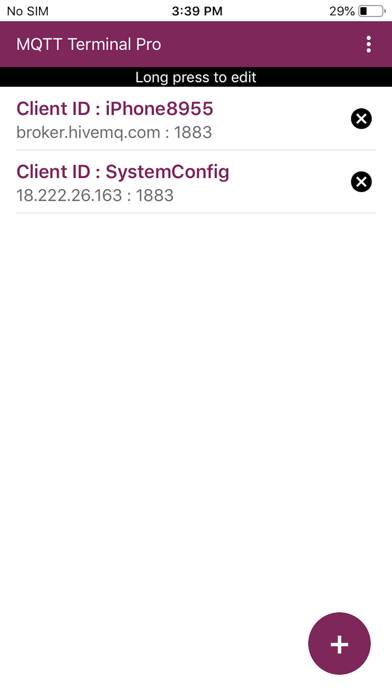
MQTT Terminal Pro
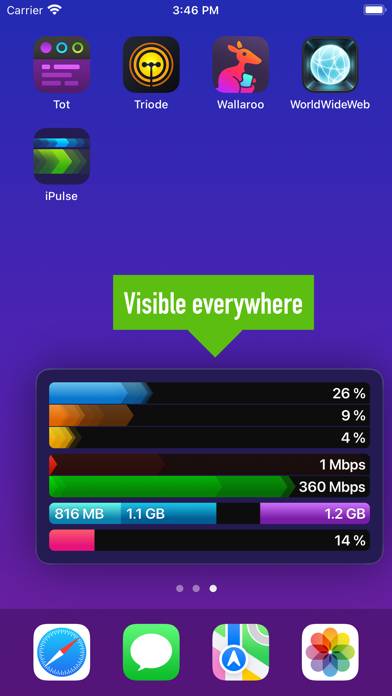
iPulse - Monitor Your Device
Top #100 in Developer Tools Apps