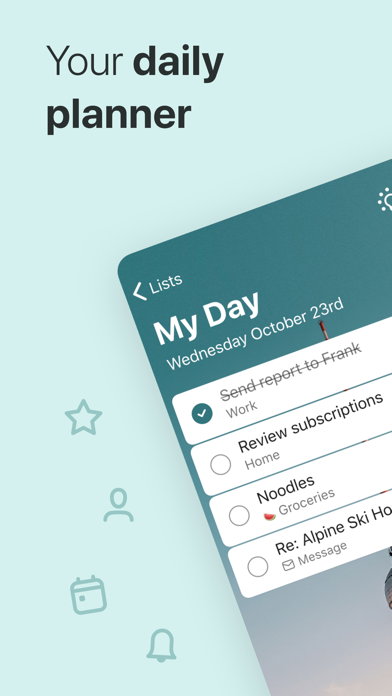
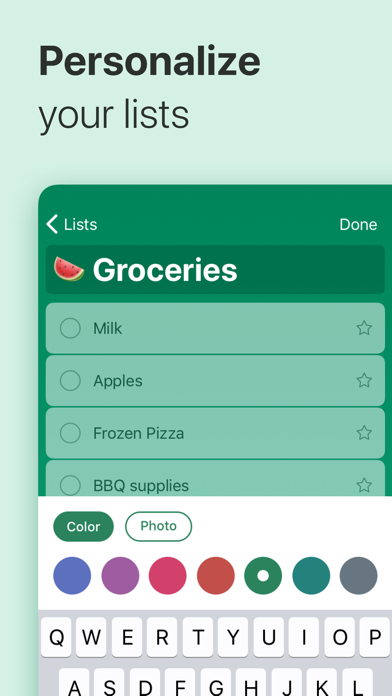
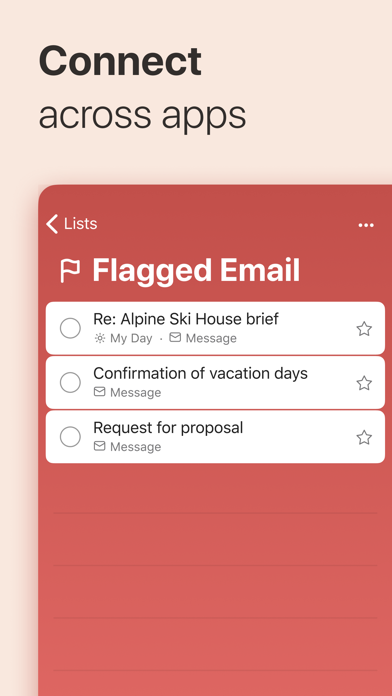
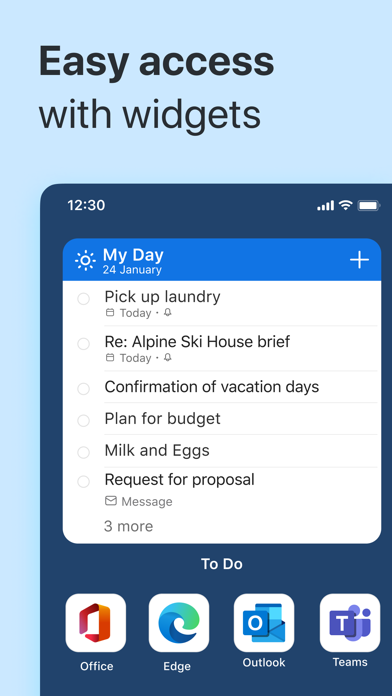
Microsoft To Do is a productivity app developed by Microsoft Corporation. Available as a free download, it was updated to v2.13 on September 17, 2024, and currently holds a 4.73 out of 5 rating based on 225.2K reviews. Before downloading, make sure your device has at least 159 MB of free space and runs Android 14+ or iOS 15.0+.
Capture Tasks & Set Reminders
Video: Microsoft To Do Overview
Description
Stay organized and manage your day-to-day with Microsoft To Do. Make shopping lists or task lists, take notes, record collections, set reminders and more to improve your productivity and focus on what matters.
Microsoft To Do may be playable on Windows and macOS using Android emulators such as BlueStacks. Follow our BlueStacks installation guide to get started. Looking for Microsoft To Do APK? Visit our forums for help finding authorized downloads, installing APK files, and troubleshooting installation issues.
User Reviews and Ratings
★★☆☆☆Unintuitive Design/Feature Lack
Microsoft To Do is a very unintuitive app. It also lacks many features which are very common in Todoist. I currently use it as it’s the mandated app for a job - but it would not be my pick.
It seems to have been developed rather lazily - no matter the programming language, it’s definitely improbable.
The lack of development effort is quite frankly disappointing - no major copilot/ai integration - no new updates, it seems to have been made and then abandoned. Please Microsoft, I know you can do
★★★★☆Great to organize but
Being able to add pictures would make it perfect
★★★★☆Recommended features
Very useful. Recommend adding two feature 1) give an option to mark tasks as “ in progress” 2) possibly provide an option to automatically keep items that are not finished under the “My Day”.
★★★☆☆Completion sound is too loud
Completion sound is too loud and sub-steps don’t minimize when completed like regular tasks